Instructions (Cont.)
Other functions
Reload
During the washing process, the door to the washer is locked and cannot
be opened. If you need to add any additional items, or rearrange the load,
you need to press the RELOAD button to enable opening of the door during
operation.
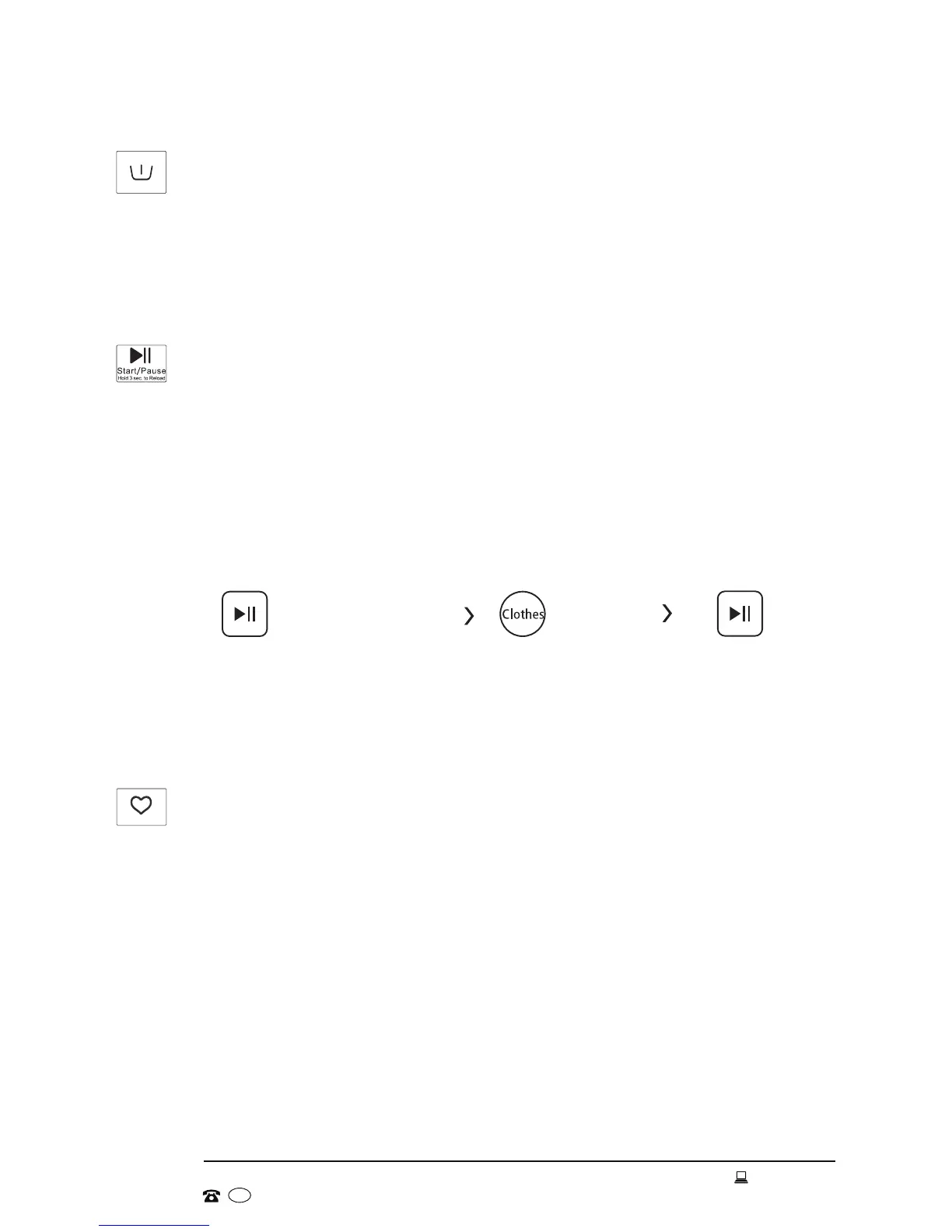
1. Press and hold the START/PAUSE button for 3 seconds, then wait until the
drum stops rotating.
2. Open the door and add any additional items, or rearrange the load.
3. Close the door and press the START/PAUSE button to continue the program.
Press & hold for 3 sec. Reload the clothes Start
NOTE: When the drum is still rotating and there is a large amount of hot water
in the drum (the water level is higher than the edge of the inner tub), the
door cannot be opened forcefully as it is unsafe.
My Cycle
This function memorises the program you are currently using for speedy recall
the next time you want to use the same program.
1. Press and hold the SPEED WASH button for 3 seconds to enter the
program you are currently using into the machine’s memory. The default
program is Cotton.
2. The next time you want to use your favourite program, rotate the dial to
the My Cycle position.
Prewash
When washing particularly dirty clothes, you may want to add a prewash cycle to
your required wash program. Press the PREWASH button to add an extra wash
before the main wash cycle. When a prewash is selected, please add additional
detergent into the prewash compartment [ I ] of the detergent dispenser.


 To Next Page