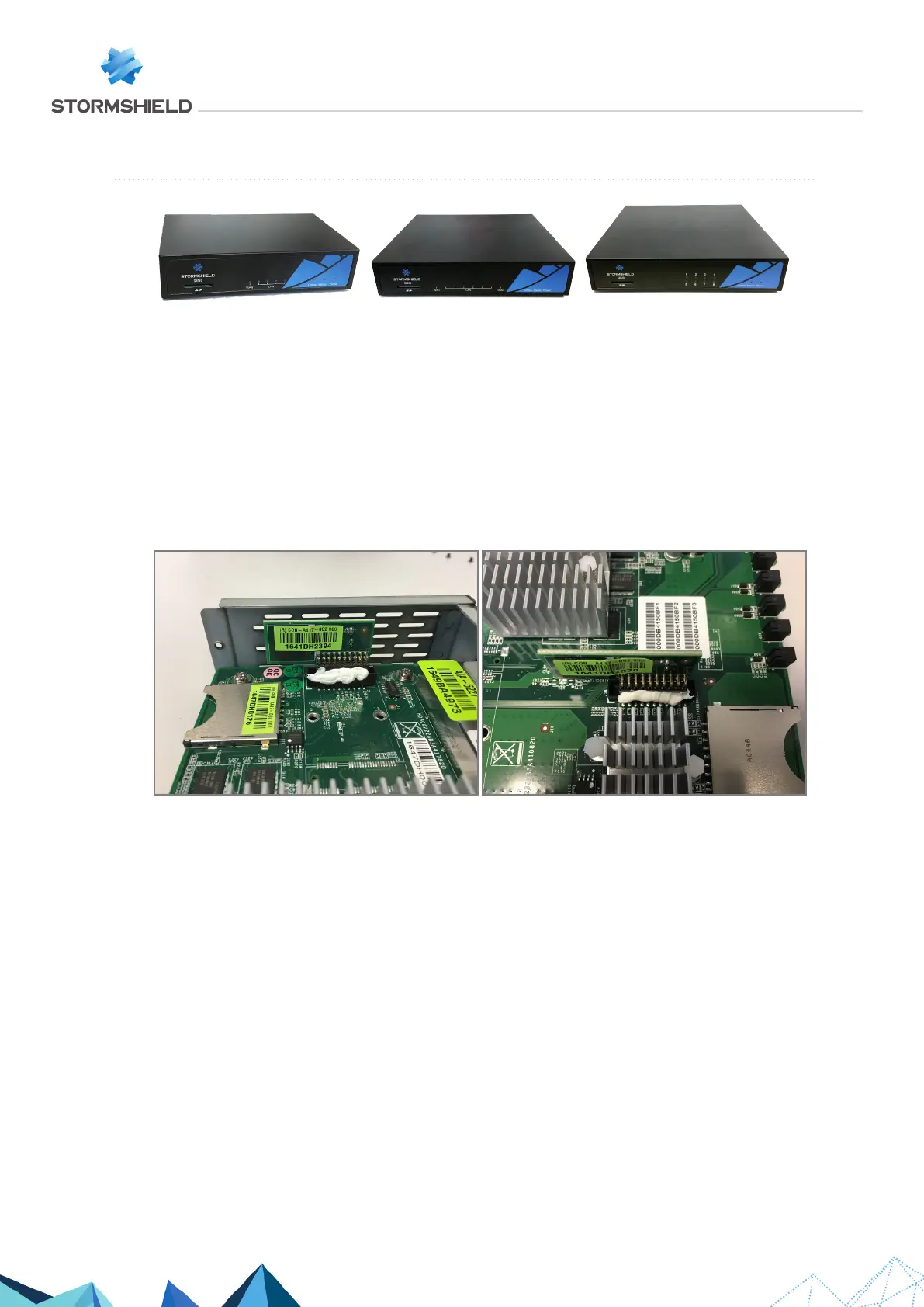
SN160(W), SN210(W) and SN310
On these products, data is stored on an internal Flash module.
Dismantling
1. Unscrew the 4 black countersunk screws (3 for the SN160) with a Philips screwdriver.
One of these screws covers the warranty sticker.
2. Open the appliance.
This operation will tear the warranty sticker.
3. Remove the strip of white glue.
4. To extract the flash module, pull it gently and perpendicular to the motherboard.
Assembling
1. Put both parts of the appliance back together.
2. Close it up using the 4 screws (3 for SN160).
SNS - TECHNICAL NOTE
SECURE RETURN OPTION
Page 7/29 sns-en-secure_return_option_technical_note - 08/01/2022



 To Next Page