EasyManua.ls Logo

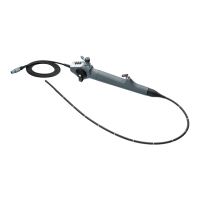
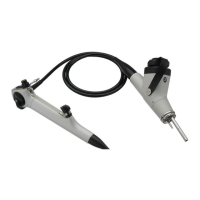
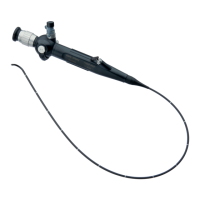
Storz 11272 V Series - User Manual

Storz 11272 V Series
76 pages
Print Icon
To Next Page IconTo Next Page
Loading...
1
INSTRUCTION MANUAL
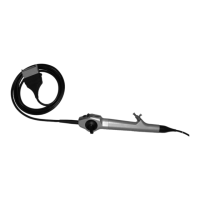
Flexible CMOS Video-Cysto-Urethroscope –
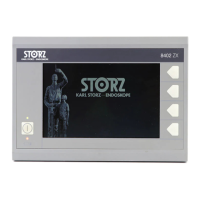
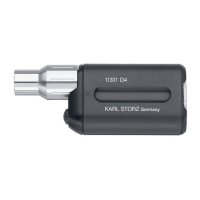
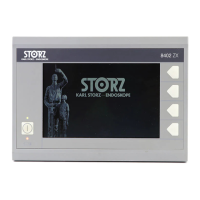
Series 11272 V/VU/VK/VUK, Monitor 8402 ZX
GEBRAUCHSANWEISUNG
Flexibles CMOS Video-Cysto-Urethroskop
Serie 11272 V/VU/VK/VUK, Monitor 8402 ZX
MANUAL DE INSTRUCCIONES
Videocistouretroscopio flexible CMOS –
serie 11272 V/VU/VK/VUK, Monitor 8402 ZX

Table of Contents

Other manuals for Storz 11272 V Series

Questions and Answers

  • A
    April MoralesAug 9, 2025
    Why is my Storz Medical Equipment experiencing complete failure?
    • B
      barbara00Aug 9, 2025
      If your Storz Medical Equipment unit has completely failed, first check the power supply to ensure it is working correctly. Then, make sure the power supply connector is securely plugged into the device socket. Finally, a system error may have occurred, perform a reset.
  • K
    Kurt RiveraAug 23, 2025
    How to fix an unclear image on Storz 11272 V Medical Equipment?
    • P
      powelltiffanyAug 23, 2025
      If you are experiencing an unclear image with your Storz Medical Equipment, it could be due to a few reasons. The distal lens may be fogged up, in this case, rinse the lens. Alternatively, the lens may be dirty, in this case, disconnect the flexible CMOS video-cysto-urethroscope and clean the distal lens with a cotton swab and alcohol. In the event that the lens has been damaged by water, send the flexible CMOS video-cysto-urethroscope to KARL STORZ for repair.

Storz 11272 V Series Specifications

General IconGeneral
BrandStorz
Model11272 V Series
CategoryMedical Equipment
LanguageEnglish

Related product manuals