Strasbaugh Mechanical Maintenance Procedures
Version 4.0 - February 1998 9 - 39
12
3
6
9
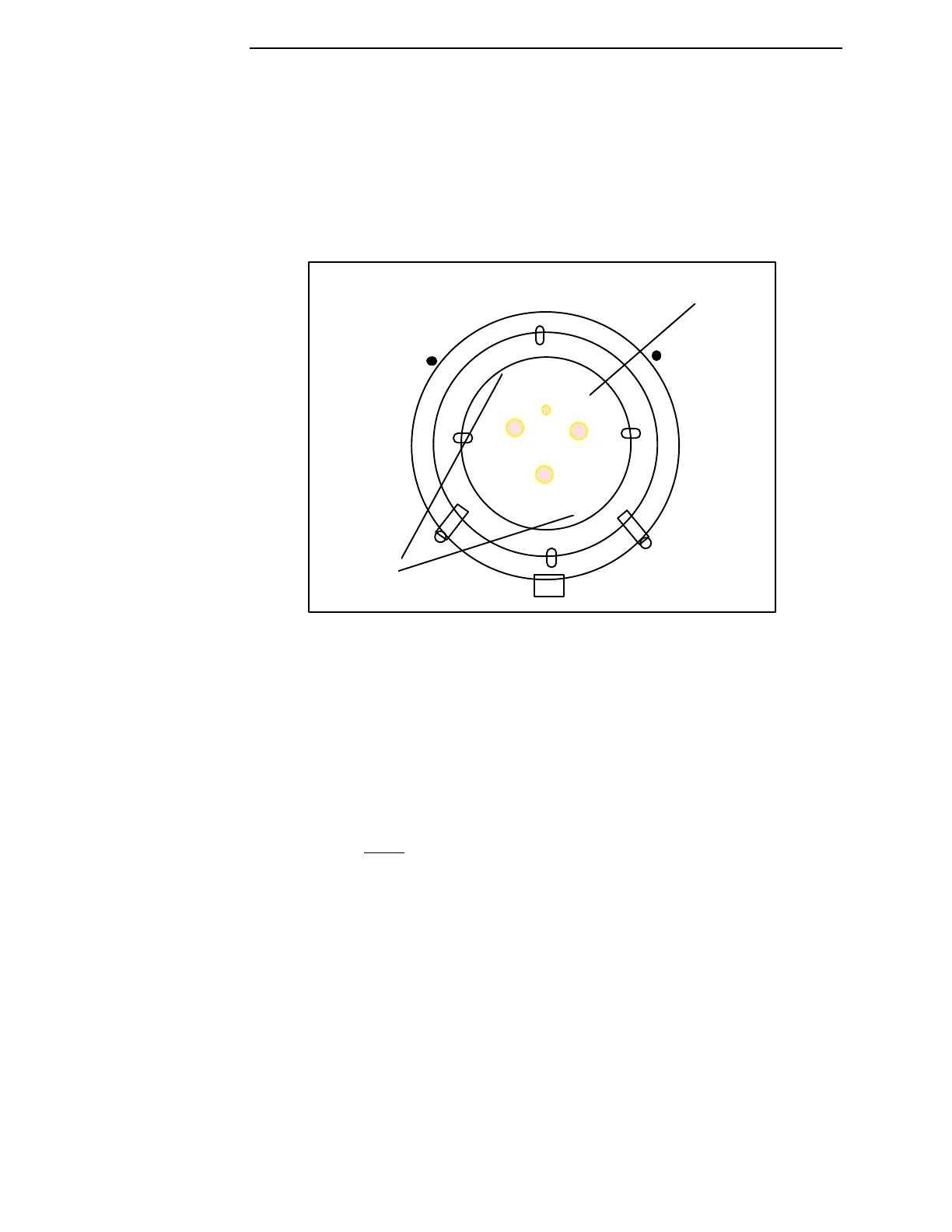
wafer insert
positioning
holes
X
X
wafer
mounting
plate
Figure 9-12 Orientation of Wafer Insert Positioning Holes of Wafer Mounting
Plate
7. Push down firmly on the wafer mounting plate.
8. Release the pivoting ring retainers.
9. While holding the wafer mounting plate and gimbal ring/manifold plate
assembly with one hand,
rotate the entire assembly to vertical.
10. With both hands, squeeze the mounting plate and manifold plate
together to seat the plate on the jack screws.
11. Remove one alignment stud by rotating it counterclockwise.
12. Insert a 10-32 x 3/4 sealing O-ring screw into the empty jack screw hole.



 To Next Page