Sending Live Streams (Point-to-Point) (1770/UDP)
Streambox Encoders and Decoders can send live streams over private or public IP networks. The Decoder’s IP
address is fed into the Encoder’s settings so it knows where to send the stream; the Decoder’s replies and
acknowledgements are sent back to the Encoder (LDMP protocol). If one-way connection is required, UDP only
mode is supported with decreased functionality, such as adaptive bitrate or dynamic packet loss recovery. FEC
is supported in UDP and LDMP network modes, but often unnecessary in LDMP mode.
Local Network Streaming
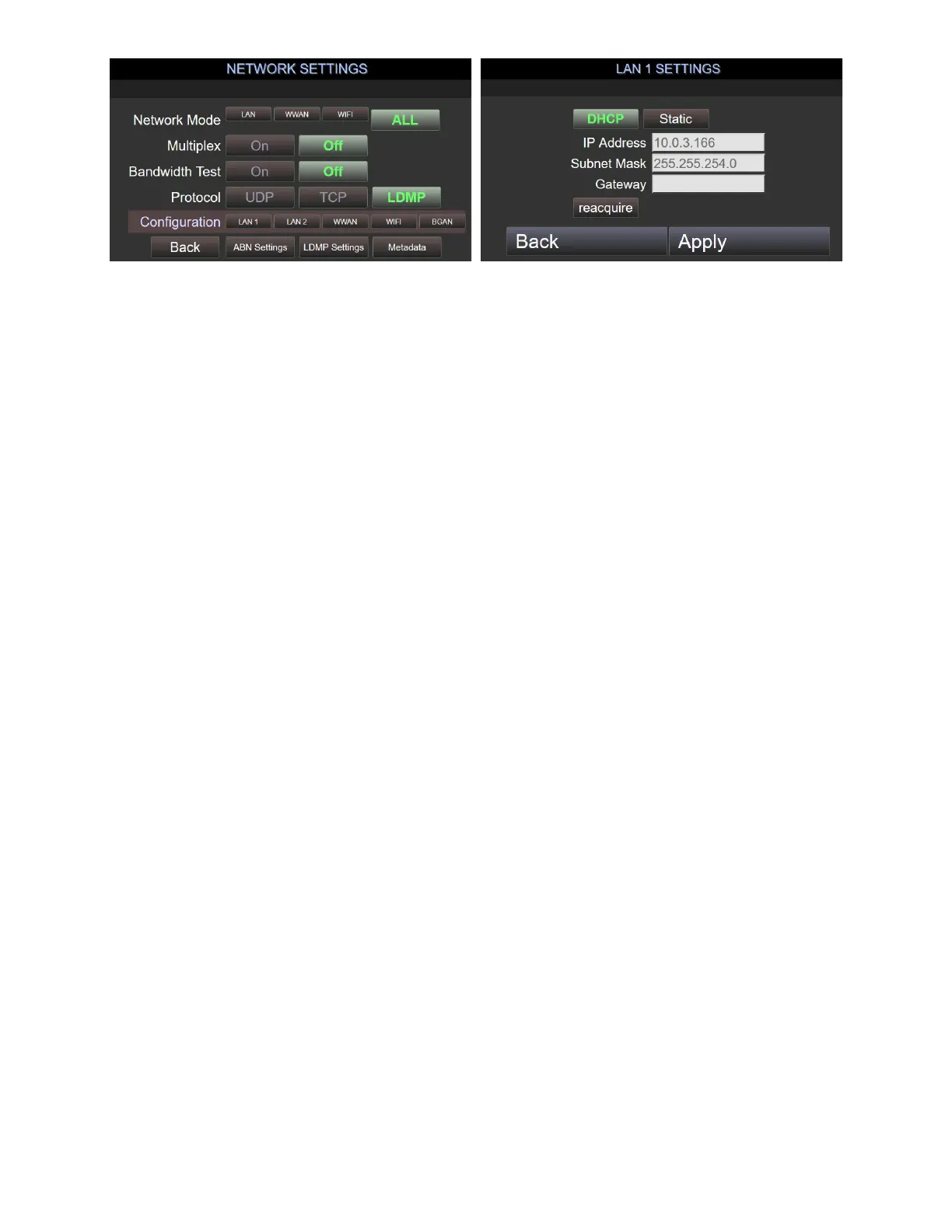
When streaming over local network, we recommend that both Encoder and Decoder have static or DHCP
reserved addresses. It’s more critical that the Decoder have a fixed address, and of course both machines
must either be in the same subnet, or be visible to the other unit’s subnet.
Streaming over the Internet
When streaming over the public Internet, Encoders and Decoders are not required to have their own Public IP
addresses. They should still have static internal IP addresses, however, and it will be necessary during the
stream setup to know the external IP address of the Decoder’s network.
A Firewall at any receiving location (Decoder/Enterprise Server/Media Player) should be set with a port
forward (a.k.a. port filter) so that all traffic received from the internet that’s been sent to port 1770 UDP must
be forwarded to the private IP of the Decoder. This setting must allow both incoming and outgoing traffic.
Alternatively, Network Address Translation (NAT) may be used so that a Decoder may reliably be contacted
through a public IP address.
For example
:
A Decoder has a static private IP address of 192.168.10.10. In the firewall settings, the user (or IT
person) must set port-forwarding in the firewall so all UDP packets sent from Any address on the internet to
Port 1770 on the firewall will be forwarded to 192.168.10.10 on port 1770.
In this example IT person can also restrict source address for security reasons. Source port number can be
restricted if Encoder is not behind firewall.
Sending Live Streams via Streambox Cloud or Enterprise Server (1770/UDP and others)
Whether you’re using Streambox Cloud, our online stream-management platform, or Streambox Enterprise
Server, you set the Server IP address as the Target Receiver (aka Target Decoder) in the Encoder’s settings.
Both types of servers require that the Encoder metadata is enabled and configured for use; particularly the
“Group” (also called “DRM”) code must match the Group of whichever users are accessing the server.



 To Next Page