EasyManua.ls Logo

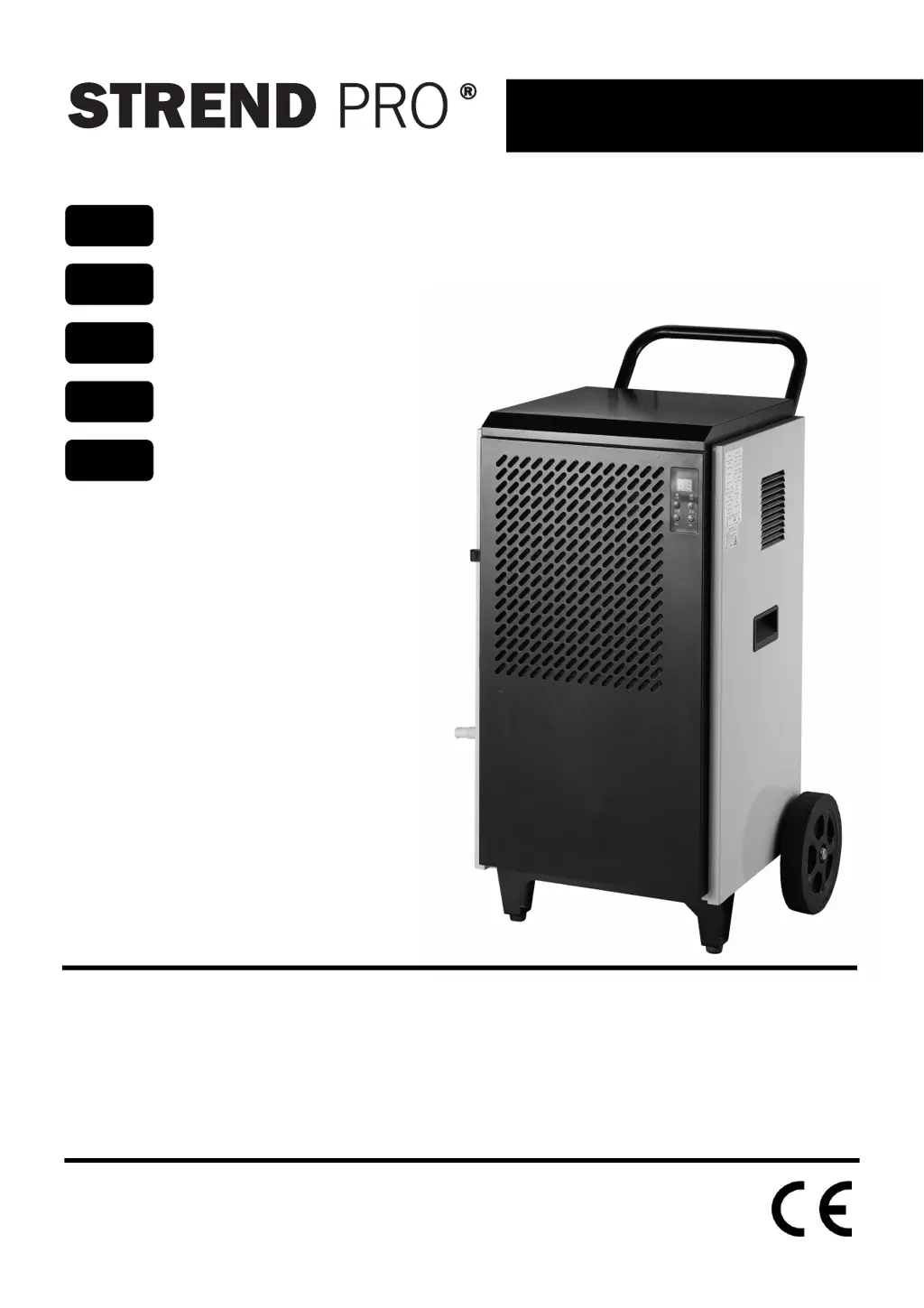
Strend Pro BGD1702-80-X - User Manual

Strend Pro BGD1702-80-X
50 pages
Go to English
Print Icon
To Next Page IconTo Next Page
Loading...
BGD1702-80-X
∙ Preklad originálného návodu na použitie
∙ Překlad originálním návodu k použití
∙ Az eredeti használati útmutató fordítása
Traducerea manualului de utilizare original.
∙ Instruction manual
SK
CZ
HU
RO
EN
Odvlhčovač vzduchu
Odvlhčovač vzduchu
Páramentesítő
Dezumidificator de aer
Dehumidifier

Questions and Answers

  • D
    David WalkerAug 8, 2025
    What to do if my Strend Pro Dehumidifier won't turn on?
    • J
      jenniferpadillaAug 8, 2025
      If your Strend Pro Dehumidifier isn't turning on, there could be several reasons. First, ensure the appliance is properly connected to a functioning electrical outlet. Check the power supply to the outlet. If the fuse is blown, replace it. Damaged transformers or electrical circuits may also cause this, requiring replacement of the damaged parts. If the appliance switches on, try resetting the humidity. Also, if the appliance is in defrost mode, wait until it ends.
  • W
    William WashingtonAug 12, 2025
    Why is my Strend Pro BGD1702-80-X Dehumidifier not removing enough moisture?
    • M
      Michael IbarraAug 12, 2025
      If your Strend Pro Dehumidifier isn't dehumidifying effectively, check for a blocked air supply or outlet and remove any obstructions. Make sure that any windows or doors are closed. Also, the ambient temperature might be too low; in that case, do not switch on the appliance.
  • S
    Sandra DickersonAug 16, 2025
    What to do if my Strend Pro BGD1702-80-X Dehumidifier is leaking water?
    • J
      jonathon19Aug 17, 2025
      If your Strend Pro Dehumidifier is leaking condensate, ensure the appliance is placed in an upright position. Also, the drain hose might be clogged; remove the front protective cover and eliminate the cause of the blockage.
  • A
    Alexis MilesAug 21, 2025
    How to reduce noise from my Strend Pro Dehumidifier?
    • A
      Amanda LoweryAug 21, 2025
      If your Strend Pro Dehumidifier is making a lot of noise, ensure it is placed on a solid, level surface.
  • P
    Perry PalmerAug 26, 2025
    What does EE error mean on my Strend Pro BGD1702-80-X Dehumidifier?
    • B
      Bill PaceAug 26, 2025
      If your Strend Pro Dehumidifier displays an 'EE' error, it indicates a refrigerant leak. Switch off the appliance and leave it switched off for a while, then switch it on again. If the problem persists, no answer.
  • J
    joseph48Aug 30, 2025
    What does E2/E3 error mean on my Strend Pro BGD1702-80-X?
    • D
      Debra GuzmanAug 30, 2025
      If your Strend Pro Dehumidifier displays an 'E2/E3' error, it indicates a damaged humidity sensor or temperature sensor. Replace the damaged sensors.
  • M
    Melissa LambertSep 3, 2025
    What does E1 error mean on my Strend Pro BGD1702-80-X?
    • L
      Lisa HarrisSep 3, 2025
      If your Strend Pro Dehumidifier displays an 'E1' error, it means the spiral is damaged. Replace the spiral.

Strend Pro BGD1702-80-X Specifications

General IconGeneral
BrandStrend Pro
ModelBGD1702-80-X
CategoryDehumidifier
LanguageEnglish