03
STRIKEMASTER
®
LITHIUM 24v BATTERY CHARGING BASE
QUICK START
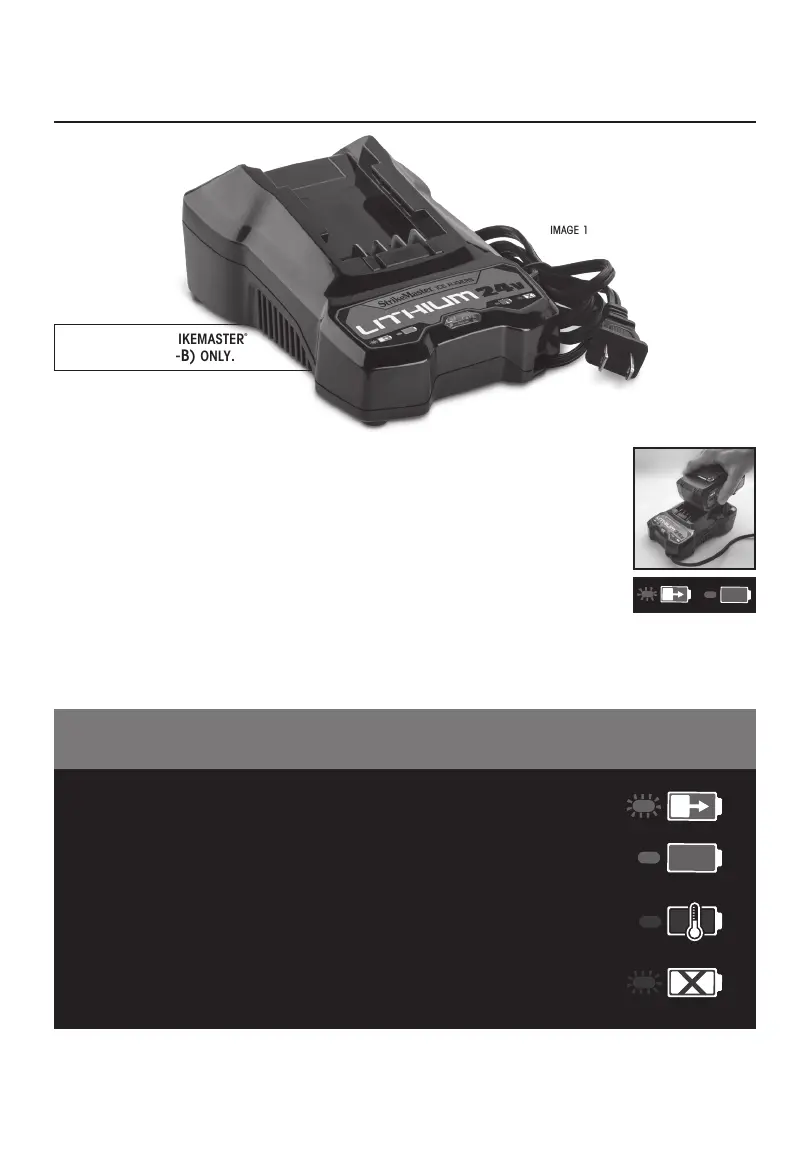
1. Remove Lithium 24v Battery Charging Base from carton (Image 1).
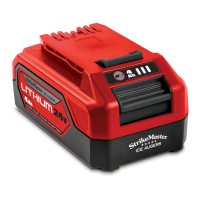
2. Unpack the 24v Battery Charging Base from carton and plug it in. Slide Battery onto
Battery Charging Base using the channels on both sides as a guide. Press down until
you hear it click in place. Leave Battery on Battery Charging Base until
fully charged (Image 2).
NOTE:
Battery is not fully charged when first removed from box.
3. When Battery Charging Base indicator shows solid green, your Battery is
fully charged (Image 3).
Your StrikeMaster Lithium 24v Battery is ready for use.
Your StrikeMaster Lithium 24v Battery Charging Base has built in “Smart Charging
Technology”. The chart below shows you the correct charging procedure/occurrences
that could be experienced while charging.
4. Your Battery must be charged in a location where the temperature is more than 35°F/2°C, but less than
100°F/38°C.
REGISTER YOUR PRODUCT ONLINE TO ACTIVATE YOUR WARRANTY
www.strikemaster.com/warranty
IMAGE 3
IMAGE 1
IMAGE 2
BATTERY IS CHARGING
FULLY CHARGED
BATTERY IS TOO COOL OR
TOO WARM TO CHARGE
(REFER TO OWNERS MANUAL)
DEFECTIVE BATTERY
(REFER TO OWNERS MANUAL)
GREEN (BLINKING)
RED (BLINKING)
GREEN
RED
CHARGING PROCEDURE
for use with strikemaster
®
4aH battery(LtV-b) onLy.


 To Next Page