Copyright © 2015 Cobra Systems, Inc. All rights reserved
Questions & Remedies
Calibrating Static Cling Sticker with Printer:
1. Turn printer OFF (located in back of printer)
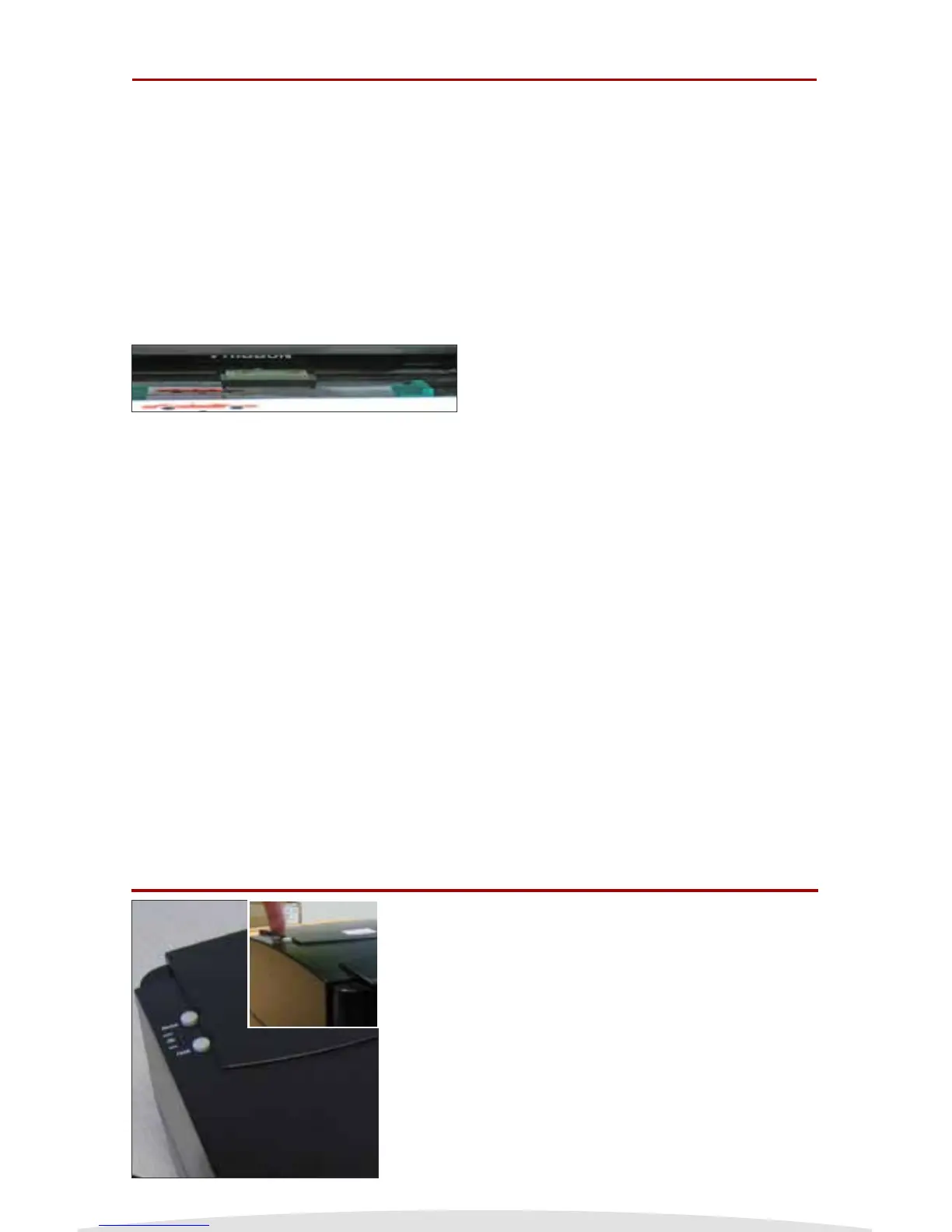
2. Press and Hold on to the PAUSE button of printer (as shown in picture
on the left)
3. While still holding the PAUSE button, turn the printer ON
4. Release PAUSE button as soon as printer starts feeding labels
5. Press the FEED button once
Your system should now be calibrated with your Striker Reminder Label
System.
NOTE: DO NOT PRESS AND HOLD THE PAUSE AND FEED
BUTTONS TOGETHER WHILE POWERING ON OR YOU
WILL ERASE THE STRIKER FONTS AND SHIPPING &
REPROGRAMMING CHARGES WILL APPLY.
Q: The Ink Roll is sticking to the reminder
stickers and coming out the printer.
Q: I just changed out the labels for the Striker
system and it was working ne but now it’s
not printing right and the red light is on,
what happened?
Q: I just changed out the ink for the Striker
system and it’s not printing, what happened?
Q: The keypad is not working and the keypad
displays a series of letters and numbers
beginning with KU.
A: The Striker Printer did not recognize that the
ink roll was loaded. Turn the unit o,
re-attached the ink roll to the take up core,
close your Striker Printer before turning it
back on.
A: First turn o the Striker, open the printer,
release the ink carriage lever and make sure
the reminder stickers are centered on the
label spindle. Second, make sure the green
computer chip is above the label and the
green guides are snug with the label. neally,
make sure the ink carriage is clicked in place
and latched down.
A: First turn o the Striker, open the printer,
release the ink carriage lever and make sure
ink was loaded correctly. If the wrong side
of ink is loaded, nothing will print. Test the
ink roll to make sure the ink side is down by
testing it with a small piece of tape. Then
review the procedures for loading ink rolls.
A: Call your local oil distributor or call the
Striker Technical and Service department at
1.800.262.7298.
Striker Label Calibration
9


 To Next Page