10
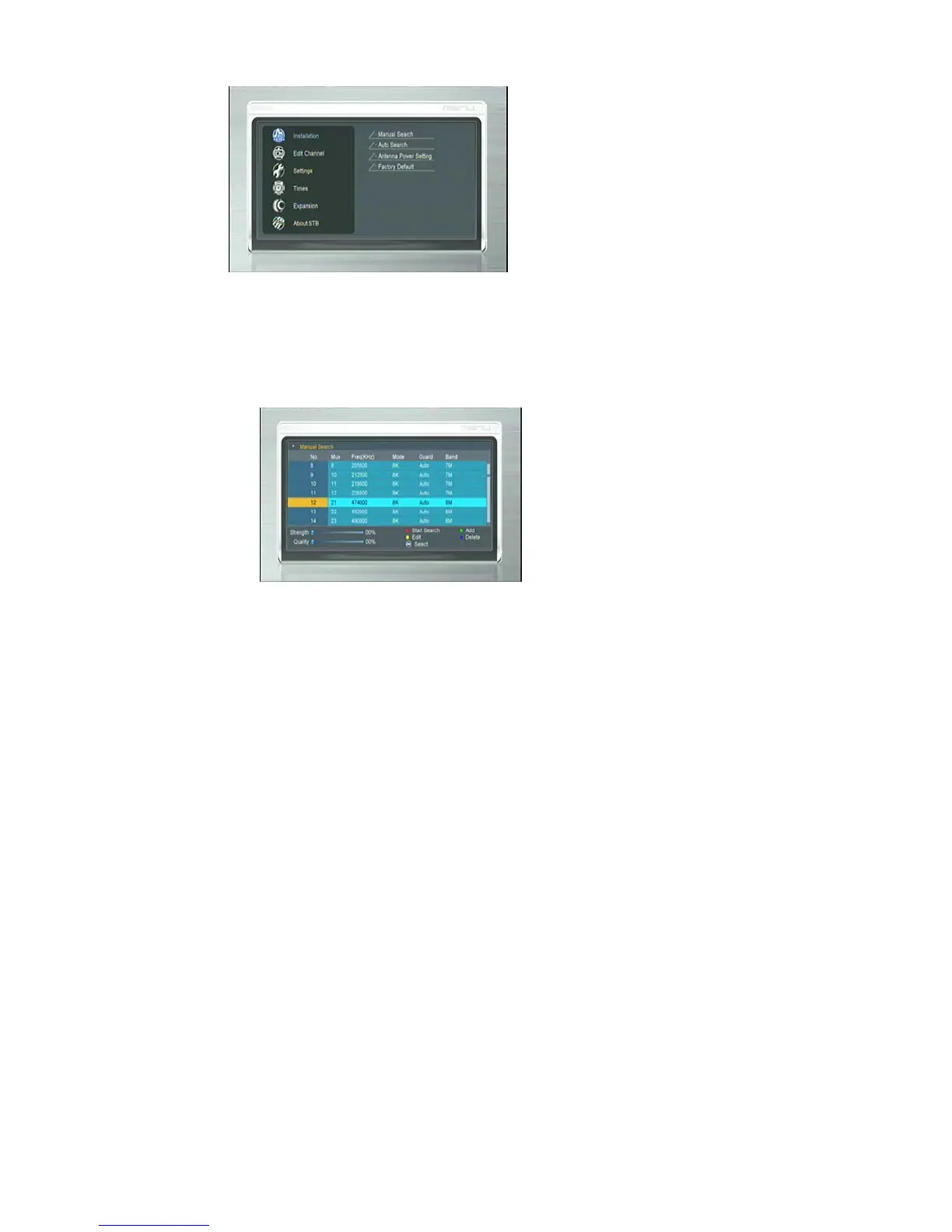
3.1 Manual scan
Manual scan function would only add newly found services to STB database,
without any database clearing action. User needs to know the target scan frequency
and bandwidth in advance.
(1) Press <OK> to enter “Manual Scan” menu.
(2) Press <Up/Down> to focus on “Frequency” .
(3) Press GREEN button to add Frequency and press <0 ~ 9> to
input frequency value.
(4) Press YELLOW button to edit Frequency.
(5) Press BLUE button to delete Frequency.
Press RED button to start manual scan and press <Exit> to cancel scan



 To Next Page