12
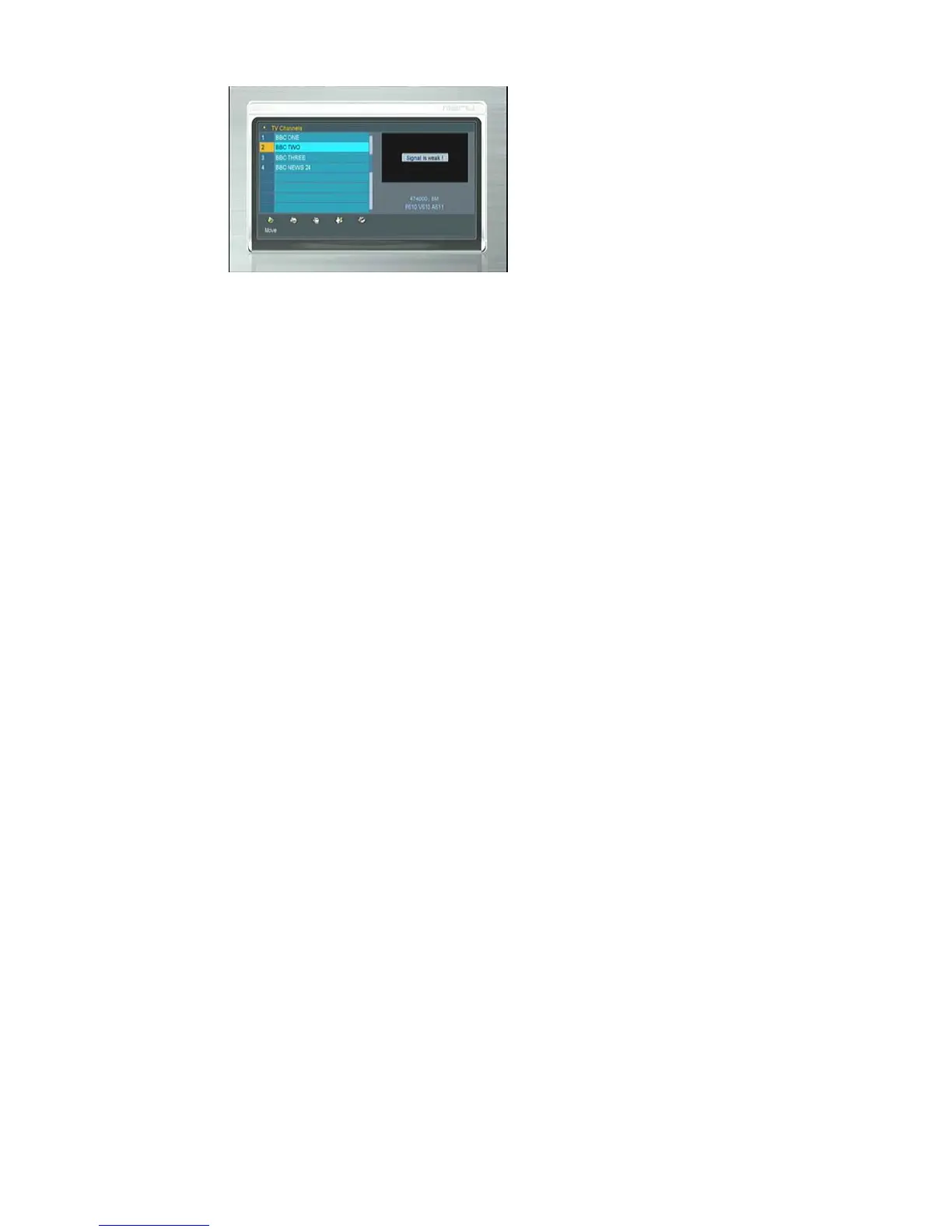
Edit Channels enables you to move, delete, rename, lock/unlock,the channels
in the channel list conveniently, you can press ◀/▶button to move, delete,
rename, lock/unlock ,press ▲/▼ button to select channels.
Tip: Radio Channels operation similar to the TV Channels.
Note: If the highlighted channel is locked, press the OK button to switch to
Unlock.
4.2 TV/Radio Favorites
Menu->EDIT CHANNEL-> TV/Radio Favorites
You can add or remove channels from the favorite groups.
4.3 Sort Channels
Menu->EDIT CHANNAL -> Sort Channels
Highlight the option you want and press the OK button to sort the channel list.
You can sort by LCN (logical channel number), Transponder, Default,
Favourite, alphabetical and provider service ID.
4.4 User Channel List
User Channel List allows you to save or load all the data and settings.
1. Menu->EDIT CHANNAL -> User Channel List->Save User Data



 To Next Page