7
ProductOverview
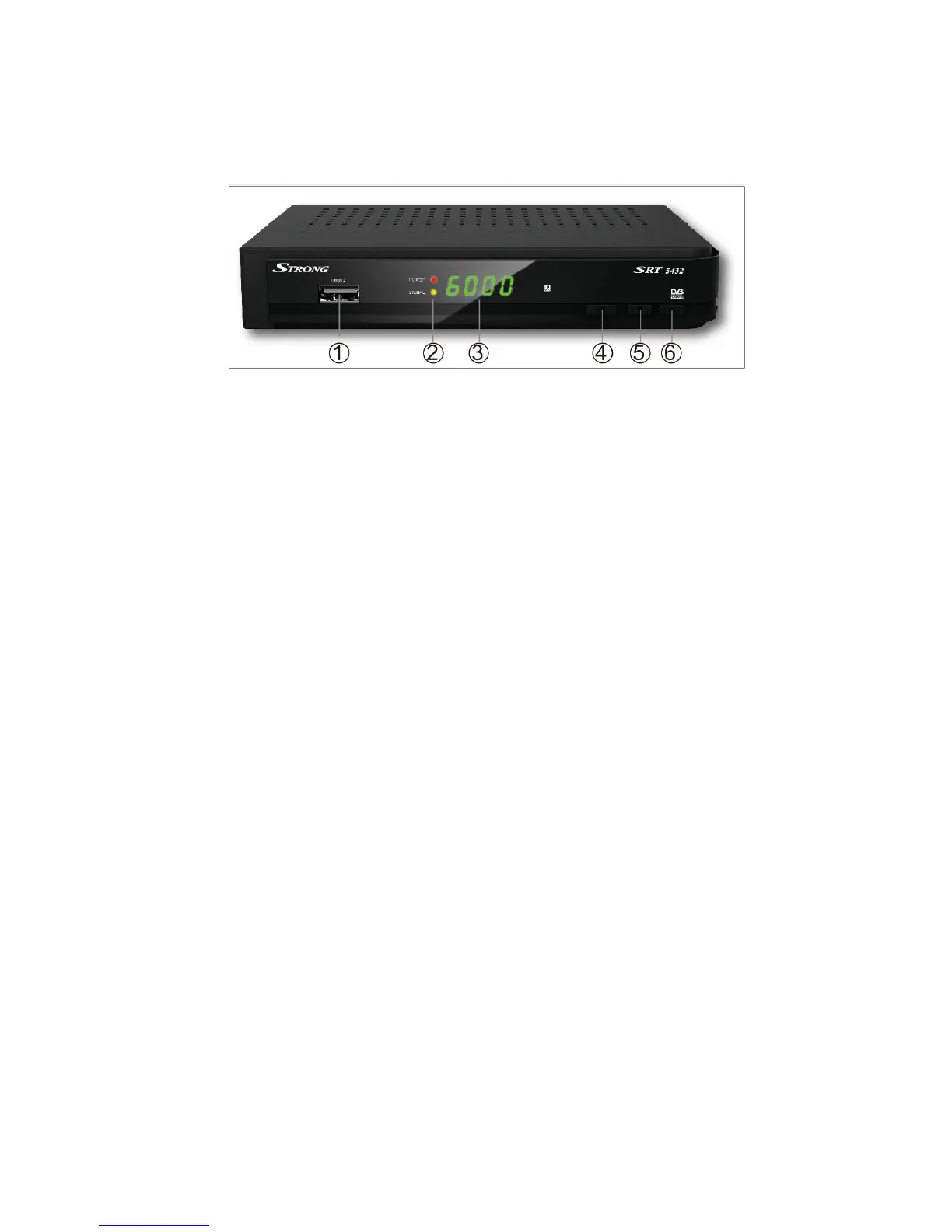
2.1 Front Panel
1. USB2.0:One USB 2.0 Host Port.
2. Power /Signal light:Power /signal indicator.
3. Display:It displays channel information. In standby mode it displays local
time.
4. Power button:Switch between operation and standby modes.
5. ▲:Change channel in viewing mode and move the cursor up in menu
mode.
6. ▼;Change channel in viewing mode and move the cursor down in menu
mode



 To Next Page