EasyManua.ls Logo

Strong SRT 8114 - User Manual

Strong SRT 8114
28 pages
Print Icon
To Next Page IconTo Next Page
Loading...
www.strong.tv
User Manual
Manuel d’utilisation
Manuale Utente
Manual del usuario
Manual do Utilizador
Návod k obsluze
Návod na obsluhu
Instrukcja obsługi
Felhasználói kézikönyv
Ръководство на потребителя
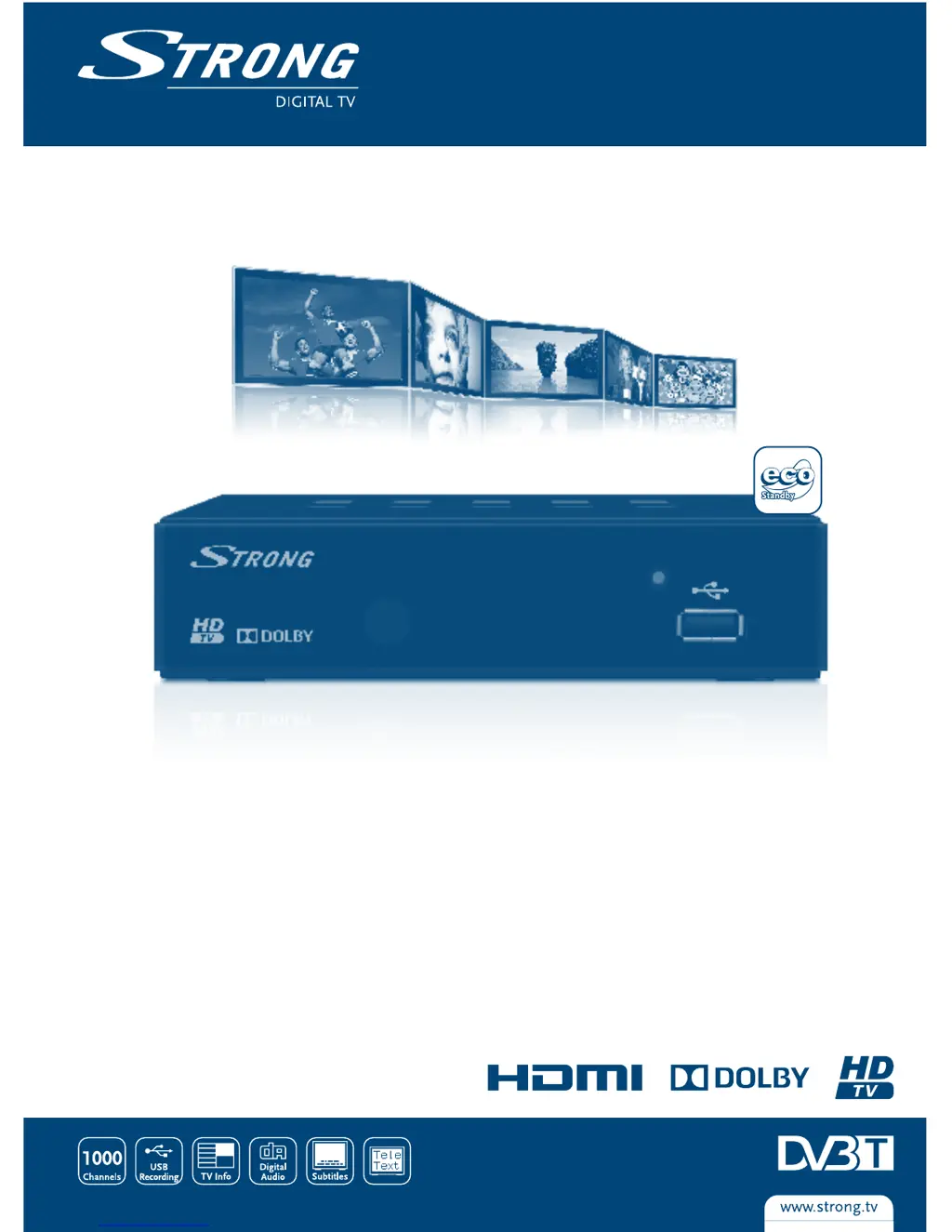
Digital Terrestrial HD Receiver SRT 8114
Picture similar

Questions and Answers

  • M
    megan57Aug 8, 2025
    What to do if my Strong SRT 8114 Other remote control is not working?
    • J
      Jason BrownAug 8, 2025
      If your Strong Other device isn't responding to the remote control, ensure the receiver is plugged in and turned on. Make sure you're aiming the remote directly at the front panel without any obstructions. Lastly, try replacing the remote batteries.
  • P
    Peter HillAug 13, 2025
    Why does my Strong SRT 8114 Other say no signal?
    • L
      Lisa FranklinAug 13, 2025
      If you are getting a 'No signal found' message on your Strong Other, first check the aerial lead to make sure it is connected properly. Check the aerial for any damage or misalignment. If you are using an active antenna, switch the receiver’s Antenna Power ON or connect external power. If none of these steps work, you may be out of the digital signal area, and you should check with your dealer.
  • C
    Catherine AlvarezAug 18, 2025
    How to fix no picture or sound on Strong SRT 8114?
    • M
      Mariah HarringtonAug 19, 2025
      If you're not getting any picture or sound on your TV or amplifier when using your Strong Other, first switch to the correct TV/amplifier input. Ensure that your TV/amplifier is switched on and check the S / PDIF connection if used. Also, select a lower resolution on the receiver.
  • J
    Jasmine SmithAug 23, 2025
    What to do if Strong Other has no digital reception after moving it?
    • Z
      zmaciasAug 25, 2025
      If you've moved your Strong Other receiver and are now unable to receive digital reception, it may be due to weak antenna signals. Press the INFO button on the remote three times to bring up the signal bars and adjust the antenna for maximum reception, or rescan channels. If using an active antenna, check the antenna power. Consider using an outdoor antenna.
  • I
    isaac15Aug 28, 2025
    What does 'Scrambled channel' mean on Strong Other?
    • N
      Nicholas WilliamsAug 28, 2025
      If you see a 'Scrambled channel' message on your Strong Other, the channel is likely scrambled. Select an alternative channel.
  • C
    Carla MurphySep 2, 2025
    How to fix Strong Other LED indicator not lit?
    • D
      Dr. Nicholas LawsonSep 2, 2025
      If the LED indicator on your Strong Other is not lit, check the mains plug to ensure it is properly plugged in.

Summary

Introduction

1.1 Safety Instructions

Guidelines for safe installation and operation of the receiver to prevent hazards.

1.5 Usage of external USB devices

Recommendations and compatibility for using USB storage devices with the receiver.

Your Receiver

2.1 Default PIN

The default PIN code for the receiver.

Connection

3.1 Connecting to a terrestrial antenna

How to connect an antenna for receiving broadcast signals.

3.7 Connecting a USB storage device

Guidance on connecting USB storage devices for recording and playback.

Starting Up For The First Time

Quick Guide To Using Your Receiver

Operation

6.6 Timeshift

Pausing and resuming live broadcasts using the Timeshift function.

6.7 EPG (Electronic Programme Guide)

Viewing program schedules and setting event recordings.

6.8 Instant Recording

How to record the currently viewed program directly.

Main Menu

7.1 Edit Channel

Managing channels, including sorting, renaming, locking, and skipping.

7.2 Installation

Setting up the receiver, including auto scan and channel scan.

7.3 System Setup

Configuring language, TV system, time, parental lock, and OSD settings.

7.4 Tools

Accessing receiver information, factory reset, and software upgrades.

Troubleshooting

Technical Specifications

Strong SRT 8114 Specifications

General IconGeneral
TypeDigital Satellite Receiver
Video ResolutionUp to 1080p
EthernetNo
ConnectorsRCA
USBYes
FeaturesElectronic Program Guide
Power consumption8W
Video DecoderMPEG-2
Audio DecoderMPEG-1