StrongLink SL025B
http://www.stronglink-rfid.com
4-4. Command List
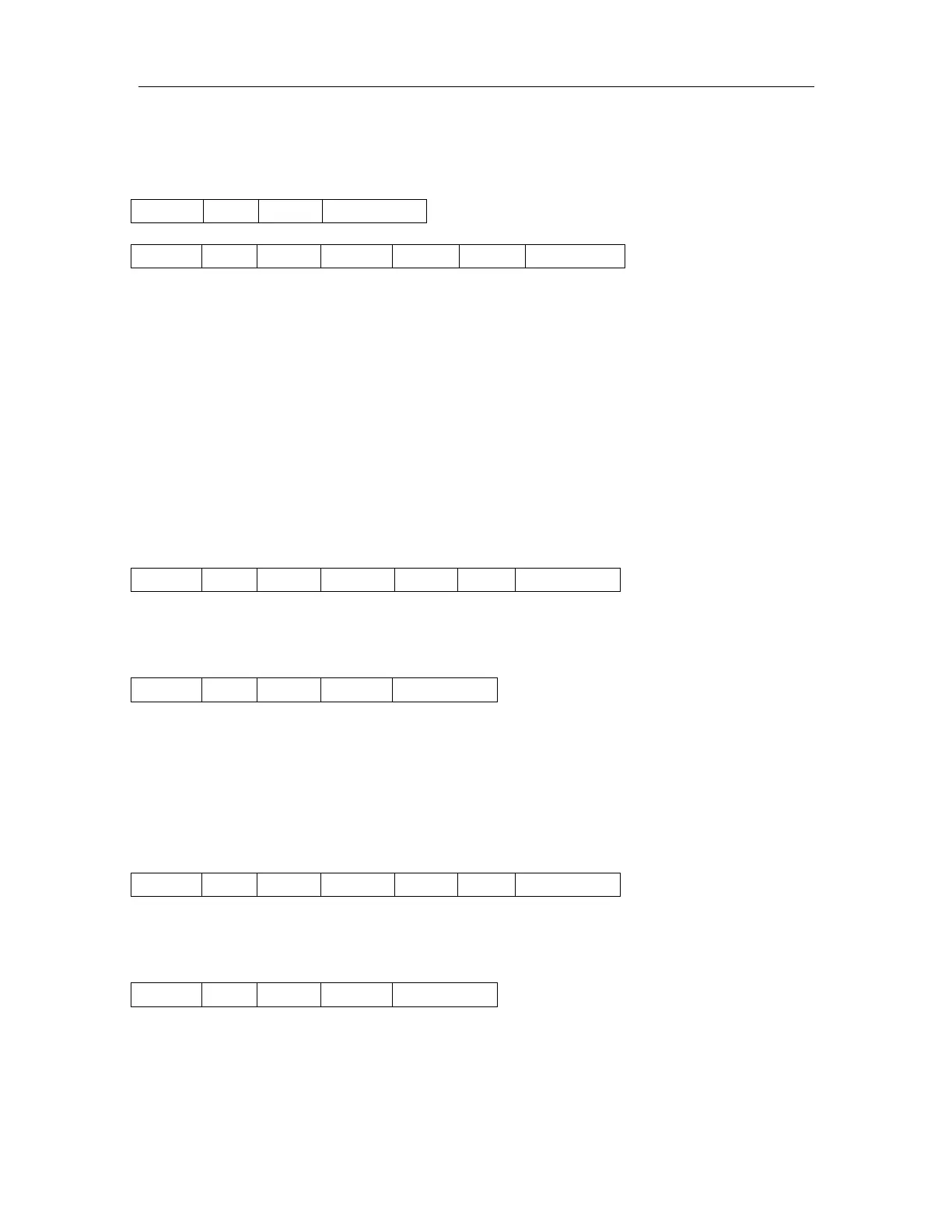
4-4-1. Select Mifare card
Response:
Status: 0x00: Operation succeed
0x01: No tag
0xF0: Checksum error
UID: The uniquely serial number of Mifare card,
Type: 0x01: Mifare 1k, 4 byte UID
0x02: Mifare 1k, 7 byte UID
[1]
0x03: Mifare UltraLight or NATG203
[2]
0x05: Mifare 4k, 7 byte UID
, 7 byte UID
0x04: Mifare 4k, 4 byte UID
[1]
0x06: Mifare DesFire, 7 byte UID
0x0A: Other
4-4-2. Login to a sector
Sector: Sector need to login, 0x00 – 0x27
Type: Key type (0xAA: authenticate with KeyA, 0xBB: authenticate with KeyB)
Key: Authenticate key, 6 bytes
Response:
Status: 0x02: Login succeed
0x01: No tag
0x03: Login fail
0x08: Address overflow
0xF0: Checksum error
4-4-3. Download Key into SL025
Sector: 0x00 – 0x27
Type: Key type (0xAA: KeyA, 0xBB: KeyB)
Key: 6 bytes, stored into SL025
Response:
Status: 0x00: Operation succeed
0x08: Address overflow
0x09: Download fail
0xF0: Checksum error


 To Next Page