EasyManua.ls Logo

Stryker 1688010000 - User Manual

Stryker 1688010000
68 pages
Print Icon
To Next Page IconTo Next Page
Loading...
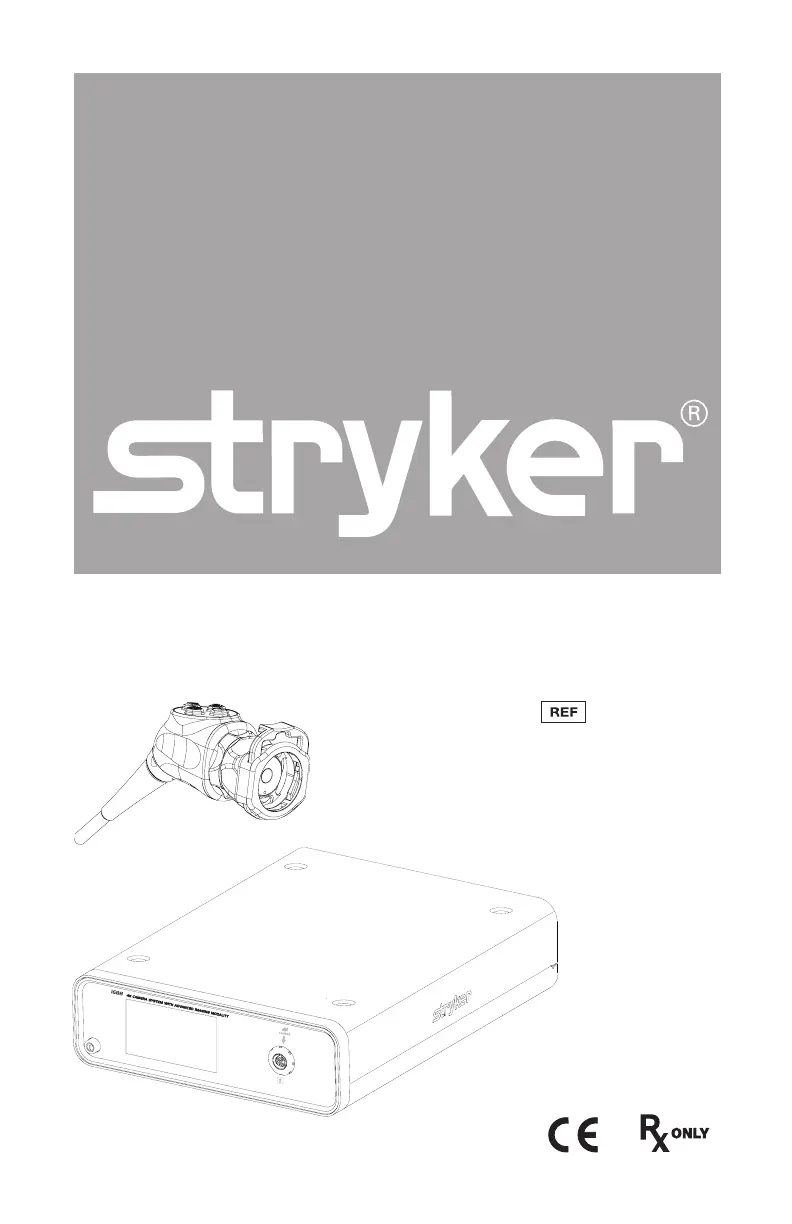
1688 4K Camera System
1688010000
1688210105
1688310130
1688610122
1688710105
with Advanced Imaging Modality

Questions and Answers

  • D
    Debbie StricklandSep 9, 2025
    What does Stryker 1688010000 E-04 error code (“Warning Occurred”) mean?
    • D
      dakotaduncanSep 9, 2025
      If your Stryker Digital Camera displays the error code E-04 (“Warning Occurred”), try turning off the console, waiting 3 seconds, and then turning it back on. If the problem persists, contact Stryker.
  • J
    Jon StoneAug 23, 2025
    What to do if my Stryker 1688010000 picture is too bright?
    • M
      Melissa NorrisAug 23, 2025
      If the picture from your Stryker Digital Camera is too bright, you can try to: * Decrease the camera Brightness level. * Decrease the light source output.
  • C
    Charles CookAug 25, 2025
    How to fix Stryker Digital Camera foggy picture (loss of definition and clarity)?
    • S
      Scott WilliamsAug 25, 2025
      To address a foggy picture with loss of definition and clarity on your Stryker Digital Camera: * Refocus the coupler. * Disassemble the scope, coupler, and camera head, then clean and dry all windows on these components.
  • M
    Marc JohnstonAug 27, 2025
    What to do if my Stryker 1688010000 Digital Camera has no video picture when the camera head is plugged in?
    • A
      Adam Hernandez IIAug 27, 2025
      If you're not getting a video picture from your Stryker Digital Camera when the camera head is plugged in: * Check to ensure that all devices in the video system are plugged in and powered on. * Check the connector on the camera-head cable for broken pins. * Detach the camera head from the console and reconnect. * Turn off the console, wait 3 seconds, and turn it back on.
  • N
    Nicole KleinAug 27, 2025
    How to resolve Stryker 1688010000 incorrect picture color?
    • J
      James Schneider IIIAug 28, 2025
      To correct the picture color on your Stryker Digital Camera: * Perform the White Balance test. * Check the color settings on the display monitor.
  • A
    Alexander DownsAug 29, 2025
    How to fix Stryker Digital Camera blurry picture?
    • K
      Karen WolfAug 29, 2025
      If you're experiencing a blurry picture with your Stryker Digital Camera, try the following: * Ensure the coupler or C-mount scope is in focus. * On the Home screen, ensure the surgical specialty is not set to FLEXI-SCOPE unless you are using a flexible scope. * Disassemble the scope, coupler, and camera head, and clean and dry all windows on the components.
  • G
    Gabrielle SnyderSep 18, 2025
    What does Stryker Digital Camera “System Error” message (Light blue background) mean?
    • L
      Lisa MurraySep 18, 2025
      If your Stryker Digital Camera shows a “System Error” message with a light blue background, it indicates that no video was detected. After sterilization, ensure the camera head has cooled down before connecting it to the console. If the problem persists, return the system for repair.
  • E
    Edward JensenSep 22, 2025
    What does Stryker 1688010000 Digital Camera “White Balance Fail” message on display monitor mean?
    • R
      Robert HernandezSep 22, 2025
      If your Stryker Digital Camera displays a “White Balance Fail” message on the display monitor, use the camera head to click the Start button on the display monitor to repeat the White Balance test. Ensure there is sufficient light and the camera head is pointing at something white. Alternatively, use the camera head to click the Skip button to accept the current White Balance settings.
  • R
    raymond96Sep 7, 2025
    What does Stryker 1688010000 Digital Camera E-04 error code (“Error Occurred”) mean?
    • E
      Eric HarrisSep 8, 2025
      If your Stryker Digital Camera displays the error code E-04 (“Error Occurred”), try turning off the console, waiting 3 seconds, and then turning it back on. If the problem continues, contact Stryker.
  • E
    Eric CalhounSep 4, 2025
    What does Stryker 1688010000 E-02 error code (“Console Overheating” warning) mean?
    • N
      nicholas92Sep 5, 2025
      If your Stryker Digital Camera displays an E-02 error code (“Console Overheating” warning), make sure the console is in a ventilated area. You can also try turning off the console, waiting 3 seconds, and then turning it back on. If the issue continues, contact Stryker.

Summary

Warnings and Cautions

Cautions

To avoid potential damage to this device, please note the following cautions.

Warnings: General

To avoid potential serious injury to the user and the patient and/or damage to this device...

Warnings: SPY Mode

IMPORTANT SAFETY NOTICE - LASER RADIATION: SPY mode controls a Class 1M laser...

Setup

Setting Up the Console

Refer to the following instructions and wiring diagram for a typical 1688 Video Camera configuration.

Setting Up the Camera Head

Unscrew the soaking cap from the cable connector on the camera head. Align the arrow on the cable connector...

Setting Up the Coupler

Steps 1-3 below provide instructions for connecting 1688 Camera Heads to the 4K Coupler...

SPY Mode Requirements

In SPY mode, the camera can visualize near-infrared light produced by the L11 LED Light Source...

Operation

Powering the Console On;Off

Before using the camera in a surgical procedure, test all system components to ensure proper function.

Performing the White Balance Test

Before each surgical procedure, perform the White Balance test to adjust the camera's perception of white...

Using the Touchscreen Interface

The touchscreen interface on the console provides access to menus and controls for adjusting or capturing the video image.

Using the Camera Head Buttons

The camera head features a four-button keypad for controlling the device. The default button functions are described below.

Troubleshooting

Error Codes

Solutions for common error codes (E-01 to E-05) and warning messages.

Display and Image Quality Issues

Troubleshooting for display problems like freezing, color issues, noise, and poor image clarity.

Connectivity and Recognition Problems

Resolving issues related to video signal, component recognition, and centering.

Feature-Specific Troubleshooting

Addressing problems with SPY mode and Auto Light functionality.

Reprocessing

Cleaning, Disinfecting, and Sterilizing the Camera Head

These reprocessing instructions are provided in accordance with ISO 17664, ISO 15883, AAMI TIR12, and AAMI TIR30.

Maintenance

Electromagnetic Compatibility

Stryker 1688010000 Specifications

General IconGeneral
BrandStryker
Model1688010000
CategoryDigital Camera
LanguageEnglish

Related product manuals