EasyManua.ls Logo

Stryker 1688 Series - User Manual

Stryker 1688 Series
68 pages
Print Icon
To Next Page IconTo Next Page
Loading...
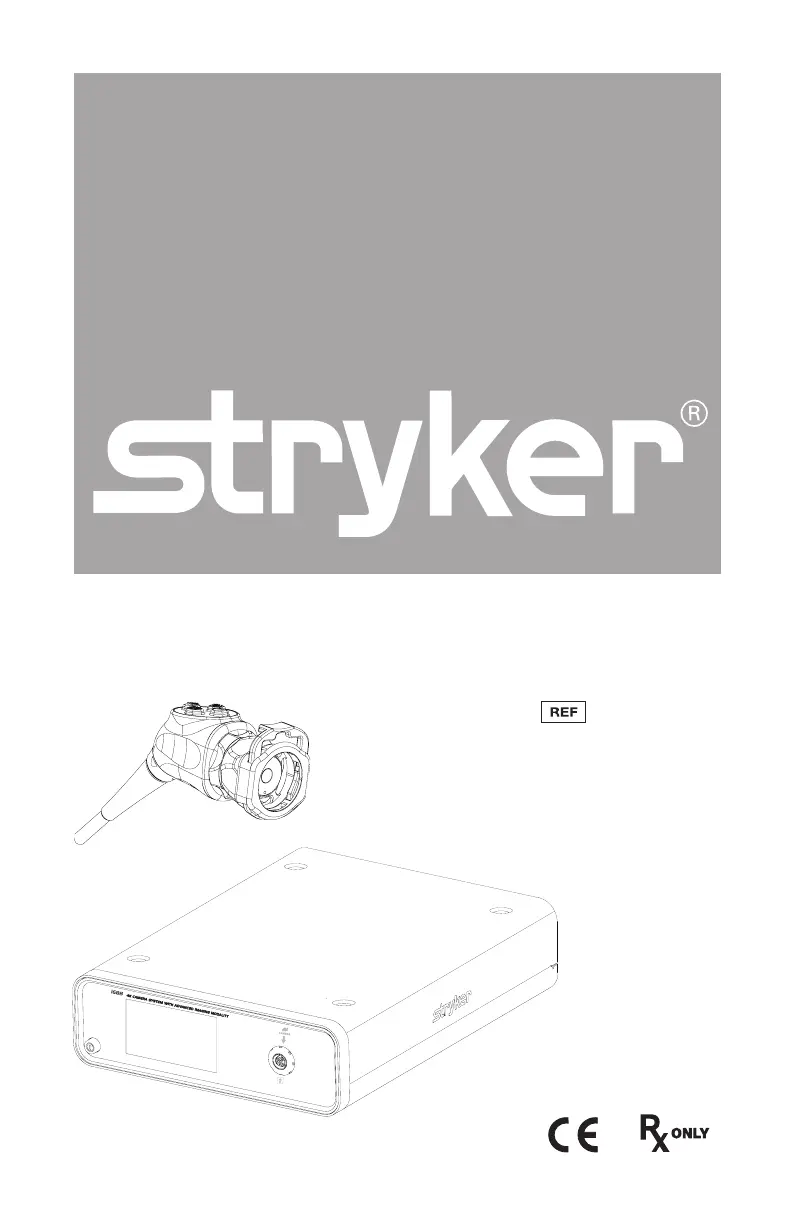
1688 4K Camera System
1688010000
1688210105
1688310130
1688610122
1688710105
with Advanced Imaging Modality

Questions and Answers

  • A
    anthony09Sep 9, 2025
    What does Stryker 1688 E-04 error code (“Warning Occurred”) mean?
    • M
      Michelle RamosSep 9, 2025
      If your Stryker Digital Camera displays the error code E-04 (“Warning Occurred”), try turning off the console, waiting 3 seconds, and then turning it back on. If the problem persists, contact Stryker.
  • B
    Brandon HarrellAug 23, 2025
    What to do if my Stryker 1688 picture is too bright?
    • J
      jenniferwhiteAug 23, 2025
      If the picture from your Stryker Digital Camera is too bright, you can try to: * Decrease the camera Brightness level. * Decrease the light source output.
  • C
    Collin WrightAug 25, 2025
    How to fix Stryker 1688 Digital Camera foggy picture (loss of definition and clarity)?
    • C
      cpenningtonAug 25, 2025
      To address a foggy picture with loss of definition and clarity on your Stryker Digital Camera: * Refocus the coupler. * Disassemble the scope, coupler, and camera head, then clean and dry all windows on these components.
  • A
    awhiteAug 26, 2025
    What to do if my Stryker Digital Camera has no video picture when the camera head is plugged in?
    • V
      Veronica WalkerAug 26, 2025
      If you're not getting a video picture from your Stryker Digital Camera when the camera head is plugged in: * Check to ensure that all devices in the video system are plugged in and powered on. * Check the connector on the camera-head cable for broken pins. * Detach the camera head from the console and reconnect. * Turn off the console, wait 3 seconds, and turn it back on.
  • D
    Deborah MendezAug 27, 2025
    How to resolve Stryker 1688 incorrect picture color?
    • M
      Melinda HarrisAug 27, 2025
      To correct the picture color on your Stryker Digital Camera: * Perform the White Balance test. * Check the color settings on the display monitor.
  • J
    Justin TurnerAug 29, 2025
    How to fix Stryker Digital Camera blurry picture?
    • D
      donnasmithAug 29, 2025
      If you're experiencing a blurry picture with your Stryker Digital Camera, try the following: * Ensure the coupler or C-mount scope is in focus. * On the Home screen, ensure the surgical specialty is not set to FLEXI-SCOPE unless you are using a flexible scope. * Disassemble the scope, coupler, and camera head, and clean and dry all windows on the components.
  • F
    Felicia PaulSep 18, 2025
    What does Stryker 1688 “System Error” message (Light blue background) mean?
    • C
      Christine VargasSep 18, 2025
      If your Stryker Digital Camera shows a “System Error” message with a light blue background, it indicates that no video was detected. After sterilization, ensure the camera head has cooled down before connecting it to the console. If the problem persists, return the system for repair.
  • R
    ricardo05Sep 18, 2025
    What does Stryker Digital Camera “White Balance Fail” message on display monitor mean?
    • T
      Timothy WeberSep 19, 2025
      If your Stryker Digital Camera displays a “White Balance Fail” message on the display monitor, use the camera head to click the Start button on the display monitor to repeat the White Balance test. Ensure there is sufficient light and the camera head is pointing at something white. Alternatively, use the camera head to click the Skip button to accept the current White Balance settings.
  • F
    Frank LoveSep 7, 2025
    What does Stryker 1688 Digital Camera E-04 error code (“Error Occurred”) mean?
    • M
      Martin AndrewsSep 7, 2025
      If your Stryker Digital Camera displays the error code E-04 (“Error Occurred”), try turning off the console, waiting 3 seconds, and then turning it back on. If the problem continues, contact Stryker.
  • A
    Angela Taylor DDSSep 4, 2025
    What does Stryker 1688 Digital Camera E-02 error code (“Console Overheating” warning) mean?
    • M
      Michael FritzSep 4, 2025
      If your Stryker Digital Camera displays an E-02 error code (“Console Overheating” warning), make sure the console is in a ventilated area. You can also try turning off the console, waiting 3 seconds, and then turning it back on. If the issue continues, contact Stryker.

Summary

Warnings and Cautions

Cautions

General precautions to avoid potential damage to the device.

Warnings: General

General warnings to avoid potential injury or damage to the device.

Warnings: SPY Mode

Operating a Light Source

Product Description and Intended Use

Indications

The Camera Console

The Camera Head

Additional Features of the Pendulum Camera Head

The C-Mount Coupler

Device Compatibility

Setup

Setting Up the Console

Console Connections for Light Source and Hub

System Wiring Diagram

Setting Up the Camera Head

Setting Up the Coupler

SPY Mode Requirements

Operation

White Balance and Remote Accessories

Using the Touchscreen Interface

SPY Screen Operations

Camera Settings Screen Adjustments

Camera Head Button Functions

Display Monitor Menu Navigation

Customizing Camera Head Buttons

Troubleshooting

Error Code Solutions

Troubleshooting steps for specific error codes like E-01, E-02, E-03, E-04, E-05.

System Malfunction Resolutions

Solutions for touchscreen freezing and 'Restart Camera Console' messages.

Image Quality Troubleshooting

Picture and Color Variability Issues

Component and Mode Specific Issues

Reprocessing

Cleaning and Disinfecting the Console

Procedures for cleaning and disinfecting the camera console.

Camera Head Reprocessing

Reprocessing Limitations and Cautions

Materials and Equipment for Reprocessing

Instructions for Reprocessing

Cleaning Procedures

Step-by-step instructions for preparing and cleaning the device.

Manual and Automated Cleaning Processes

High-Level Disinfection Procedure

Sterilization Methods

Maintenance

Inspecting the Console

Regular checks for cleanliness and integrity of the console.

Camera Head Inspection and Other Maintenance

Periodic Maintenance, Service Life, and Disposal

Technical Specifications

Electromagnetic Compatibility

Electromagnetic Immunity Guidance

RF Immunity and Separation Distances

Stryker 1688 Series Specifications

General IconGeneral
BrandStryker
Model1688 Series
CategoryDigital Camera
LanguageEnglish

Related product manuals