Note: Only when current channel has store DMTF group, the Call setting will work.
»
(Refer to DTMF MENU setting)
»
How to enter public menu:
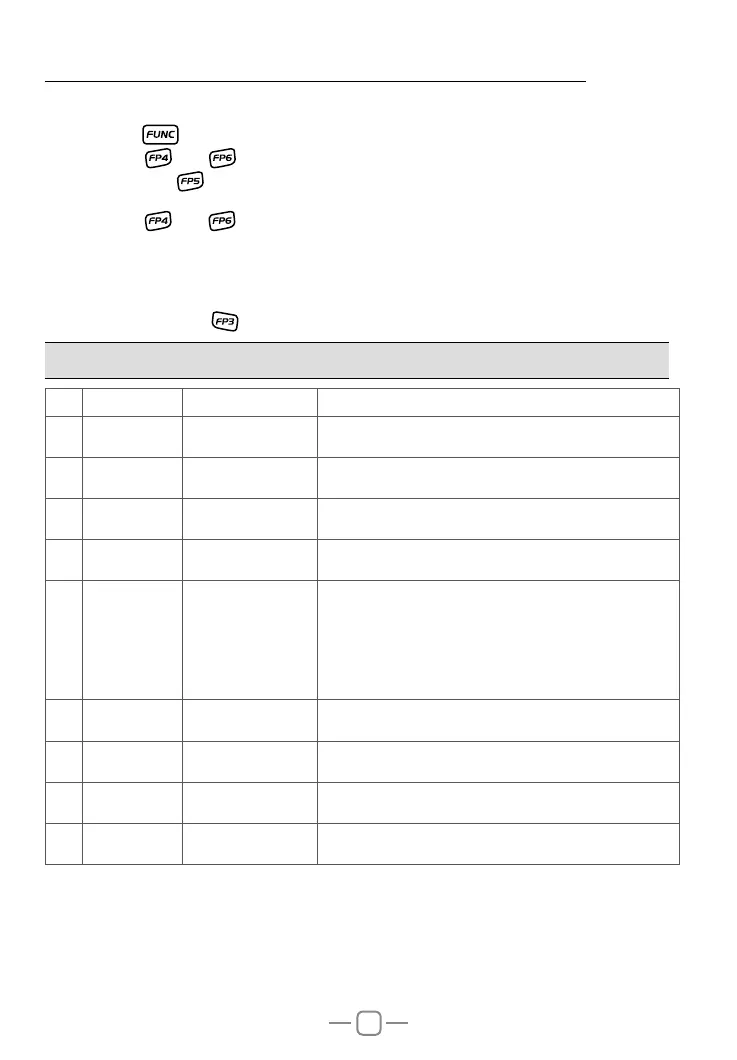
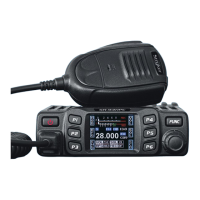
1.Long press key to enter main MENU interface.
2.Short press
key, key or channel switch to move cursor, to choose menu group.
(Note: short press
key can fast turn page)
3.Press [PUSH] key to enter PUD MENU .
4.Short press
key, key or channel switch to move cursor, to choose wanted menu
setting.
5.Press [PUSH] key to enter function setting, the chosen menu value in LCD will turn to
green color.
6.Turn channel switch to choose wanted setting.
7.Press [PUSH] key or
key to conrm and exit.
8. PUBLIC DATA FUNCTION MENU OPERATION
NO. LCD display Function detail Setting details
1
A/FM XXX AM/FM switch
FM: Turn on FM mode.
AM: Turn on AM mode.
2
NB XXX NB on/off
OFF: Turn off NB function.
ON: Turn on NB function.
3
HIC XXX HI-CUT on/off
OFF: Turn off HI-CUT function.
ON: Turn on HI-CUT function.
4
RB XXX RB groups setting
OFF-5, total 6 groups.
OFF: Turn off RB function.
5
CDT XXX
CTCSS/DCS
encode setting
Long press [PUSH] key to choose wanted setting:
CTC: 67.0Hz~250.3Hz, total 38 groups.
DCS: D023N~D754N, total 104 groups.
OFF: Turn off CTCSS/DCS encode.
Long press [PUSH] key to conrm and exit.
Note: This is function is optional.
6
BUSY XXX Busy channel lock
OFF: Turn off busy channel lock function.
ON: Turn on busy channel lock function.
7
BOT XXX Call setting
OFF: Press PTT will not transmit DTMF code.
1~16: Press PTT to transmit DTMF code.
8
EOT XXX Call setting
OFF: Release PTT will not transmit DTMF code.
1~16: Release PTT to transmit DTMF code.
9
CALL XXX Call setting
OFF: Press CALL key will not transmit DTMF code.
1~16: Press CALL key to transmit DTMF code.
Note: Public function menu offer one-time setting for all channels.


 To Next Page