Version No. 1.0
Page 17 of 51 User Manual STS Safe Series all Equipment 2023 V1.1
Starting an exercise
To ensure that good network connection is made the FH40 instruments should be turned on
before the source(s) are activated.
Setting up Alarm and Background levels
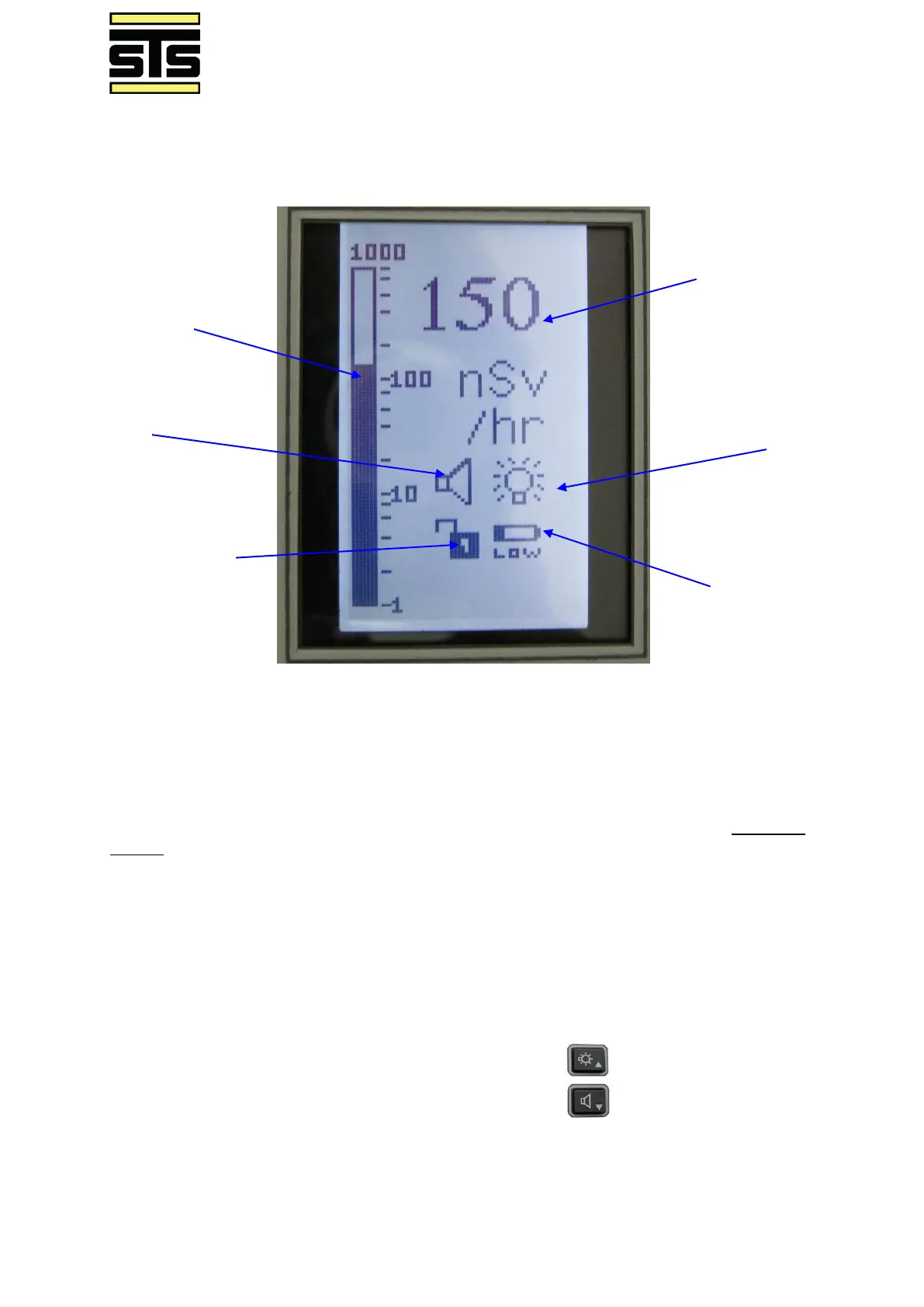
To enter the menu options, the device must be unlocked. The current lock status is shown in
the bottom left corner of the home screen.
To unlock or lock the instrument, press both UP and DOWN simultaneously. The Lock
Status icon will change to show the new Lock status.



 To Next Page