Version No. 1.0
Page 23 of 51 User Manual STS Safe Series all Equipment 2023 V1.1
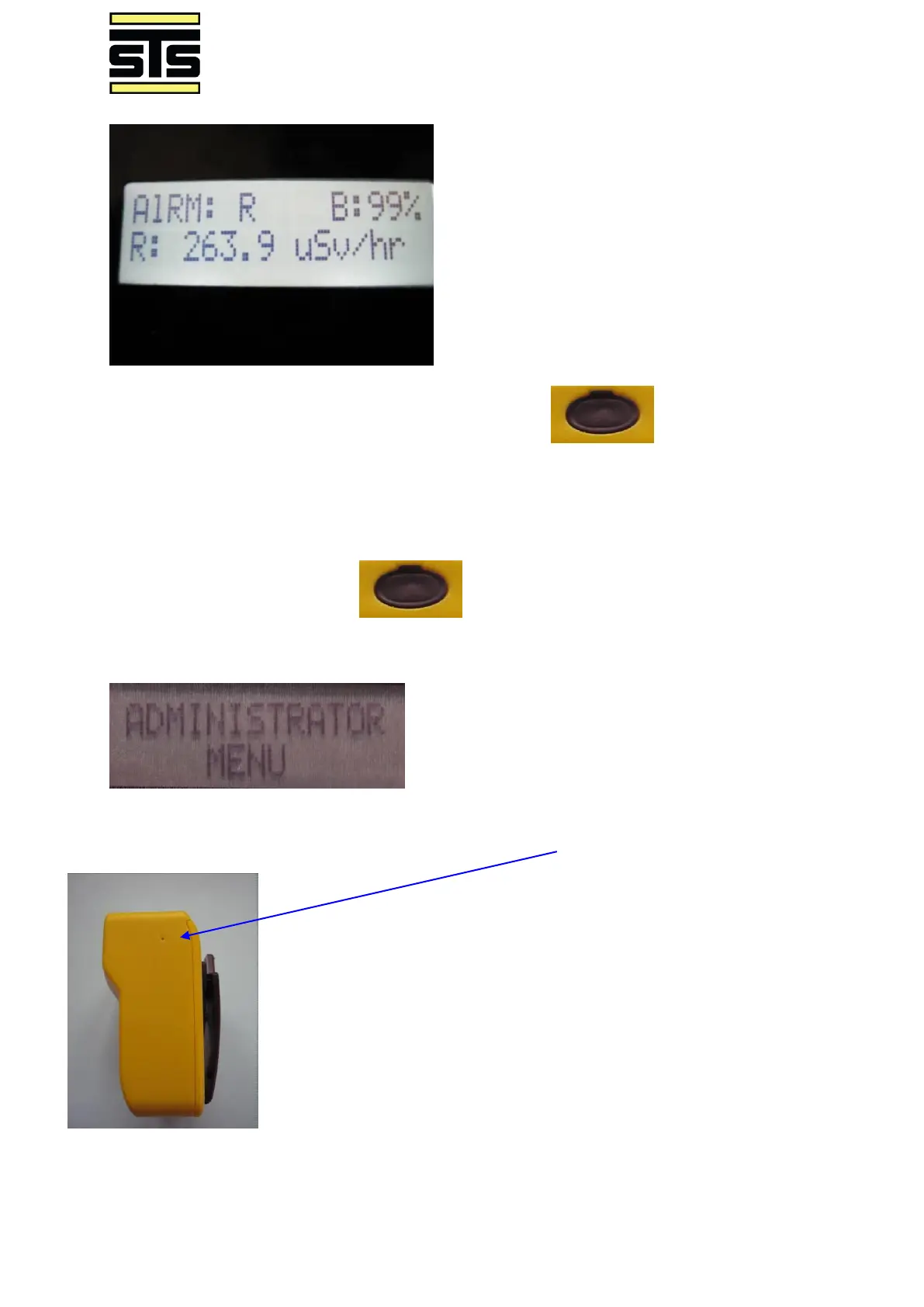
To view the user selectable menu items use the scroll key to move through
the Home menu, the Home menu will loop through DOSE, RATE, and Admin Menu screens.
ADMINISTRATOR accessible Menu:
To enter the Admin menu, press until the screen shows Administrator Menu.
Use a paper clip to activate the Admin Menu through the access hole
In the Administration Menu there will be various setting available for
selection:



 To Next Page