E-11
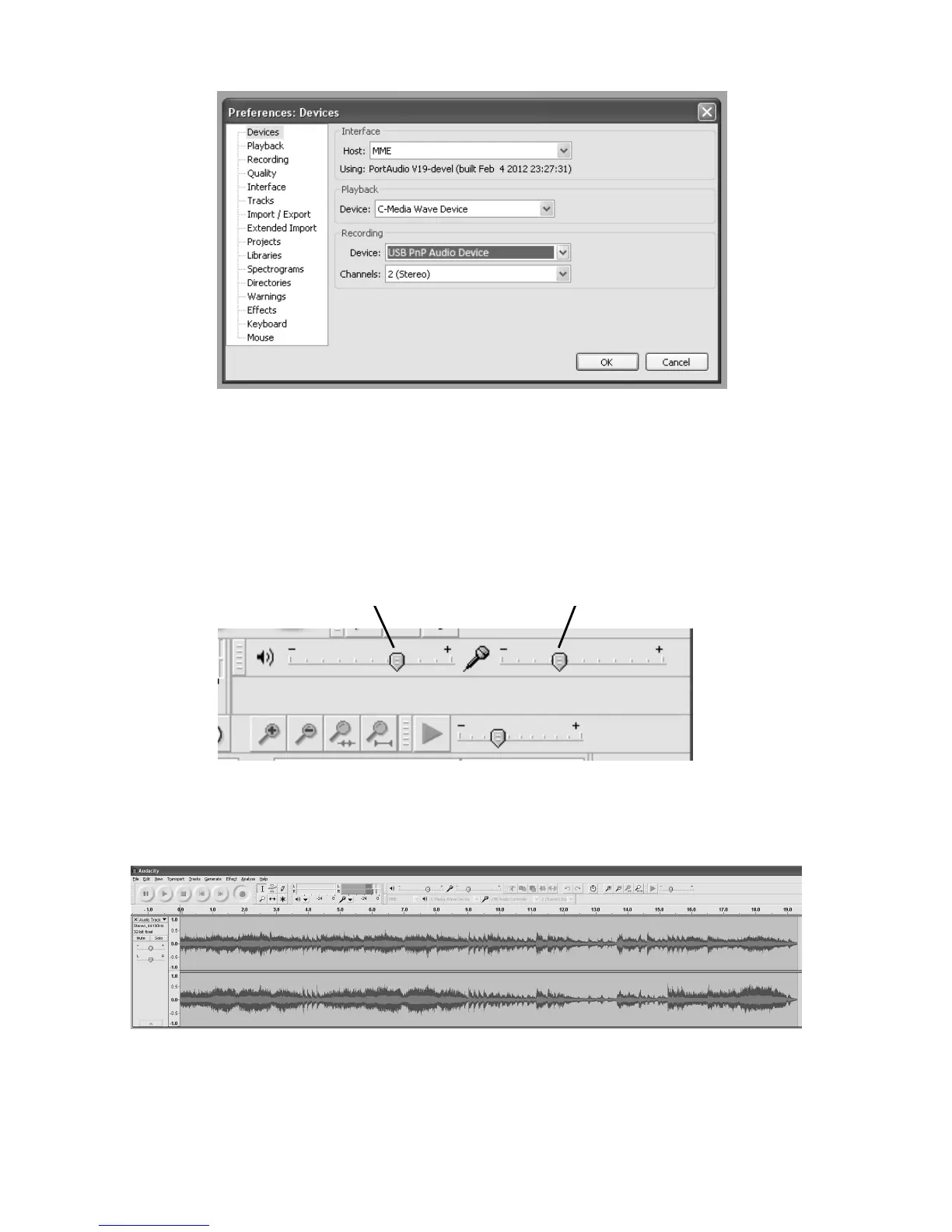
Note: If you couldn't find
the "Microphone (USB Audio Controller or USB Audio Code)"
or “Microphone array to USB PnP audio device/controller”
from the Device list, close the
Audacity Software, make sure the USB Turntable is connected, then re-start Audacity
Software and try again.
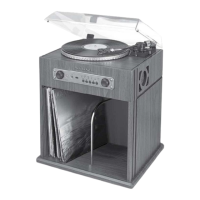
4. Adjust the input and output volume by sliding the Input and Output Volume bars.
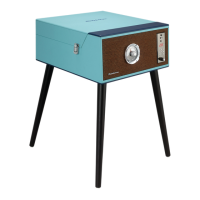
5. Click the record button to start recording, left and right tracks will show on your
computer screen. If you cannot see the sound waves appear on the Interface when
recording, adjust the Input volume bar.
Output Volume Input Volume


 To Next Page