E-10
RUNNING AUDACITY SOFTWARE
Note: Please review the software license and distribution restrictions found on the
software disc. Use of Audacity software is subject to those conditions and restrictions.
For additional help with recording and editing music by using the Audacity software,
please visit http://audacity.sourceforge.net/
1. Run the Audacity software from the Windows start menu or double click the Audacity
icon on your computer desktop.
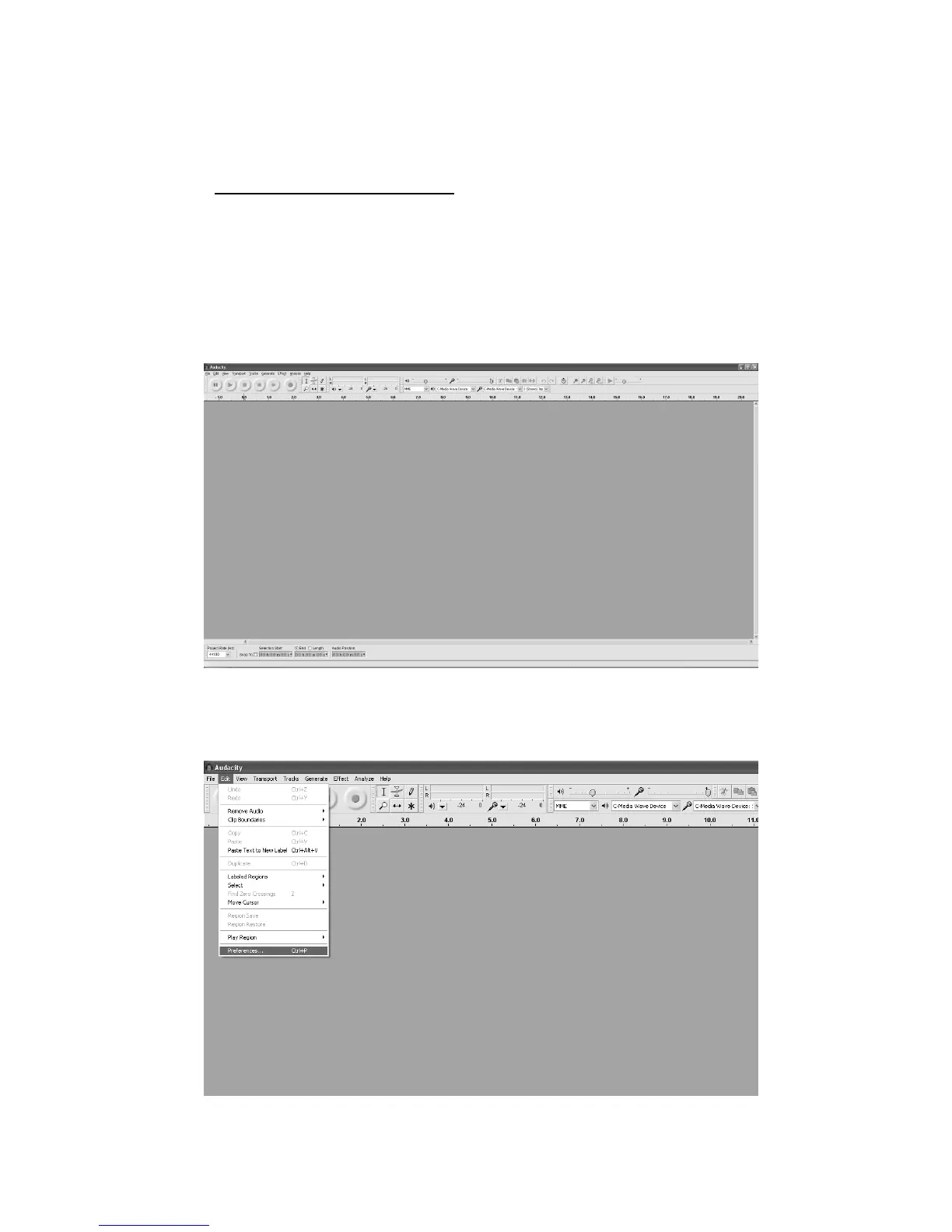
2. The Audacity main screen appears. You will find the Record, Play, Pause, Stop, Skip
to Start and Skip to End control buttons here. Use the File, Edit, View, Transport,
Tracks, Generate, Effect and Analyze menus from your computer screen to Save,
Export or Edit the music.
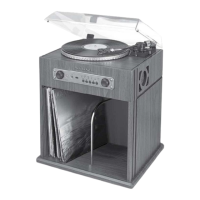
3. Click “Preferences” at the bottom of the Edit menu for Devices, Quality, and various
other settings.


 To Next Page