Record your concerts
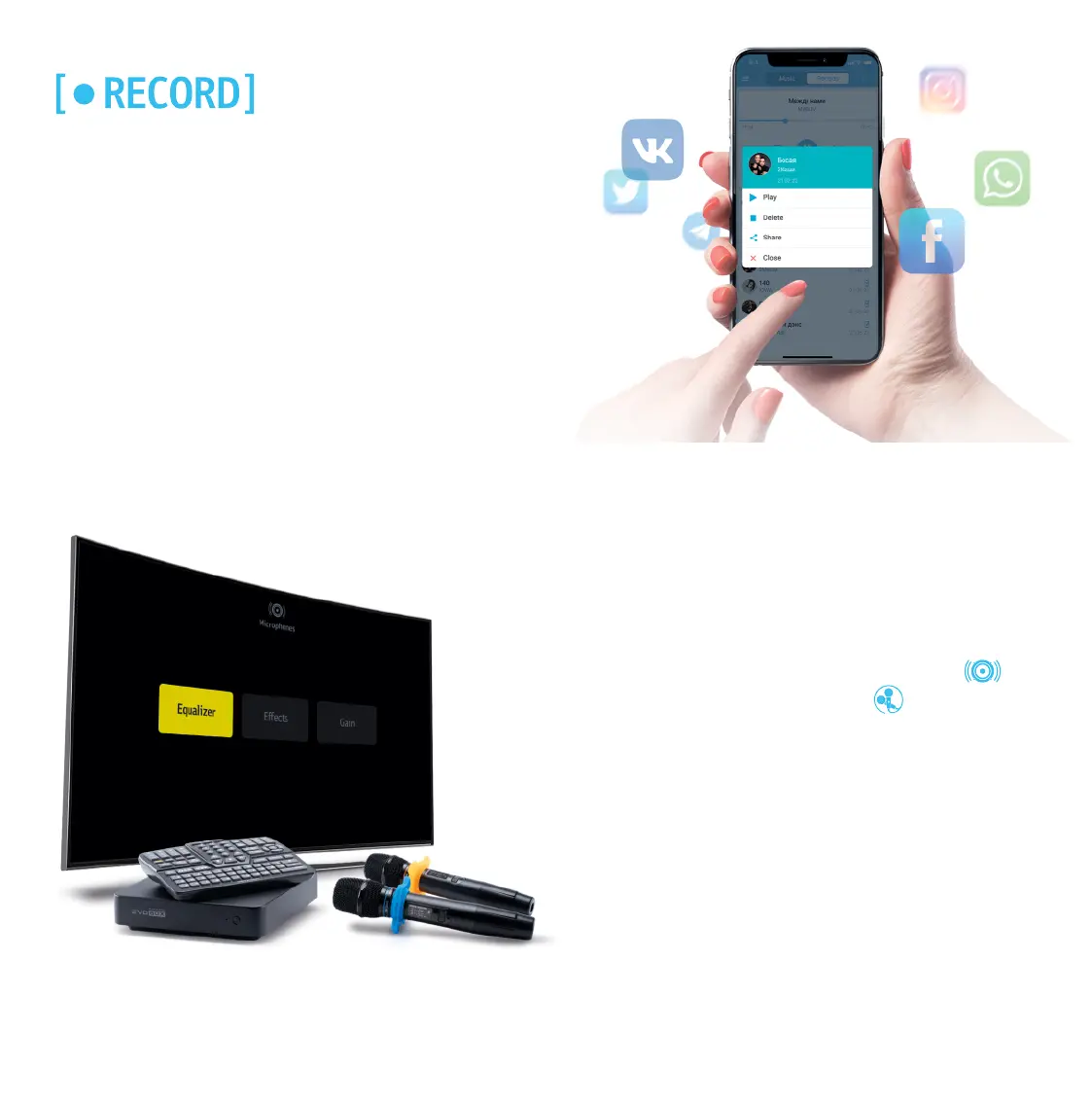
Record your performances with EVOBOX in studio quality. To
enable it, press the Record key on the remote control or tap a
similar button in the application interface.
You can easily copy the recordings to a USB drive or instantly
share them with your friends and family members via instant
messengers or social networks, with the application.
For a more voluminous and spectacular sound of your
voice, we recommend adjusting the microphones.
Go to EVOBOX's Settings, select the Audio section
and go to the Microphones subsection .
Adjust the EQ for your voice, select the gain level for
microphones and choose the following effect types:
Deley, Reverb. Use the remote control or app to adjust
the effects.
Microphone Settings


 To Next Page