4
:
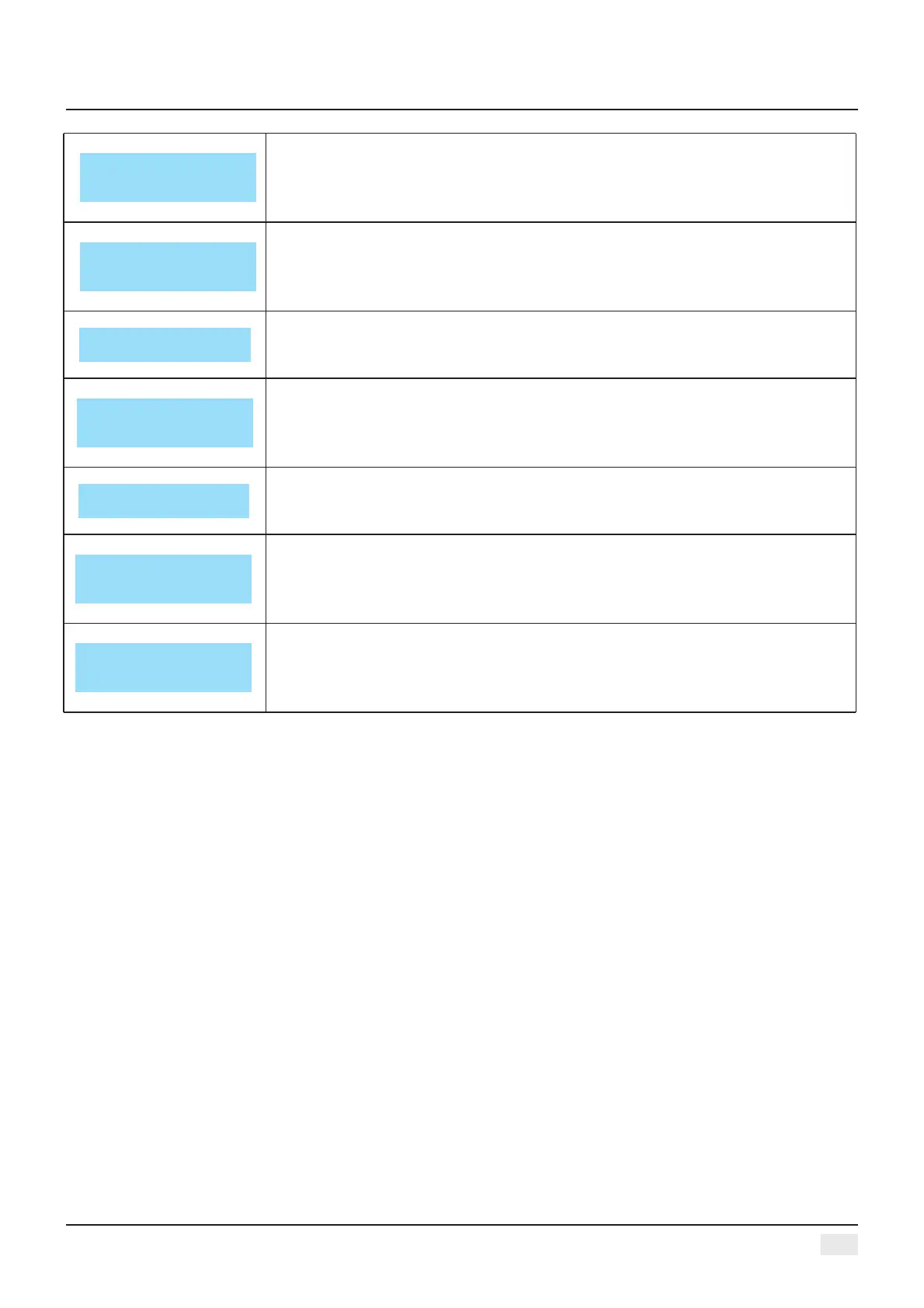
Press DOWN key one time, enter PEQ PARAMETER SETTING: ”PEQ” current
number is 9, the scale of “F” is 20Hz-20kHz, “Q” is 0. 4-128 “G” is -12dB
- +12dB, the style of filter are Peak, Low-shelf, High-shelf, High-cut, Low-cut,
Allpass1, Allpass2, Bypass(ON/OFF).
DELAY OUT1
0.000ms
0.000m 0.000ft
Press DOWN key four times,enter delay parameter setting: the scale is 0-680
mS, 0-234m, 0-769ft .
Press DOWN key two times, enter low-high pass parameter setting: the scale
of “HP” is
20Hz-20kHz, “LP” is 20Hz- 20kHz, 3 different slanting rate for low/high pass
filter: Butterworth, Bessel, Linkwitz- Riley, Slanting rate is -6dB--48dB.
Press DOWN key three times, enter matrix setting, all the output channel can
choose one
or several input signal freely.
Press DOWN key five times, enter phase parameter setting: the scale is
°0/180°.
Press DOWN key six times, enter compressor setting: the scale of threshold is -60dB
~+20dB, startup time is 1-999ms,attached time is 10-3000ms, ratio is 1:1, 1:10-LIMIT..
Press DOWN key seven times, enter linking adjustment: select the
corresponding channel can adjust the parameters.
COMPRESSOR OUT1
TH:+20.0 RAT:1.0
AT: 50ms REL: 500ms
MATRIX OUT1
A: □ B: □ C: □ D: □
√
PEQ: 1 OUT1
G:0.0 FREQ:40.2 BY
Q:3.00 YPTE: PEAK □
HI&LOW-PASS OUT1
HP: 19.6 BYPASS
LP: 20K15 BYPASS
PHASE OUT1
0: □ 180: □
√
OUTLINK OUT1
1: □ 2: □ 3: □ 4: □
5: □ 6: □ 7: □ 8: □
√
Digital Audio Processor


 To Next Page