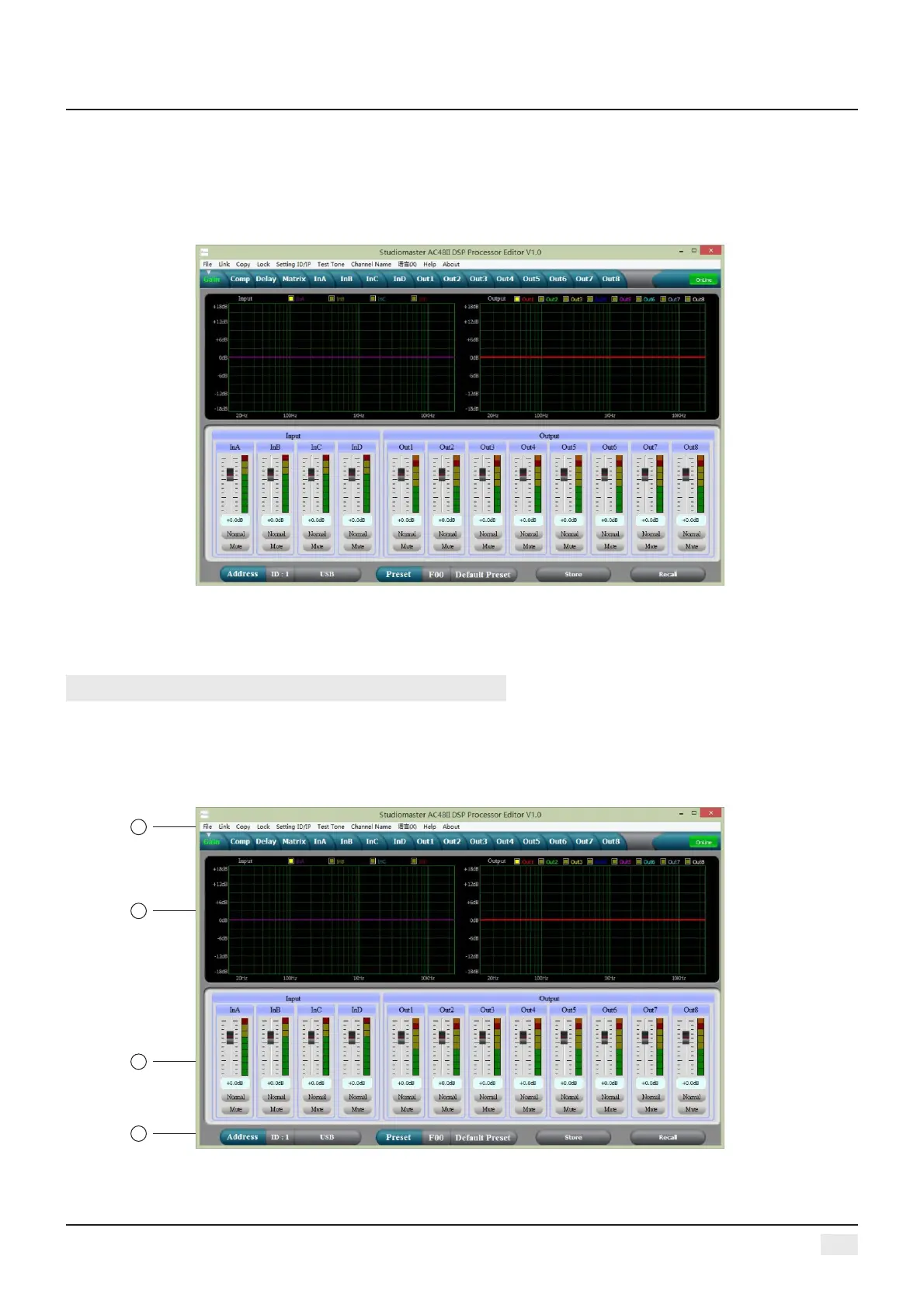
3, Open PC controlling software, PC software will find USB and connect device, after that the on-Line
key change into green at the top right corner and show “Online” , you can operate the Processor by
controlling software, Click “Online” button before exit.
6
THE FIRST: VOLUME CONTROL INTERFACE
PC SOFTWARE INTERFACE SPECIFICATIONS
2
1
3
4
Digital Audio Processor


 To Next Page