25
CLEANING ODS/PILOT
Use a vacuum cleaner, pressurized air, or a small, soft bristled brush to clean.
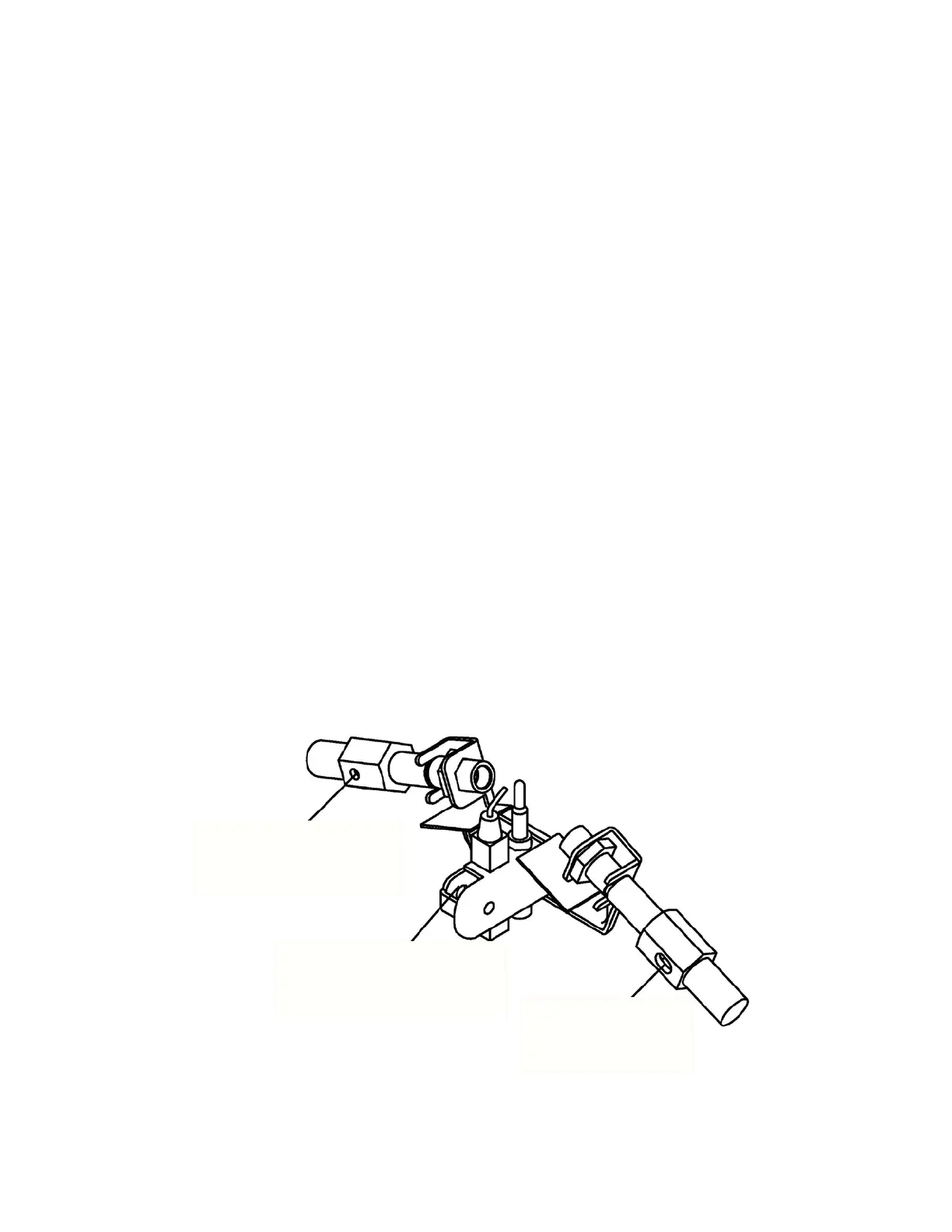
A yellow tip on the pilot ame indicates dust and dirt in the pilot assembly. There is a
small pilot air inlet hole about two inches from where the pilot ame comes out of the
pilot assembly (see Fig. 25). With the unit off, lightly blow air through the air inlet hole.
You may blow through a drinking straw if compressed air is not available
CABINET
Air Passageways
● Use a vacuum cleaner or pressurized air, and a small soft bristled brush to clean.
Exterior
● Use a soft cloth dampened with a mild soap and water mixture.
● Wipe the cabinet to remove dust.
LOGS
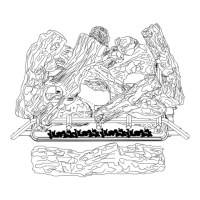
● If you remove logs for cleaning, refer to Installing Logs to properly replace logs.
● Replace log(s) if broken or chipped (dime-size or larger).
BLOWER - 0293810 (Optional Accessory Sold Separately)
Refer to blower manual.
Fig. 25
NG Pilot Air
Inlet Hole
Pilot Assembly
LP Pilot Air
Inlet Hole


 To Next Page