Black plate (251,1)
北米Model "A2520BE-A" EDITED: 2015/ 5/ 25
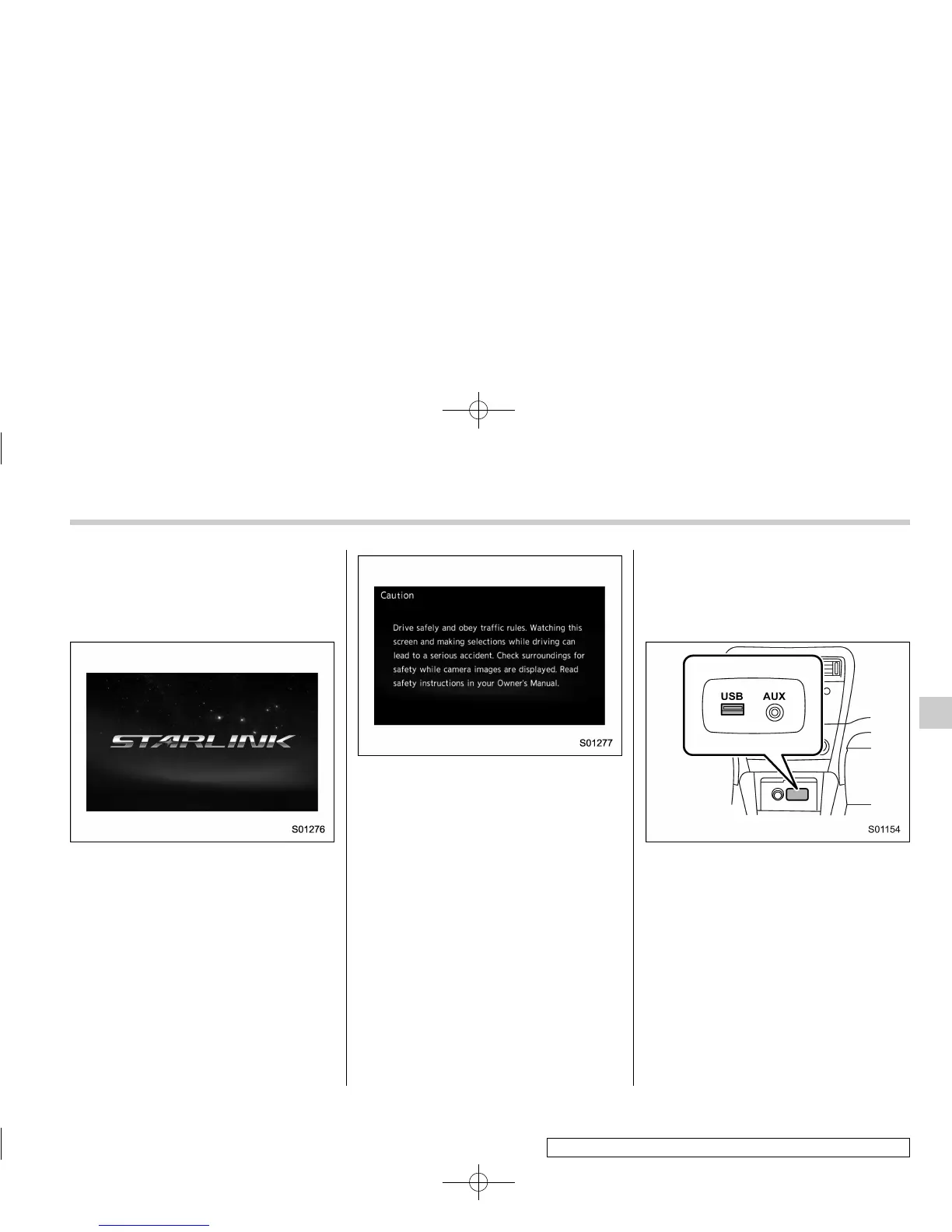
! Initial screen
When the ignition switch is in the “ACC” or
“ON” position, the initial screen will be
displayed and the system will begin
operating.
. When using the STARLINK function (if
equipped), the display screen may be
different from the screen above.
. After a few seconds, the caution screen
will be displayed.
. After about 5 seconds, the caution
screen automatically switches to the next
screen.
! Connecting and disconnecting a
USB memory/portable device
The USB port and the AUX jack are
located as shown in the following illustra-
tion.
NOTE
. This unit does not support commer-
cially available USB hubs.
. Turn on the power of the device
when it is not turned on.
. This device has a USB port for USB
memory/portable device.
. For compatible USB memory de-
vices, refer to “USB memory device”
F5-10.
. For compatible iPod models, refer to
“iPod” F5-10.
. Even if a USB hub is used to
connect more than two USB devices,
Audio/Audio set
– CONTINUED –
5-17
5













 To Next Page