Black plate (315,1)
北米Model "A2520BE-A" EDITED: 2015/ 5/ 25
transferring contact data.
Voice command system
The voice command system enables the
audio, hands-free phone system, etc. to
be operated using voice commands.
Refer to the “Command list” F5-84 for
samples of voice commands.
Voice commands can be used even when
you set the system to another language.
For details about setting language, refer to
“General settings” F5-20.
& Using the voice command
system
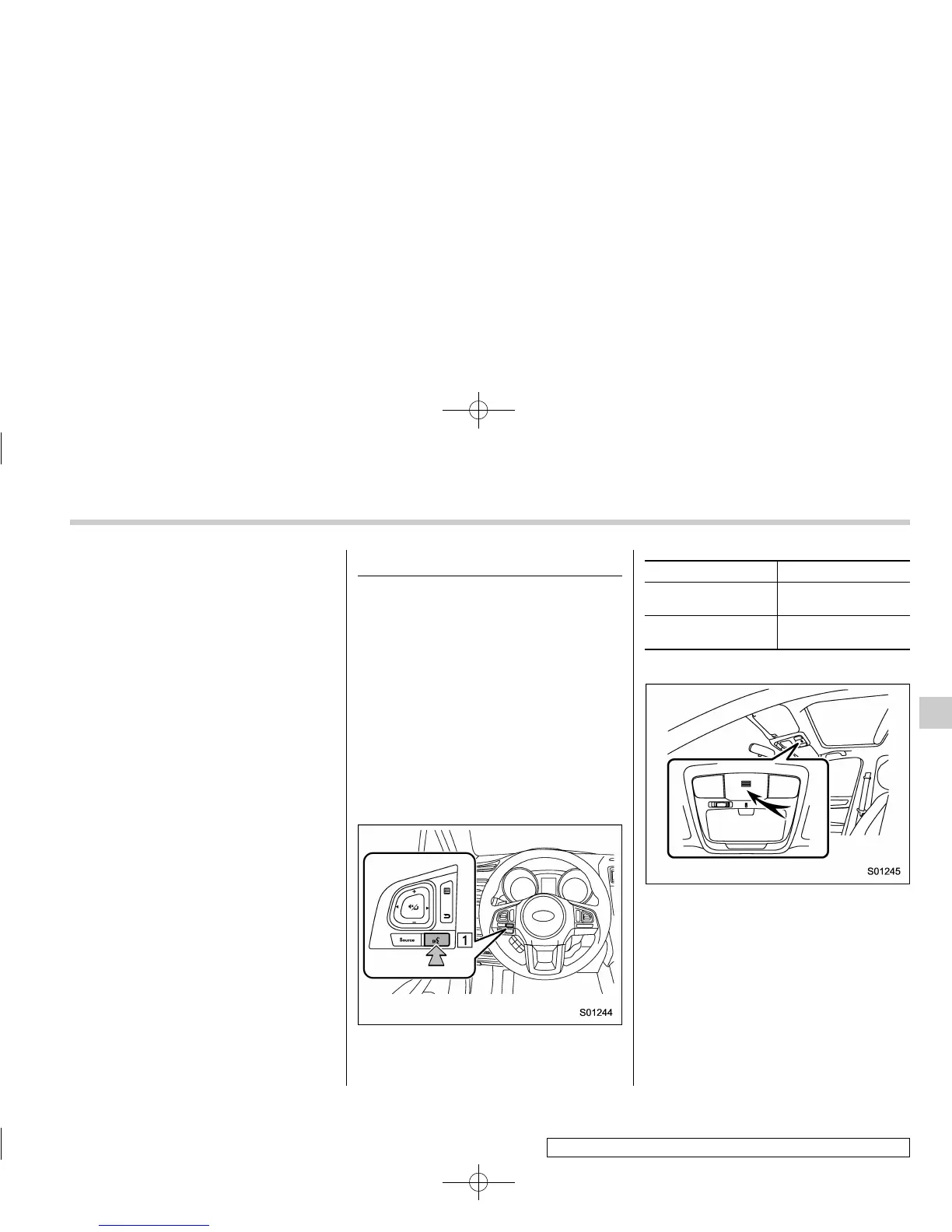
! Steering switch
1) Talk switch
Action Function
Press
Start the voice com-
mand system.
Press and hold
Cancel voice recogni-
tion.
! Microphone
It is unnecessary to speak directly into the
microphone when giving a command.
NOTE
. Wait for the confirmation beep be-
fore speaking a command.
. Voice commands may not be recog-
nized if:
– Spoken too quickly.
– Spoken at a low or high volume.
– The moonroof or windows are
Audio/Voice command system
– CONTINUED –
5-81
5













 To Next Page