Black plate (408,1)
北米Model "A2520BE-A" EDITED: 2015/ 5/ 25
Starting and operating/Cruise control
When setting the di splayed unit as
“MPH”:
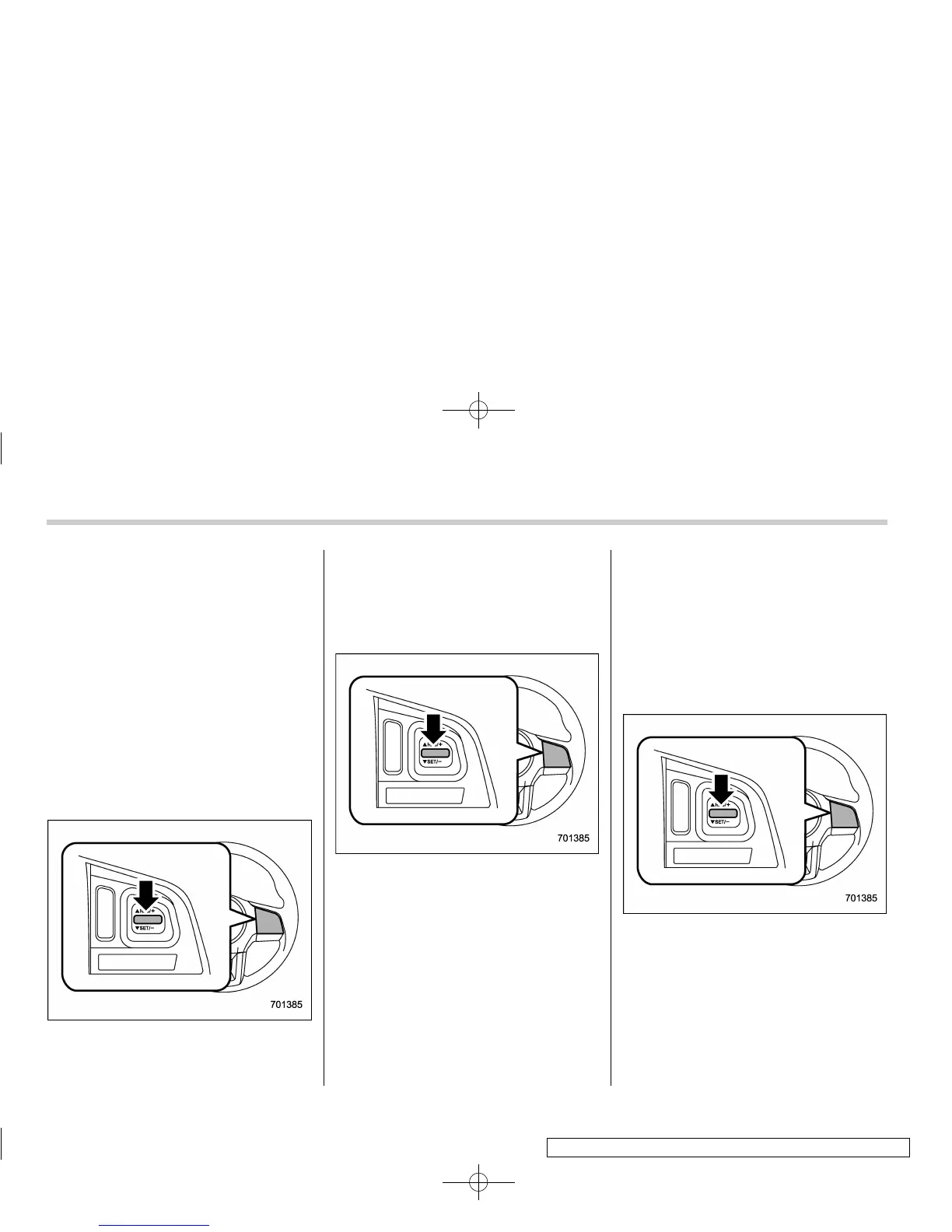
The set speed can be increased 1 mph
(1.6 km/h) each time by pressing the
“RES/SET” switch to the “RES” side.
When setting the di splayed unit as
“km/h”:
The set speed can be increased 1 km/h
each time by pressing the “RES/SET”
switch to the “RES” side.
! To increase the speed (by accel-
erator pedal)
1. Depress the accelerator pedal to
accelerate the vehicle to the desired
speed.
2. Press the “RES/SET” switch to the
“SET” side once. Now the desired speed
is set and the vehicle will keep running at
that speed without depressing the accel-
erator pedal.
! To decrease the speed (by the
“RES/SET” switch)
Press the “RES/SET” switch to the “SET”
side and hold it until the vehicle reaches
the desired speed. Then, release the
switch. The vehicle speed at that moment
will be memorized and treated as the new
set speed.
When setting the displayed unit as
“MPH”:
The set speed can be decreased 1 mph
(1.6 km/h) each time by pressing the
“RES/SET” switch to the “SET” side.
When setting the displayed unit as
“km/h”:
The set speed can be decreased 1 km/h
each time by pressing the “RES/SET”
switch to the “SET” side.
! To decrease the speed (by brake
pedal)
1. Depress the brake pedal to release
cruise control temporarily.
2. When the speed decreases to the
desired spe ed, press the “RES/S ET”
switch to the “SET” side once. Now the
desired speed is set and the vehicle will
keep running at that speed without de-
pressing the accelerator pedal.
7-52













 To Next Page