(Send).
● While the message is being sent, a sending message
screen is displayed.
EDITING QUICK REPLY MESSAGES
This operation cannot be performed while driving.
1. Select
(I am
driving and will arrive in approximately [ETA] minutes.)*
2
)
cannot be edited. [ETA] will automatically be replaced with the
estimated time of arrival on the conrm message screen.
If there are waypoints set, [ETA] to the next waypoint will be
shown.
If there is no route currently set in the navigation system, “Quick
Message 1” cannot be selected.
*
1
: Without navigation function
*
2
: With navigation function
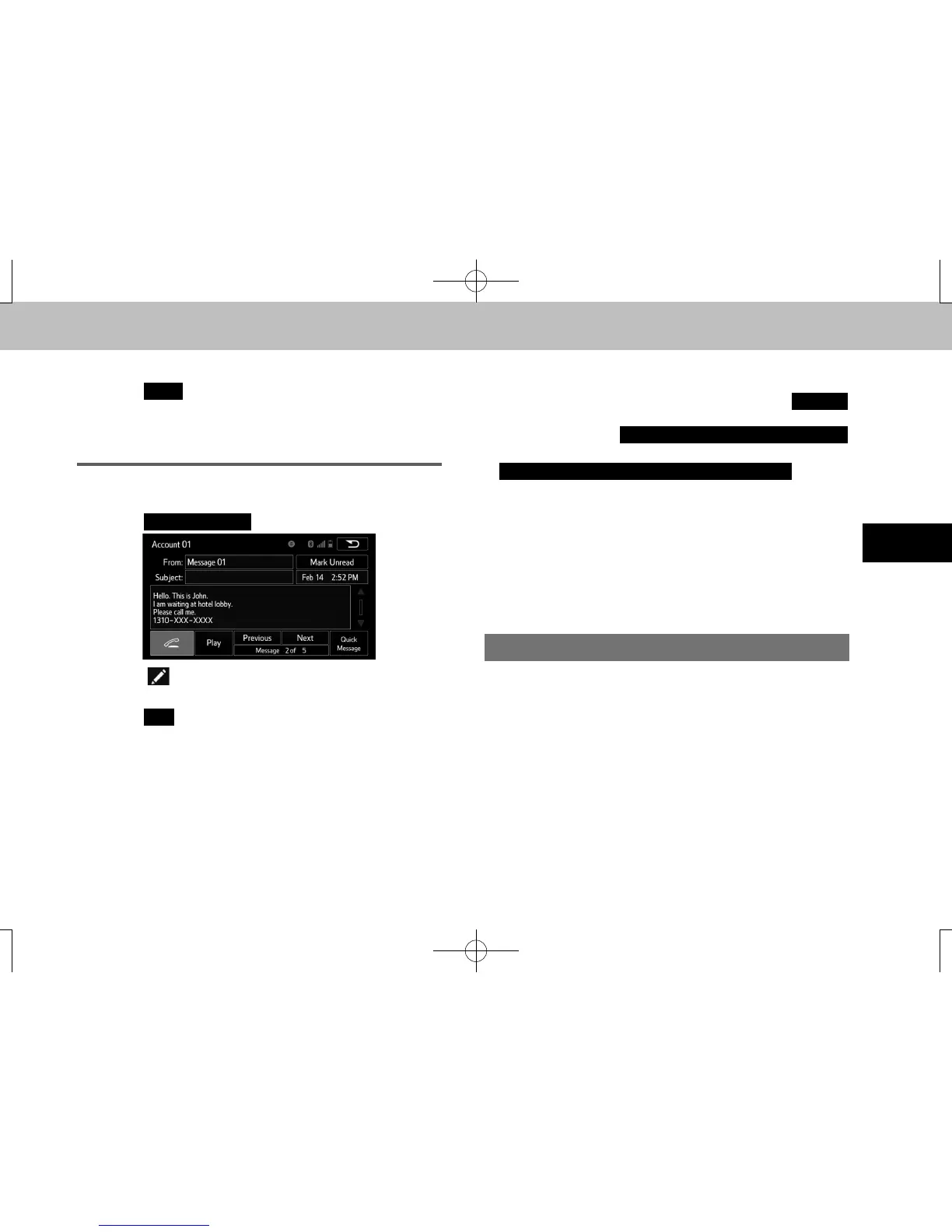
CALLING THE MESSAGE SENDER
Calls can be made to an e-mail/SMS/MMS message
sender’s phone number.
This operation can be performed while driving.
docstructure.indb 131 2016/03/30 11:16:03















 To Next Page