313
3-2. Using the audio system
3
Interior features
BRZ_EGE
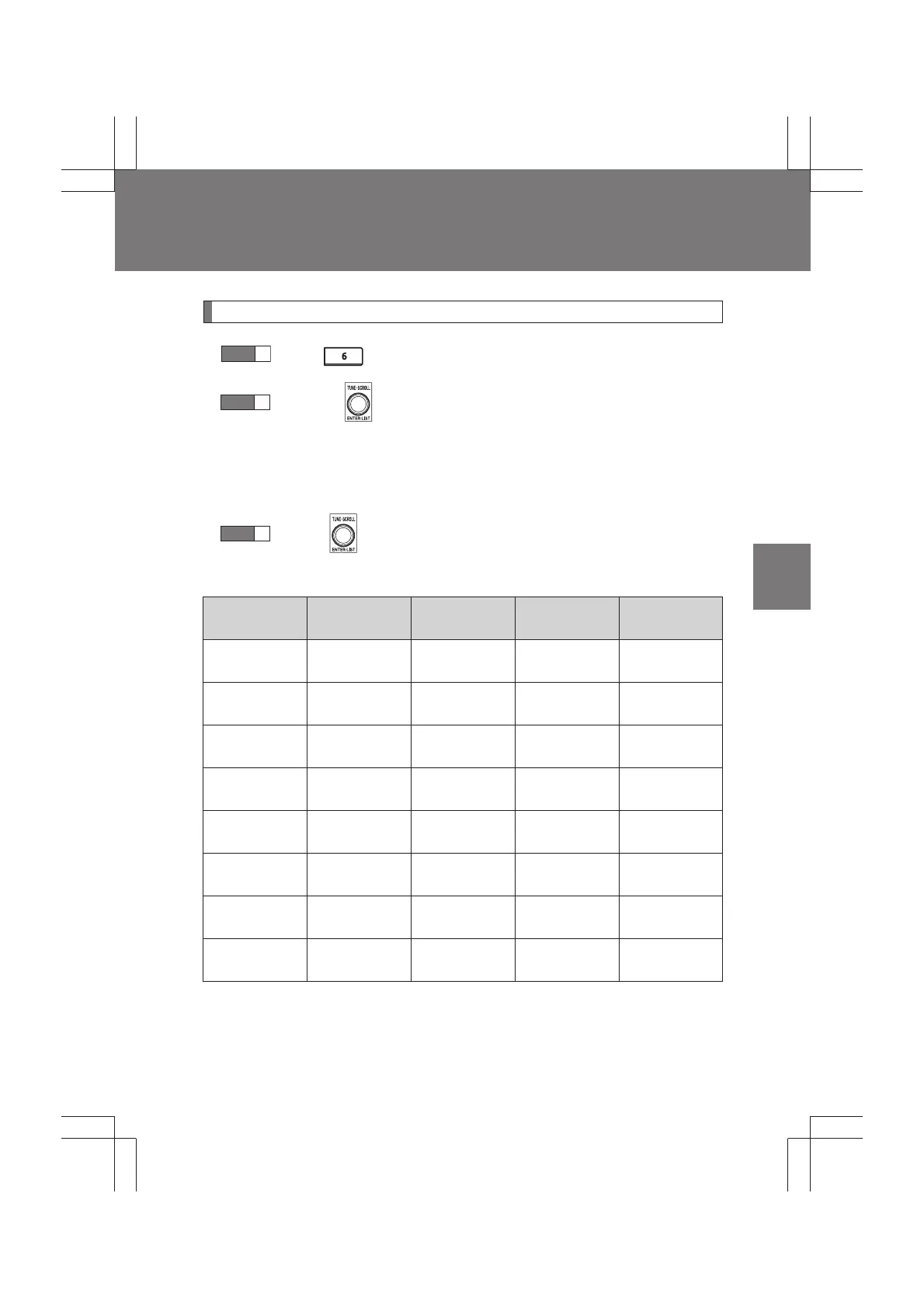
Selecting a play mode
Press (BROWSE) to select iPod menu mode.
Turning clockwise changes the play mode in the fol-
lowing order:
“PLAYLISTS”→“ARTISTS”→“ALBUMS”→“SONGS”→
“PODCASTS”→“GENRES”→“COMPOSERS”→“AUDIOBOOKS”
Press to select the desired play mode.
■ Play mode list
Play mode
First
selection
Second
selection
Third
selection
Fourth
selection
“PLAYLISTS”
Playlist
select
Songs
select
--
“ARTISTS” Artists select
Albums
select
Songs
select
-
“ALBUMS”
Albums
select
Songs
select
--
“SONGS”
Songs
select
---
“PODCASTS”
Albums
select
Songs
select
--
“GENRES” Genre select Artists select
Albums
select
Songs
select
“COMPOSERS”
Composers
select
Albums
select
Songs
select
-
“AUDIOBOOKS”
Songs
select
---
STEP
1
STEP
2
STEP
3


 To Next Page