314
3-2. Using the audio system
BRZ_EGE
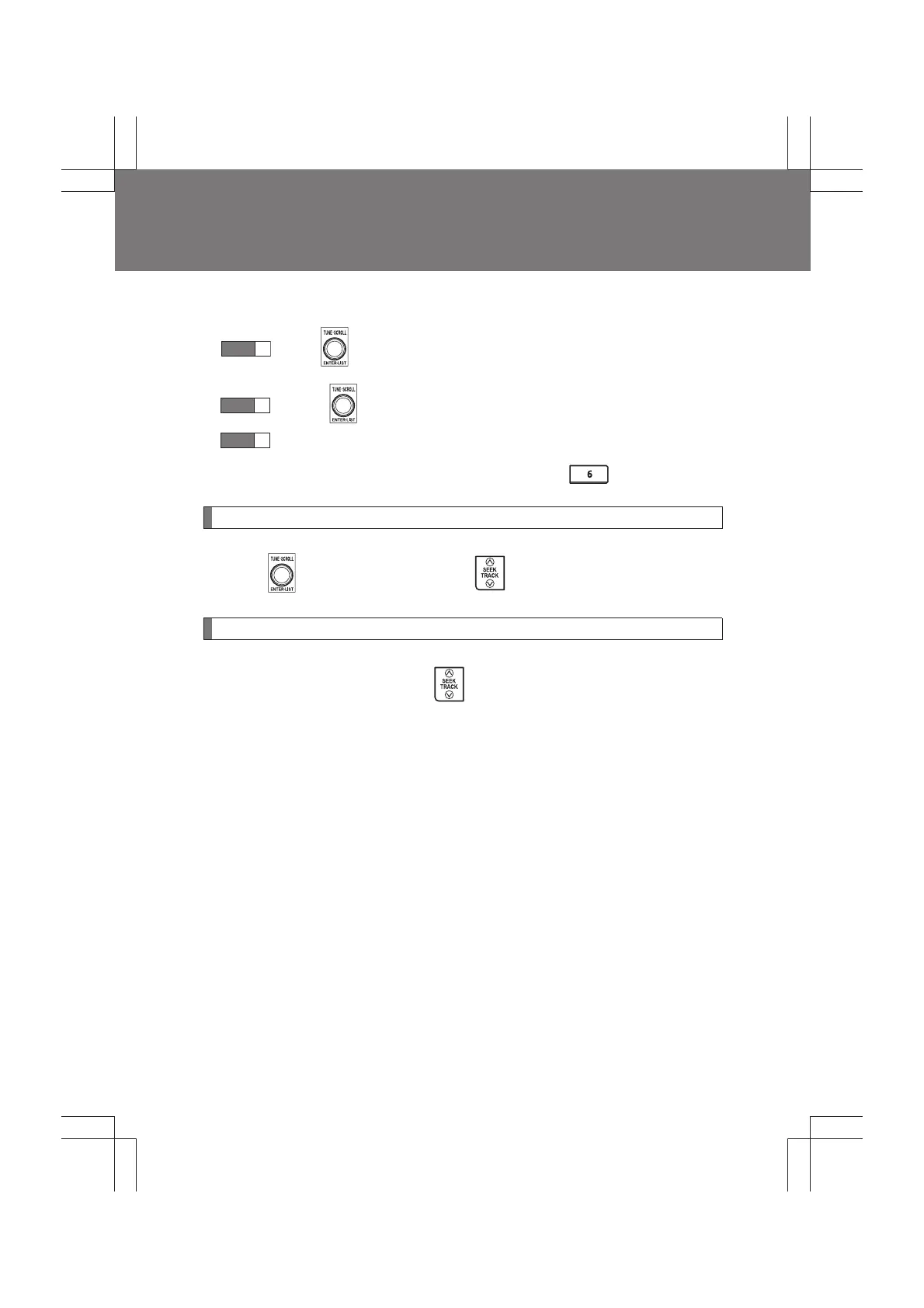
■ Selecting a list
Turn to display the first selection list.
Press to select the desired item.
Repeat the same procedure to select the desired song name.
To return to the previous selection list, press .
Selecting songs
Turn or press “∧” or “∨” on to select the desired song.
Fast-forwarding and rewinding songs
Press and hold “
∧” or “∨” on .
STEP
1
STEP
2
STEP
3


 To Next Page