11
Bluetooth Basics
Bluetooth without
Navigation System
Bluetooth with
Harmon Kardon
BlueConnect Bluetooth with
Navigation System
Media Hub
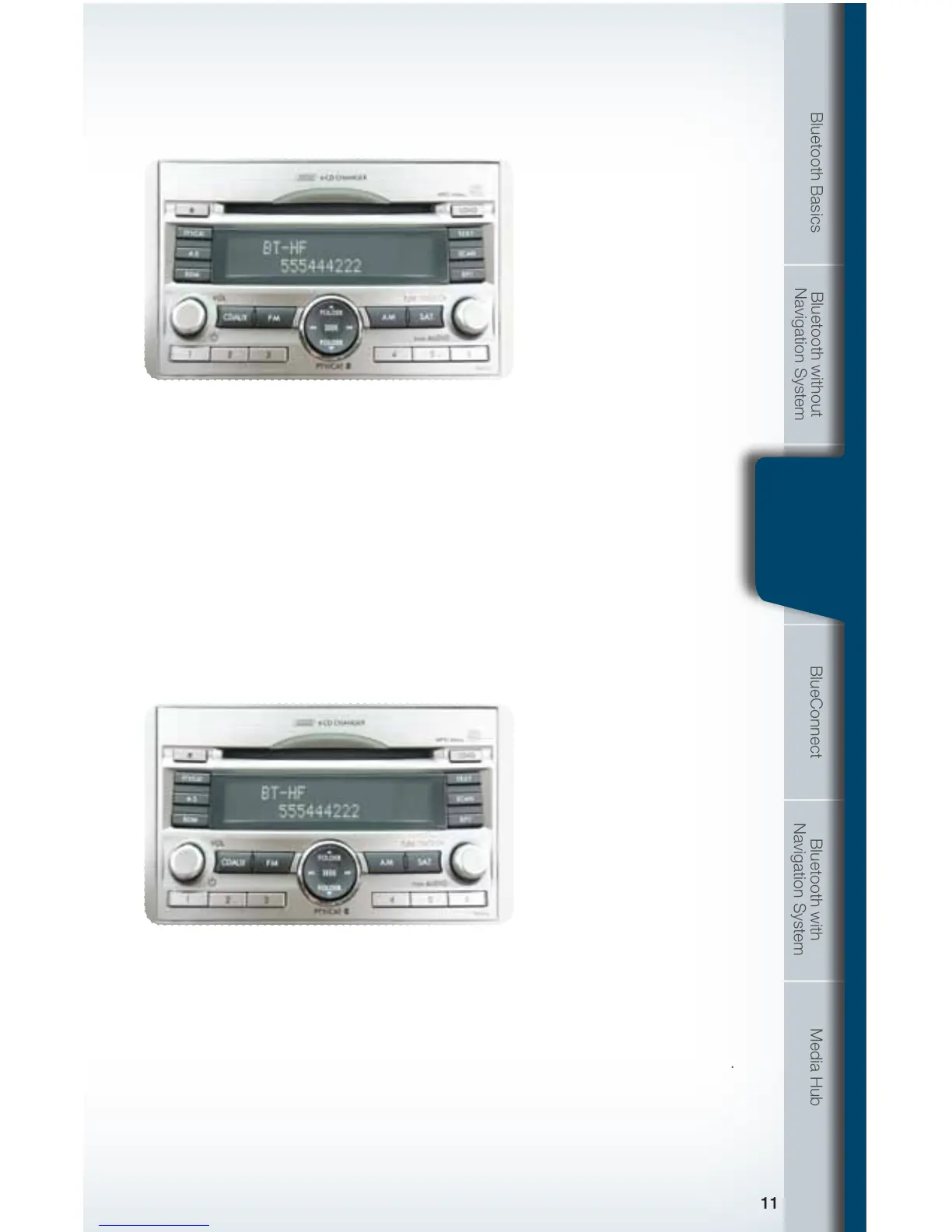
To end the call, press the phone on hook button.
Receiving a Call
When a call comes in you will be notied. The audio system will mute and a voice
prompt will inform you. Press the phone off hook button to accept the call.
The system will audibly repeat the number. If correct, press the off hook button to
dial, or press the talk button to change, cancel or delete the number. The phone
will start dialing.
If you want to put the call on hold, press the phone on hook button. If you want to
decline the incoming call, press and hold the on hook button. If you want to adjust
the volume of the call, use the plus or minus switch on the steering wheel switches.
If you want to end the call, press the phone on hook button.
Bluetooth with
Harmon
Kardon
793593_11a_Bluetooth_QRG_072310.indd 11 7/23/10 11:21 AM







 To Next Page