23
Bluetooth Basics
Bluetooth without
Navigation System
Bluetooth with
Harmon Kardon
BlueConnect Bluetooth with
Navigation System
Media Hub
Accessing the Media Hub
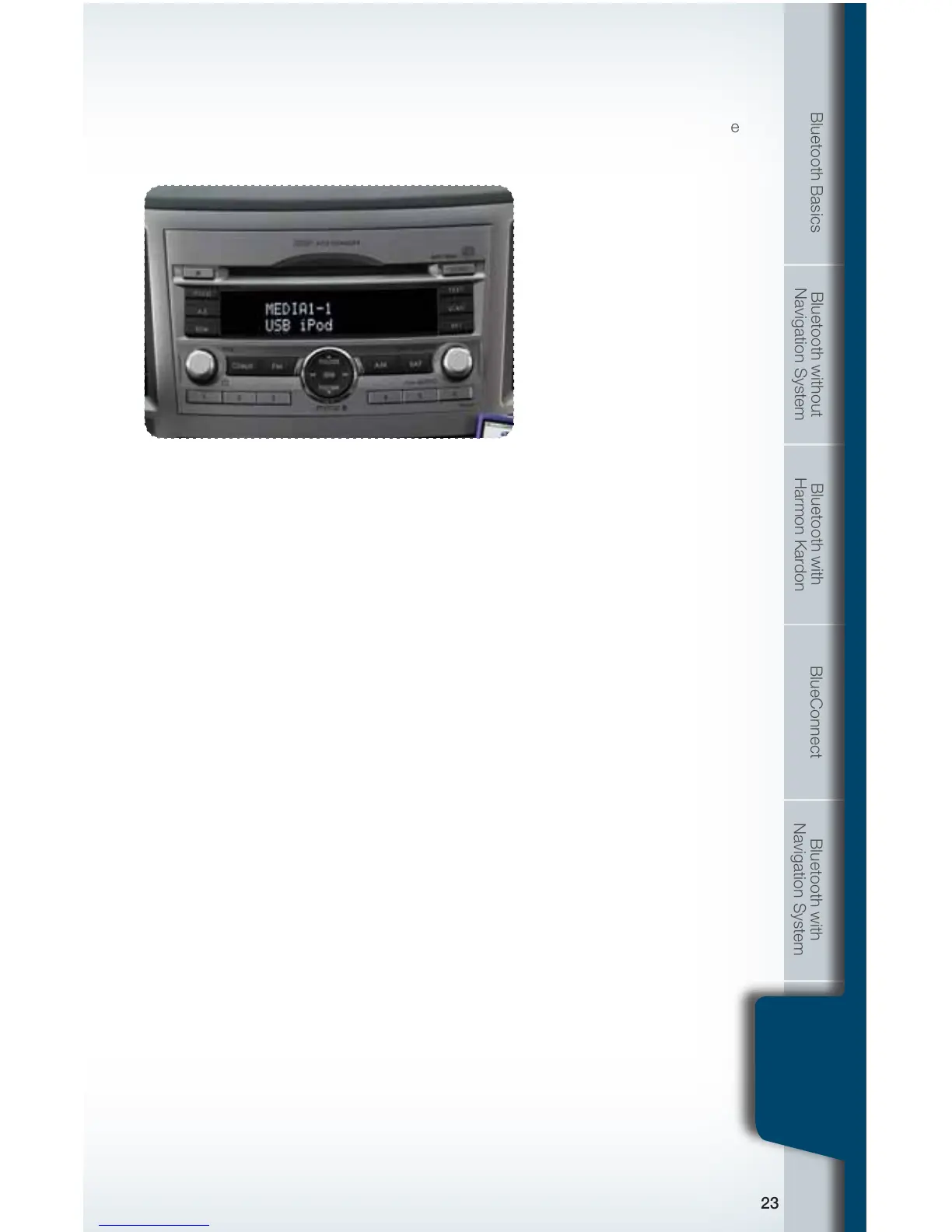
To access an item connected to the Media hub press the SAT button located on the
audio system repeatedly until the correct Media hub mode is selected.
iPod Operation
Text Display
Press the TEXT button located on the audio system repeatedly to cycle through
the available text elds:
• TITLE – Song title
• NAME – Artist - Album
• CATEGORY – Displays the information related to the selected mode
• CH NAME – USB iPod
• CH NUMBER (xed eld) – CH001
Changing Tracks
While your iPod is selected and playing through the audio speakers, press the
SEEK button or turn the TUNE/TRACK/CH knob located on the audio system to
skip forward or backward through the music on the iPod.
Rewind and Fast Forward
Press and hold the SEEK button to rewind or fast forward a track.
Media Hub
793593_11a_Bluetooth_QRG_072310.indd 23 7/23/10 11:24 AM





 To Next Page