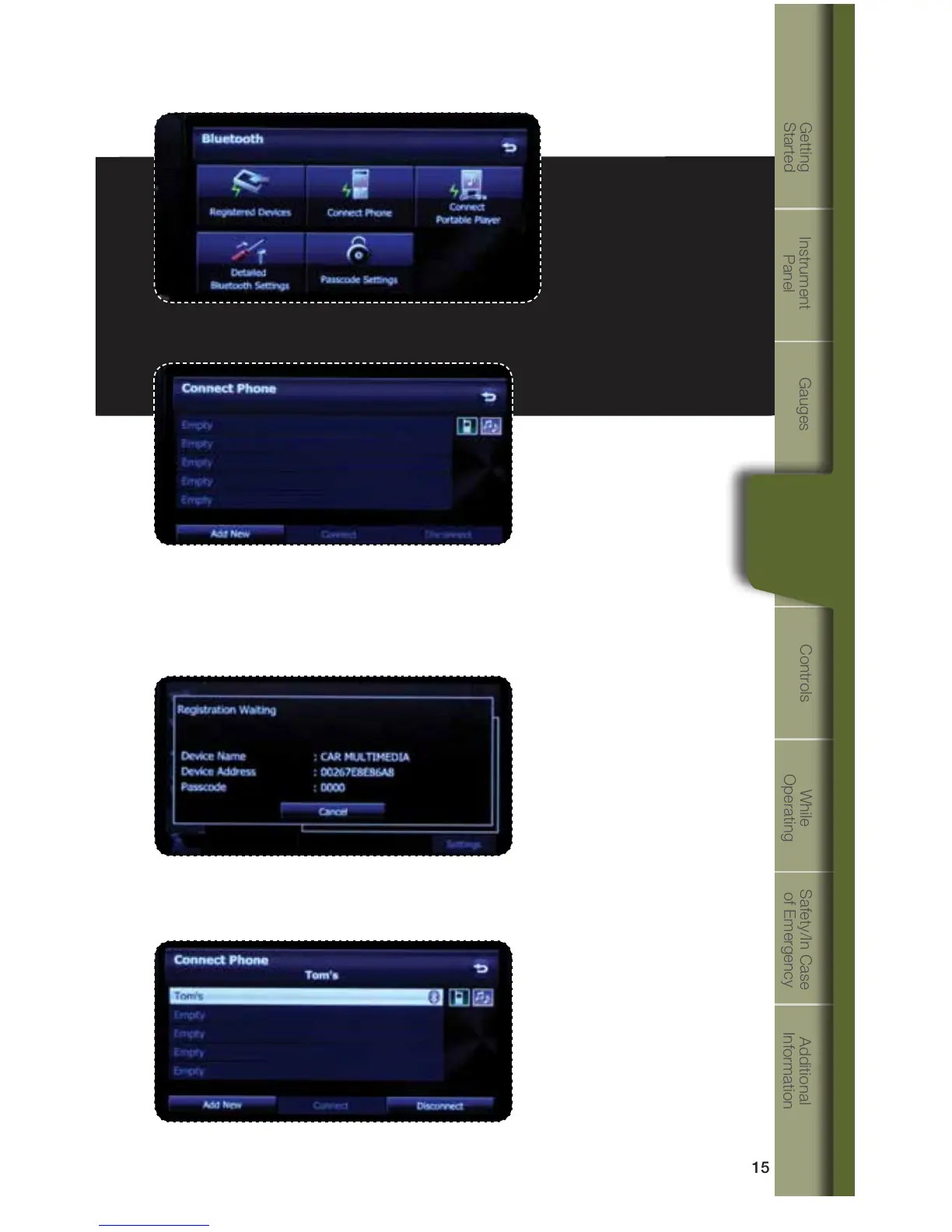
Nowtouch“RegisteredDevices.”
When the phone is successfully paired, the screen will show the phone’s
name on the list.
Touch“AddNew.”
Personalize
A pass-key pairing number will appear on the screen. Put your phone into
Bluetooth pairing, search or discoverable mode. Depending on the phone’s
make, model and software; the phone may connect automatically or the pass-key
number may need to be inputted on the phone. Pair your phone to the system.
1353095_14a_Subaru_Forester_QRG_021913.indd 15 2/19/13 9:34 AM















 To Next Page