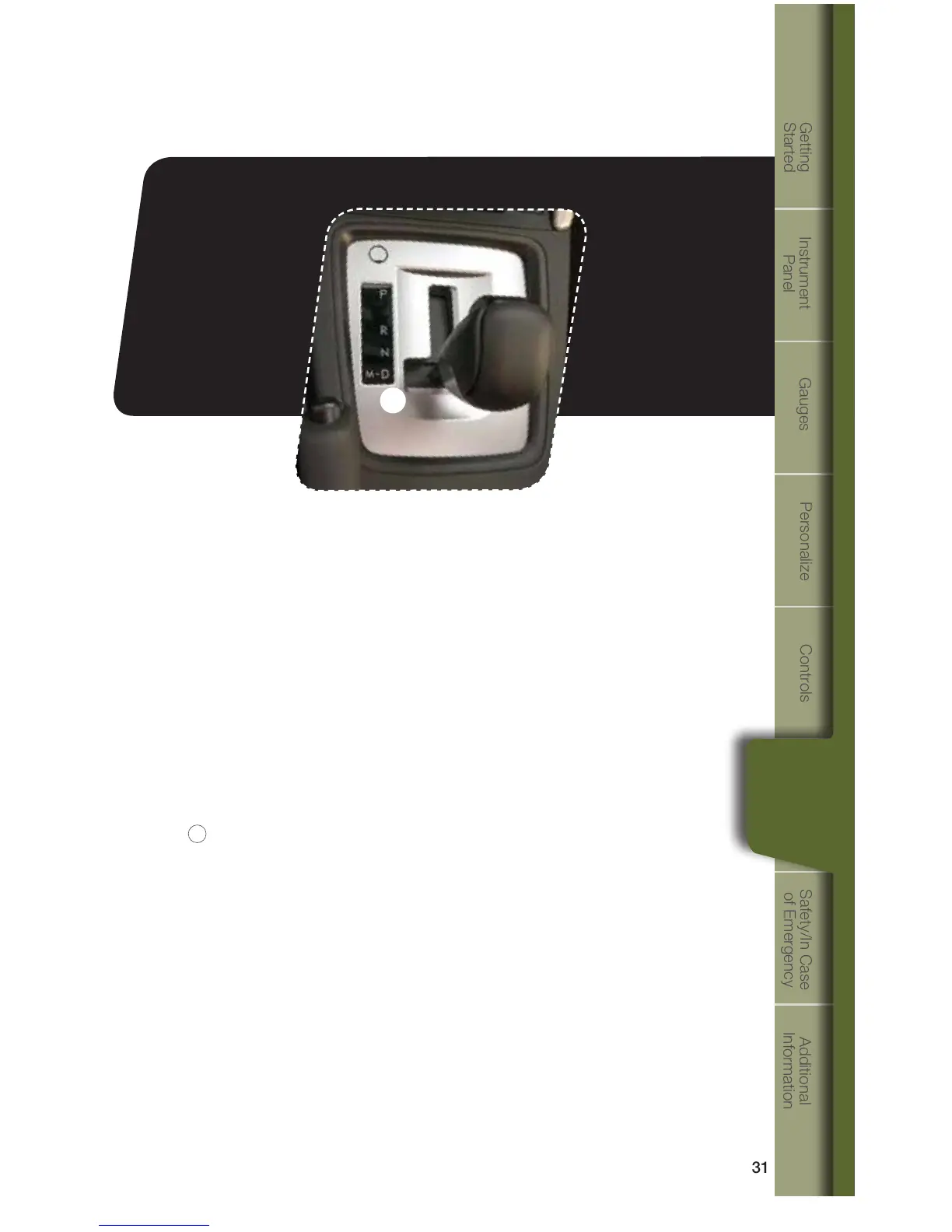
1
While
Operating
Automatic Transmission Shift Mode
The automatic transmission gives you ultimate control with two different driving
modes:NormalModeandManualMode.
Normal Mode
Whentheselectorleverisinthe“D”(Drive)position,thetransmissionisin
Normalshiftmode.Theshiftpositionindicatorontheinstrumentpanelshows
“D”andthetransmissionautomaticallyshiftsintoasuitableforwardgear.
Manual Mode
In Manual Mode, you select the desired gear position to obtain necessary
acceleration and engine braking. Moving the selector lever left into the manual
gate
1
from“D”(Drive)positioncausesthetransmissiontochangeintoManual
Mode. To shift, use the paddle shift control switches. The shift position indicator
shows the selected gear position.
When Manual Shifting Operation is Possible
•Arrow-shapedlightsinthecenteroftheinstrumentpanelshowwhetheran
upshift is possible and whether a downshift is possible.
•Botharrowsareon:Upshiftinganddownshiftingarebothpossible.
•Uparrowonlyison:Onlyupshiftingispossible.
•Downarrowonlyison:Onlydownshiftingispossible.
1353095_14a_Subaru_Forester_QRG_021913.indd 31 2/19/13 9:34 AM















 To Next Page