BASIC FUNCTION
57
1
Quick Guide (11.6-INCH DISPLAY SYSTEM/11.6-INCH DISPLAY WITH NAVI SYSTEM)
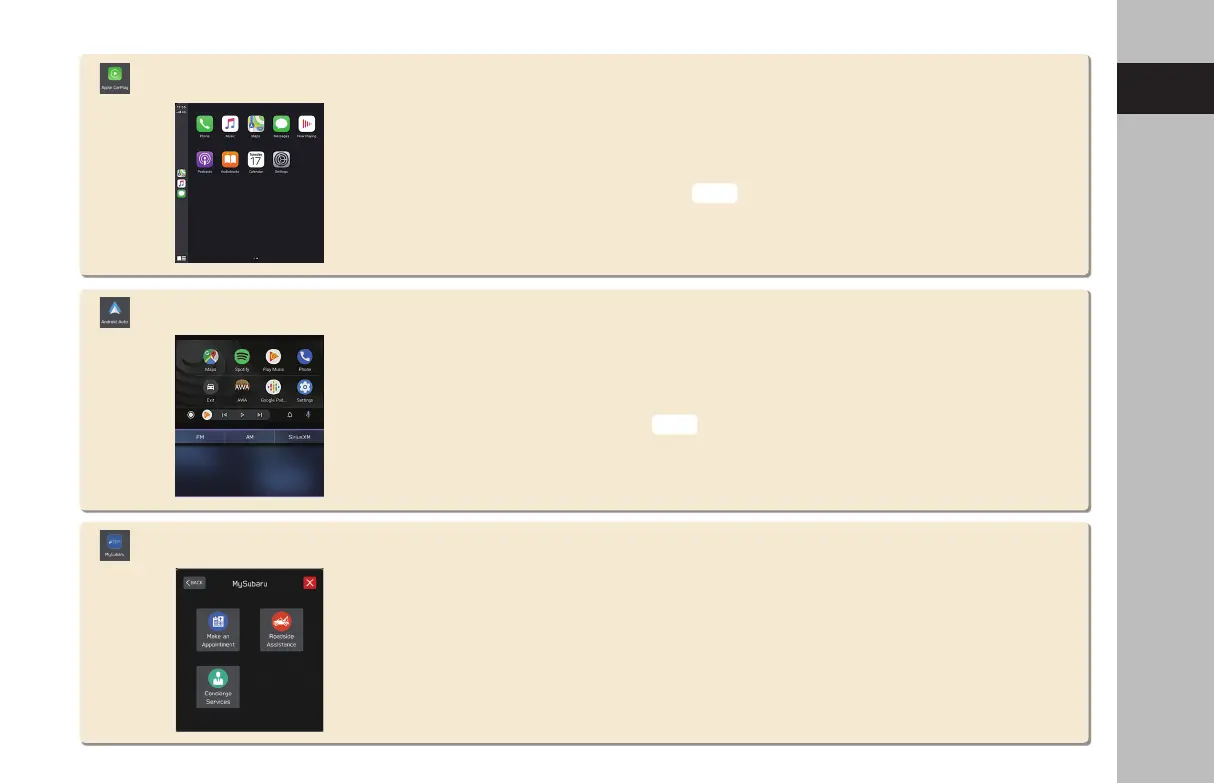
Android Auto
Apple CarPlay
Apple CarPlay can be used to view Apple Maps, play music, and place calls by connecting
an Apple CarPlay device to the system. Supported applications can also be run.
To use the Apple CarPlay application, connect an Apple CarPlay device to the USB port
with undamaged genuine USB cable.
For details on the services or the operations, check the Apple CarPlay site
(https://www.apple.com/ios/carplay/).
Android Auto can be used to view Google Maps, play music, and place calls by
connecting your Android device to the system. Supported applications can also be run.
To use the Android Auto application, connect your Android device to the USB port with
undamaged genuine USB cable.
For details on the services or the operations, check the Android Auto site
(https://www.android.com/auto/) and (https://support.google.com/androidauto/).
MySubaru
Access SUBARU STARLINK from “SUBARU STARLINK Safety and Security” for a variety of
remote services.
Refer to the Owner’s Manual supplement for “SUBARU STARLINK Safety and Security”
for details.
P.121
P.124
GB8_US.indb 57 2020/10/09 7:22:24










 To Next Page