OTHER SETTINGS
GENERAL SETTINGS
1.
Display the home screen. (→P.18, 40)
2.
Select
(Settings).
3.
→
(General)
4.
Select the items to be set.
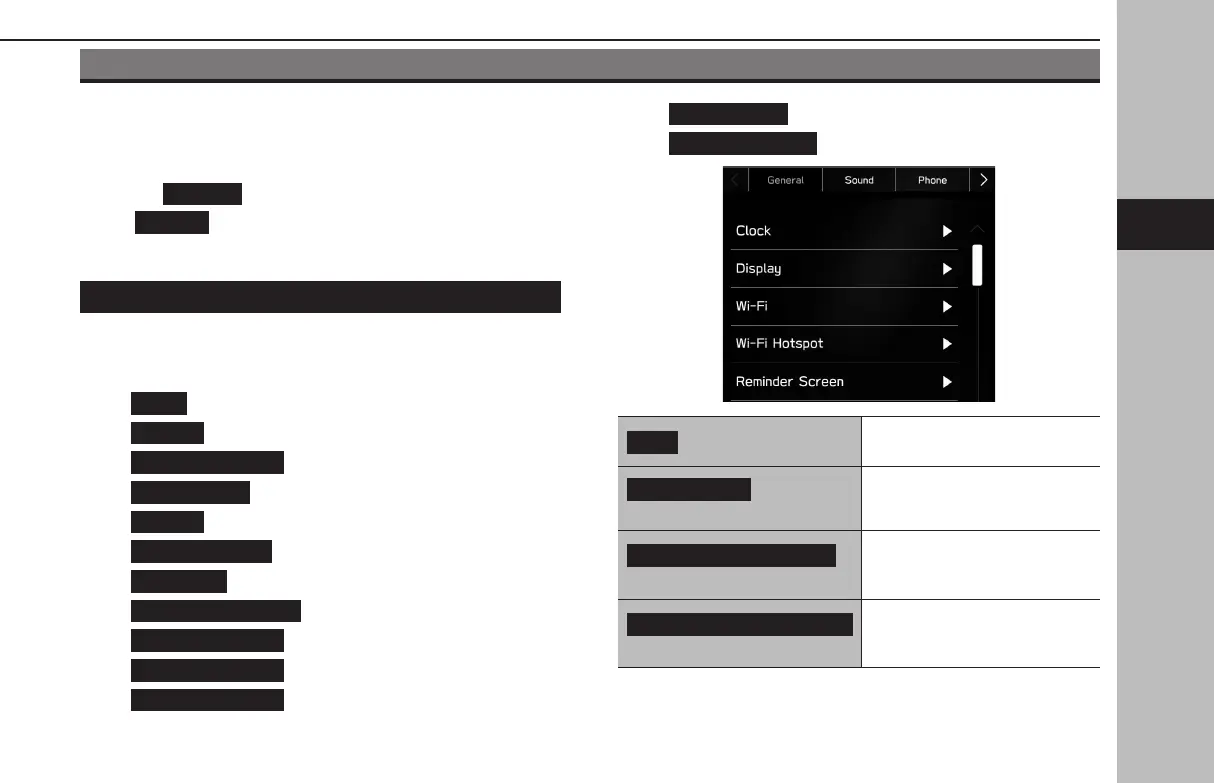
GENERAL SETTINGS SCREEN
For details about the following menu, refer to the vehicle
Owner’s Manual.
●
(Clock)
●
(Display)
●
(Reminder Screen)
●
(Meter Screen)
●
(Camera)
●
(Climate Control)
●
(Language)
●
(Tire Pressure Units)
●
(Welcome Screen)
●
(Goodbye Screen)
●
(Favorite Widgets)
●
(Birthday List)
●
(Anniversary List)
(Wi-Fi)*
1
Select to set the Wi-Fi® function
settings. (→P.85)
(Wi-Fi Hotspot)*
1
*
2
Select to set the Wi-Fi® Hotspot
settings.
(Home Screen Shortcuts)
Select to turn the home screen
shortcuts function on/o.
(→P.72)
Periodic Rest Notification
(Periodic Rest Notication)*
3
Select to turn the display for the
periodic rest notication pop-up
screen on/o. (→P.192)
OTHER SETTINGS
83
Settings
GB8_US.indb 83 2020/10/09 7:22:34














 To Next Page