PHONE OPERATION (HANDS-FREE SYSTEM FOR CELLULAR PHONES)
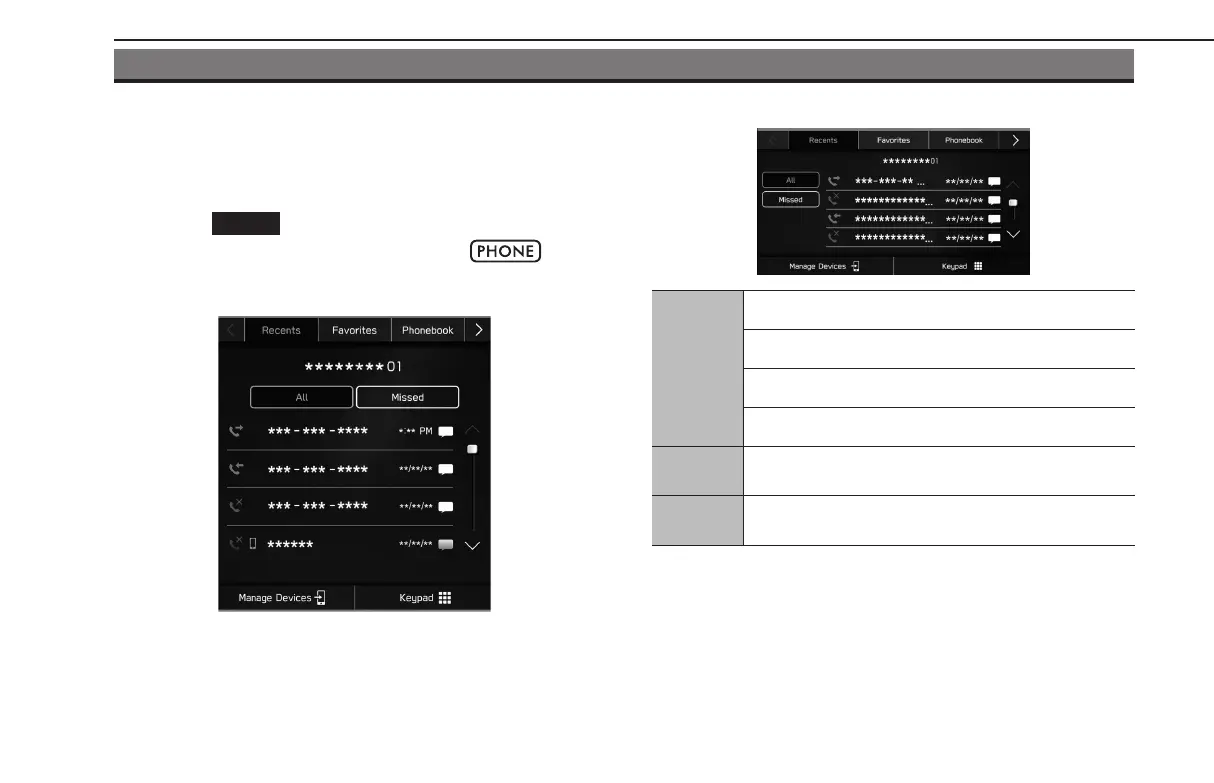
PHONE SCREEN
The phone screen can be accessed with the following methods:
● Display the home screen
(→P.18, 40), and then
select
(Phone).
● Dual 7.0-inch display sy
stem only: Select
.
X11.6-inch display syst
em/11.6-inch display with Navi
system
XDual 7.0-inch display system
Phone
operation
Registering a Bluetooth phone/device: →P.74
Calling on the Bluetooth phone: →P.100
Receiving on the Bluetooth phone: →P.103
Talking on the Bluetooth phone: →P.104
Message
function
Using the Bluetooth phone message function: →P.106
Setting up
a phone
Setting the Bluetooth phone/device: →P.77
PHONE OPERATION (HANDS-FREE SYSTEM FOR CELLULAR PHONES)
96
GB8_US.indb 96 2020/10/09 7:22:42














 To Next Page