9
QUICK SETUP
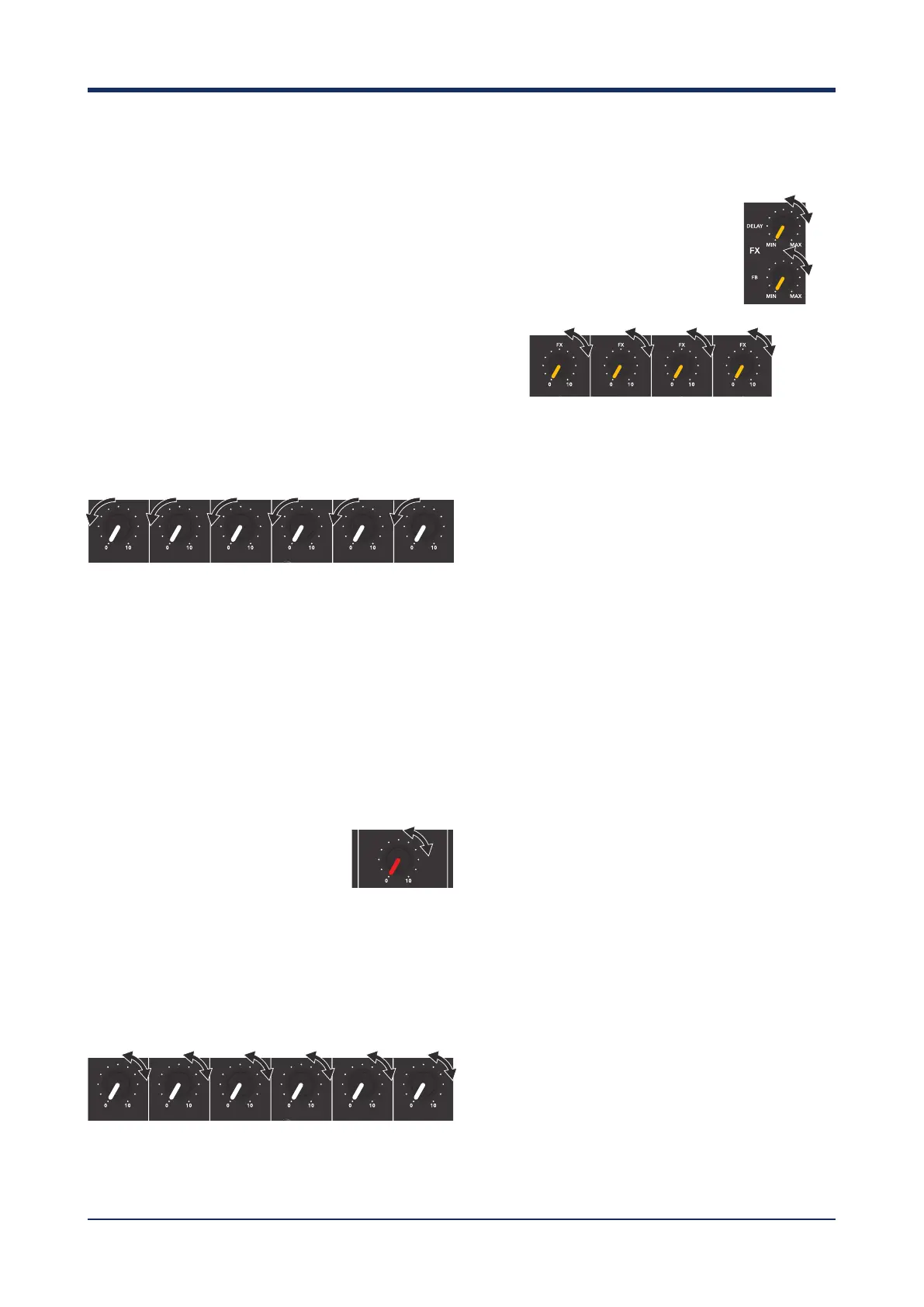
1. Connect the included speakers to the mixer.
• Ensure the mixer is turned off
• Insert one cable into output L and connect to
one speaker.
• Insert one cable into output R and connect to
one speaker.
2. Connect your instrument to the mixer
• Use an appropriate cable to connect your
instrument or microphone to the mixer.
3. Set the LEVEL and MASTER LEVEL controls to
the minimum
• Ensure all volume controls are turned all the
way down.
4. Depending on the device being used, set the
MIC/LINE switch to the appropriate setting
• If you are using a microphone, set the
MIC/LINE switch the MIC position.
• If you are using an instrument, set the
MIC/LINE switch to the LINE position.
5. Turn the power On
• Turn on the power to the mixer using the
power switch.
6. Turn up the MASTER LEVEL to the
center position
• Slowly increase the
MASTER LEVEL to the
middle position (12 o’clock).
7. Slowly turn up the LEVEL control on the
necessary channel until the desired level
is reached.
• Whilst using your microphone/instrument,
slowly increase the volume until the desired
level is reached.
8. Applying Effects (optional)
• Increase the DELAY or ECHO
master control in the FX
MASTER section.
• Use the FX control on each
channel to apply the desired
amount of FX to that channel.
NOTE:
• It is recommended that a D.I box is used if
connecting an electric guitar/bass guitar directly
to the mixer.
• If you are using a condenser microphone, press
the PHANTOM POWER button to the ON
position.
• If the limiter light flashes, the mixer is being used
beyond it’s intended capabilities. Please reduce
the master volume until the flashing stops.



 To Next Page