Page 58
7-2
#7013455 - Revision A - April, 2009
Troubleshooting Guides
International W
International W
ine Storage
ine Storage
(ICBWS)
(ICBWS)
Series
Series
TROUBLESHOOTING GUIDES
This section of the manual contains:
• Temperature Problem Diagnostic Worksheets
• Error Code Tables and the Error Code Troubleshooting Guides
• General Troubleshooting Guide
• Sealed System Diagnostic Tables
• Membrane Switch/Ribbon Cable Test Procedures
• Fan Relay Continuity Tests
Temperature Problem Diagnostic Worksheet
The Diagnostic Worksheets on the following three pages are designed to help identify the cause of temperature
problems in a wine storage unit. To fill out the worksheet, familiarity with Diagnostic Mode and Temperature Log
Recall Mode is required (See section 3 of this manual).
Follow the steps below and fill out a diagnostic worksheet before referencing the General Troubleshooting Guide.
1. Write down the temperatures shown on the display.
a. If unit is OFF, switch unit ON and go to step #2 below.
b. If unit will not run, but display is functioning, go to step #3 below.
NOTE: “EE” displayed in place of either compartment temperature indicates a compartment thermistor
error. Thermistor errors cause power to the compressor and fans to be cut.
c. If unit will not run and display will not operate, go directly to General Troubleshooting Guide.
2. Write down the set-points, keeping in mind that the initial key stroke will change the true set-point by a one
degree increment or decrement, depending on choice of WARMER, or COLDER key, respectively.
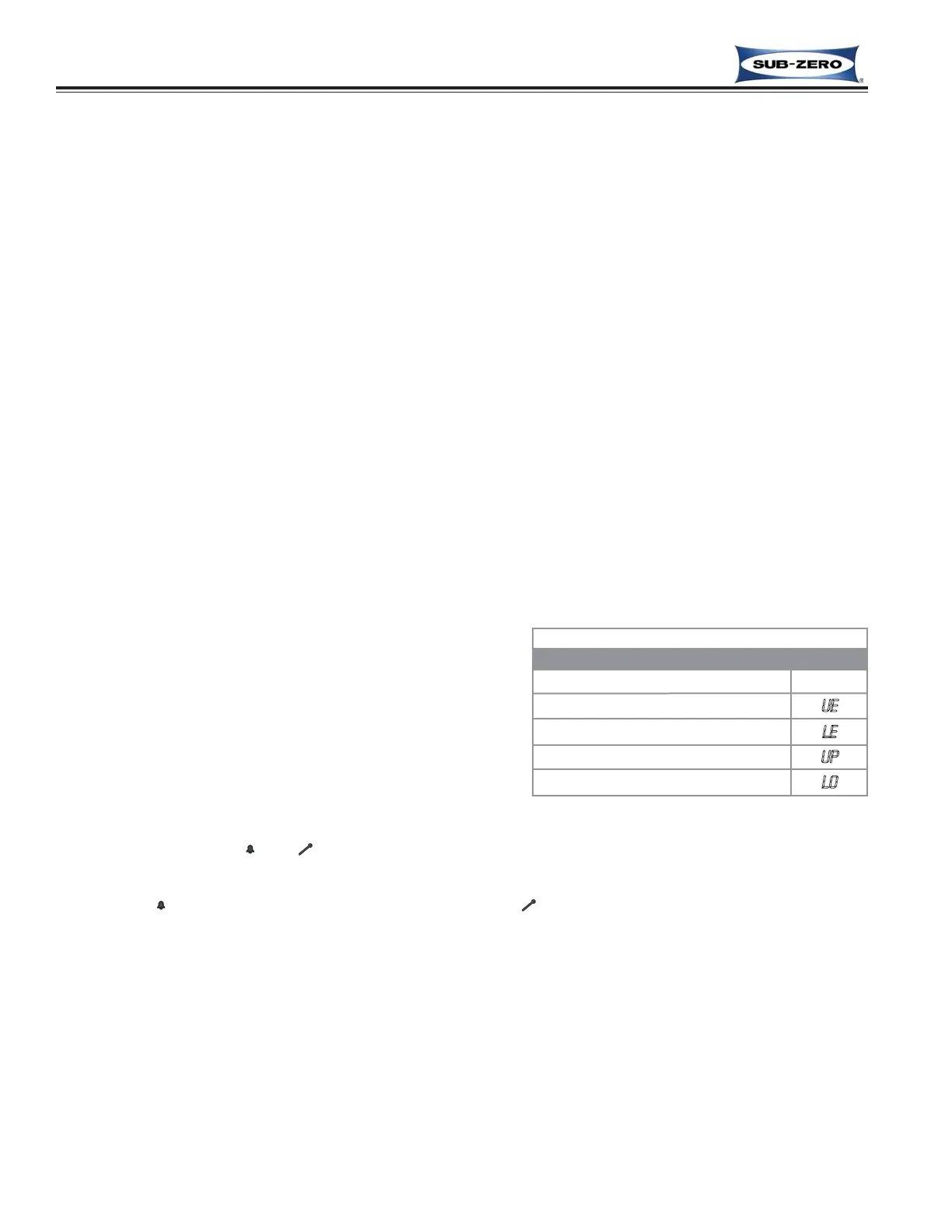
3. Initiate Diagnostic Mode by pressing and holding either
COLDER key and the POWER key, then write down any
Error codes that may appear and the temperature read-
ings for each thermistor location. (See Thermistor
Location Code Table at right.)
a. If error codes appear, go directly to Error Code
Troubleshooting Guide.
b. If “EE” is displayed in place of temperature, this indi-
cates a thermistor error in that location.
4. Initiate Temperature Log Recall Mode by pressing and holding the desired compartment WARMER key and
the POWER key, then toggle through the indexes, writing down the temperature of each index for both com-
partments. If the “ ” or “ ” indicators light up during an index, circle it on the worksheet.
a. By observing the temperatures logged, it will be possible to see if any warming or cooling trends
occurred, whether this trend was in one or both compartments, and if there was a power interruption
(“ ” illuminates), or that the unit was switched OFF (“ ” illuminates).
b. If double dashes ( - - ) are displayed, the control board is defective.
NOTE: To see the index/time correlation, refer to the Temperature Log Index Chart on last page of sec-
tion 3 of this manual.
5. Use the information gathered on the worksheet in conjunction with the General Troubleshooting Guide.
Wine Storage Thermistor Location Codes
THERMISTOR LOCATION CODE
Upper Evaporator
UE
Lower Evaporator
LE
Upper Compartment
UP
Lower Compartment
LO
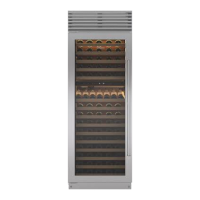
MODEL ICBWS-30



 To Next Page