Need help?
Do you have a question about the Summer 28450 and is the answer not in the manual?
Explains compliance with FCC rules and operational conditions for the device.
Details RF exposure compliance requirements including mandatory separation distance from persons.
Outlines the 12-month warranty policy, repair or replacement options, and claim procedure.
Emphasizes responsible adult supervision and the strangulation hazard from cords.
Advises on safe electrical handling, water/heat avoidance, ventilation, and product care.
Provides guidelines for safe battery usage, installation, and maintenance.
Warns about power line proximity and risks of overloading electrical outlets.
Advises against inserting objects or liquids and refers servicing to qualified personnel.
Details conditions requiring service and the importance of using specified replacement parts.
Guides on proper mounting and placement away from heat sources.
Advises on reading, retaining, heeding instructions, and safe cleaning procedures.
Details precautions regarding attachments, water exposure, and proper accessory use.
Guides on selecting correct power sources and protecting power cords from damage.
Provides critical safety information on battery handling, charging, and disposal.
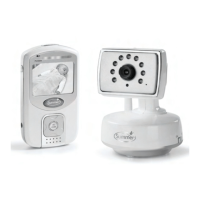
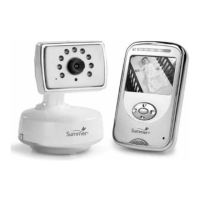
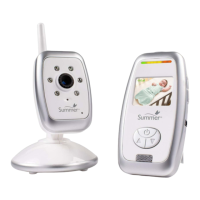
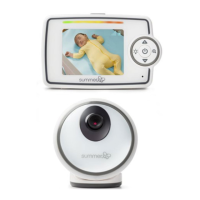
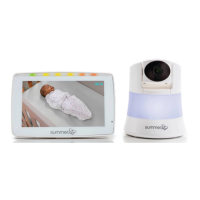
Details the various components and indicators of the monitor unit.
Outlines the components and features of the camera unit.
Emphasizes cord safety, keeping it away from babies, and using security clips.
Explains how to position the camera on a tabletop or mount it securely on a wall.
Provides step-by-step instructions for physically mounting the camera on a wall.
Offers solutions for when the monitor displays no picture or sound.
Addresses issues with sound present but no video, or unclear video quality.
Explains how to resolve squealing noises by adjusting monitor and camera placement.
Provides advice on positioning the monitor and camera for better signal reception.
Details features like Video Sleep Mode, Sound Lights, Night Vision, and Digital Zoom.
Explains how to set up the monitor for video and audio monitoring.
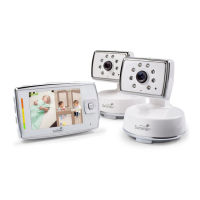
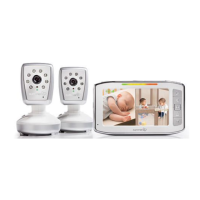
Information on how to add up to four cameras to the system.
Guides on testing monitor reception and sound quality before first use.
Instructions for using the monitor with its rechargeable battery.
Tips for conserving battery power and proper battery maintenance.
Instructions for installing or replacing the monitor's battery.
Step-by-step guide to syncing the monitor and camera for operation.
 General
| Night Vision | Yes |
|---|---|
| Two-Way Audio | Yes |
| Type | Digital |
| Power Source | Battery and/or AC adapter |
| Number of Cameras | 1 |
| Product Type | Baby Monitor |
| Display Type | LCD |
| Features | Low Battery Indicator, Out-of-Range Indicator |

 To Next Page