11
smartphone & tablet features:
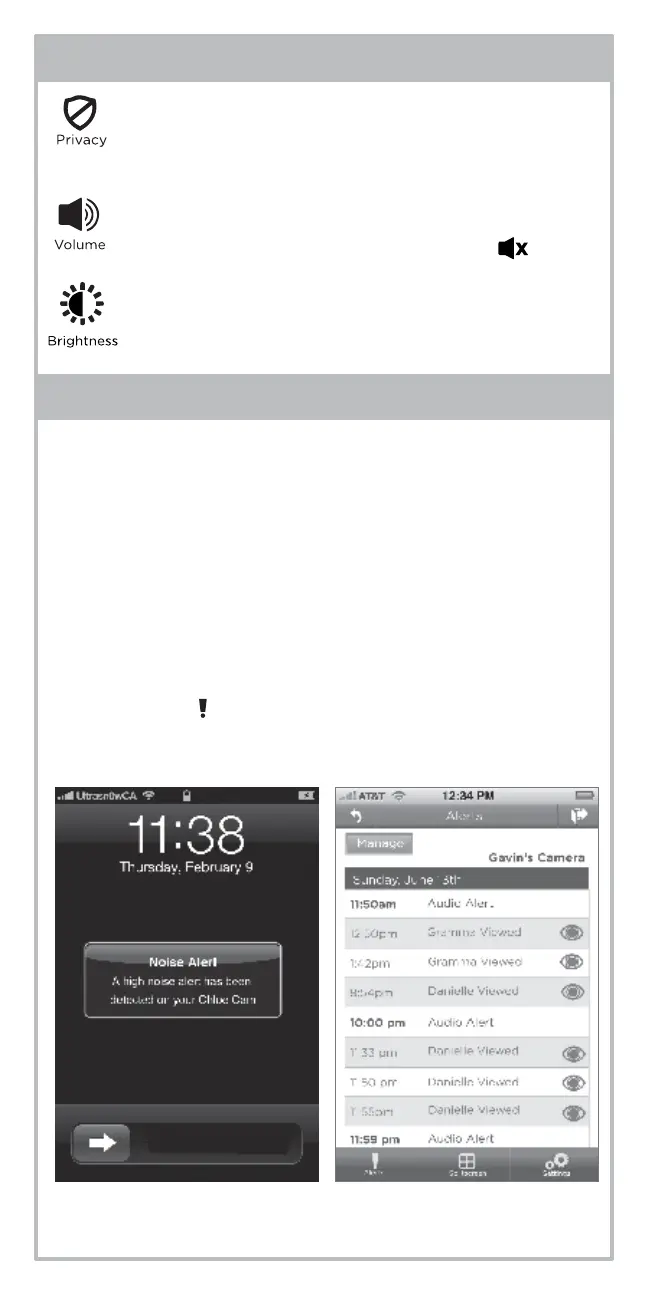
Privacy Mode allows you to block anyone outside
your home from remote viewing. Remote viewers
are anyone you’ve shared access with, viewing on
a network other than your home network.
Press Brightness to adjust the contrast of your
video. Slider bar will appear toggle left and right
to increase and decrease.
Press Volume to adjust the volume of your live video.
Slider bar will appear. Press mute button to mute all
audio. Mute icon will appear in status bar.
upgrading your APP:
The Summer Link WiFi APP can be upgraded to include the
following premium services:
1. Audio Alerts- Choose email or text or push notifications when
the noise level reaches your selected settings.
2. Who’s Watching Alerts- Choose email or text or push
notifications when friends and family are watching.*
3. Receive a Daily Log of alerts received.
4. Someone’s Watching Light- the green lights on the camera
will switch to white when a guest user begins remotely viewing
your camera.*
5. Add access for 3 more friends and family.
Press the Alerts ( ) button at anytime to learn more.
* Privacy mode is always available.


 To Next Page