817-5258-11 3
Replacing a Cable Kit in a Sun Fire V40z Server
The following procedure describes how to remove and replace the following cables:
■ PCI slot mechanical retention latch (MRL) board cable
■ Operator panel board cable
■ SCSI signal cable
■ SCSI backplane power cable
■ CD-ROM/DVD-ROM diskette drive assembly cable
■ Internal USB cable
1. Turn off the system, including any attached peripherals.
Refer to the Sun Fire V20z and Sun Fire V40z Servers User Guide for full instructions
on powering off the server.
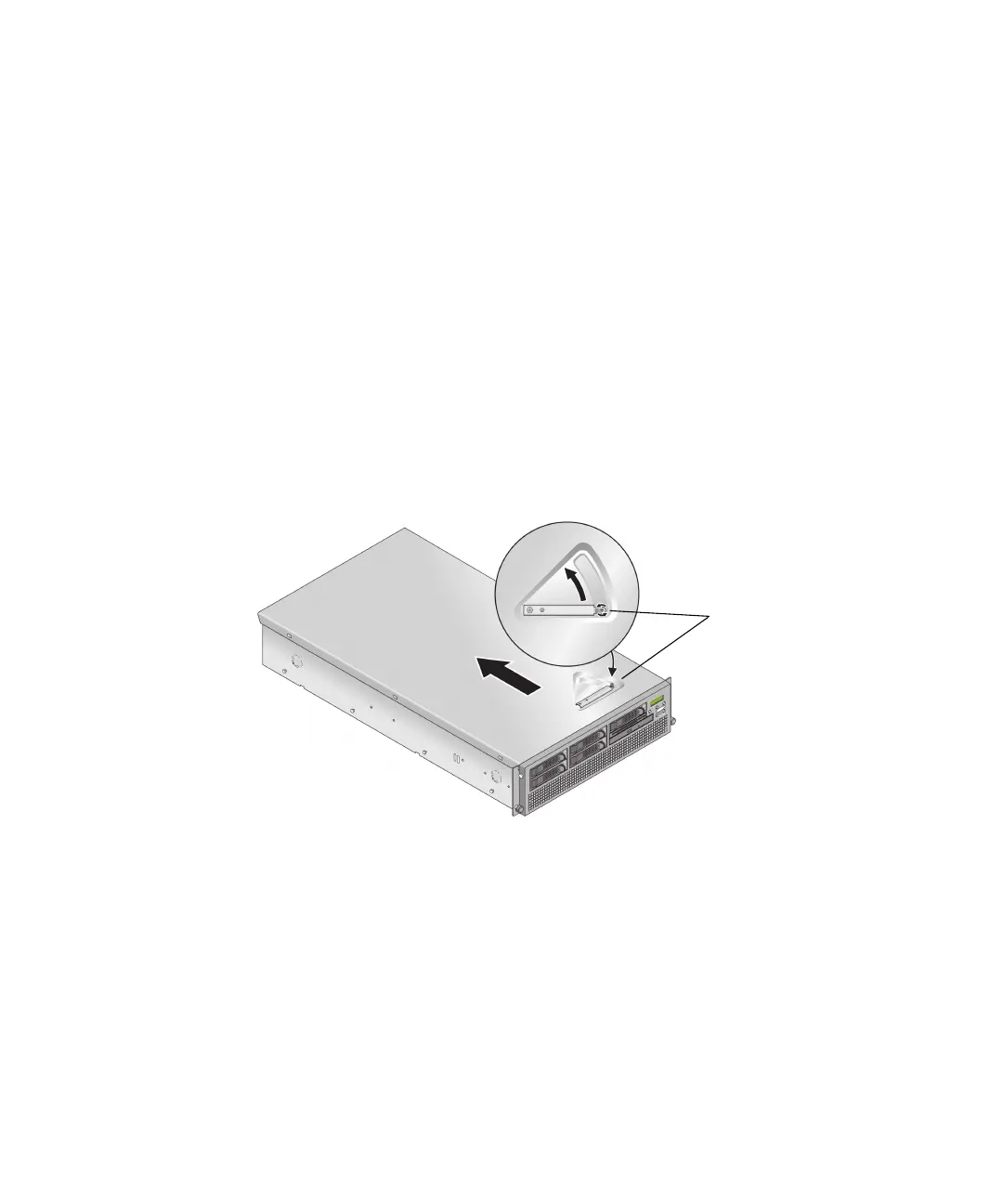
2. Loosen the captive screw on the cover latch, then rotate the latch toward the
system rear to push back the cover.
3. Lift the cover up and remove it.
FIGURE 4 Removing the Sun Fire V40z Cover
4. Identify the cable to be replaced (see FIGURE 5 for the location).
Captive
screw











 To Next Page