TURNING THE PAGER OFF
6. TURNING THE PAGER OFF
Press the FUNCTION button and hold for at least
2 seconds to enter the function menu mode.
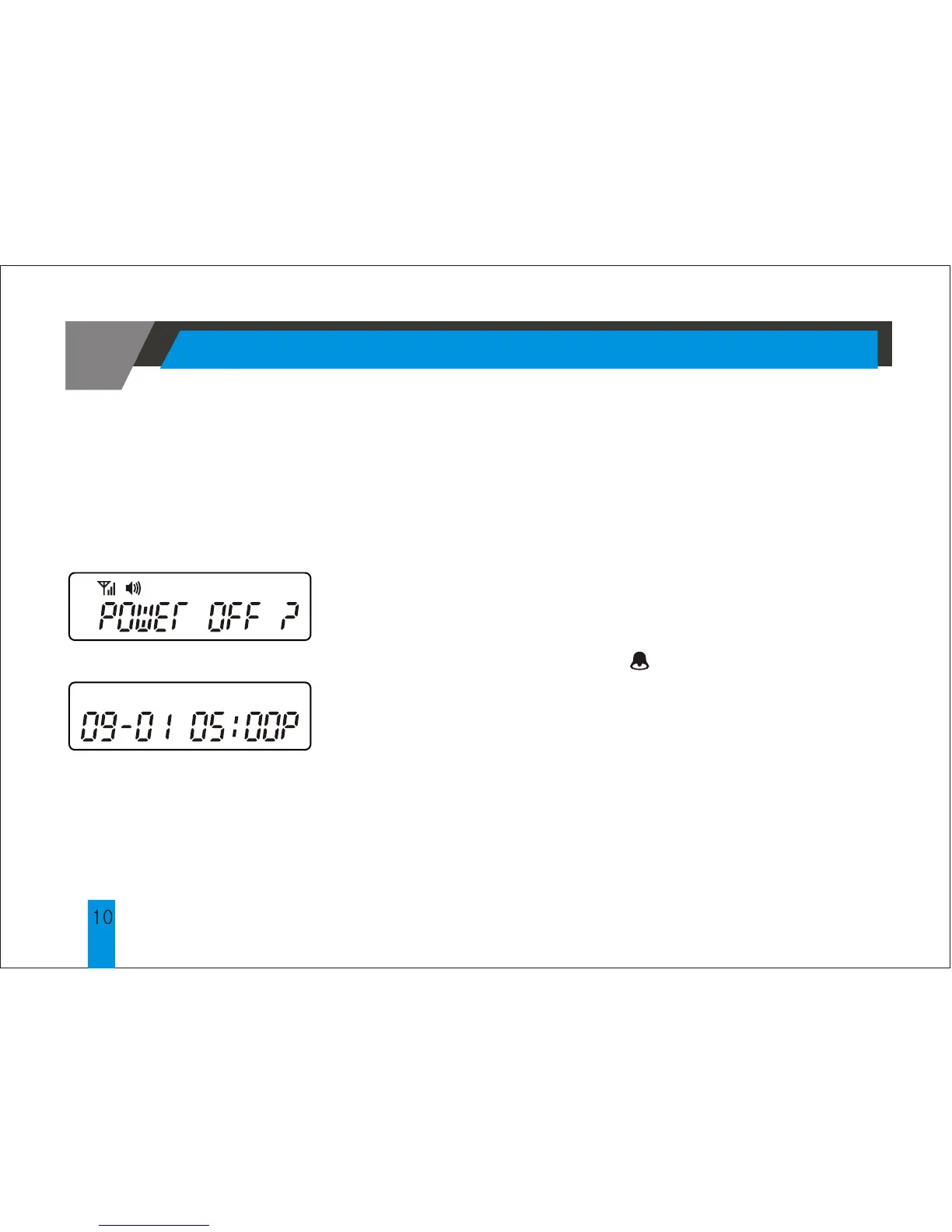
Press the FUNCTION button to display the
"POWER OFF?"prompt, now press the READ
button to turn off the pager. If the pager is off,
the LCD will only display the date and time.
Although the alarm icon is not displayed, the
feature will operate normally. If the pager is OFF,
it cannot receive any messages.
The colon separating the hour from the minute
will continue to blink to indicate that the clock is
working.



 To Next Page