8. SETTING VIBRATION/AUDIBLE ALERT
SETTING VIBRATION/AUDIBLE ALERT
You can select the alert mode to vibrate or to
produce an audible tone. Within the standby screen,
press the FUNCTION button for at least 2 seconds
to enter the function menu mode.
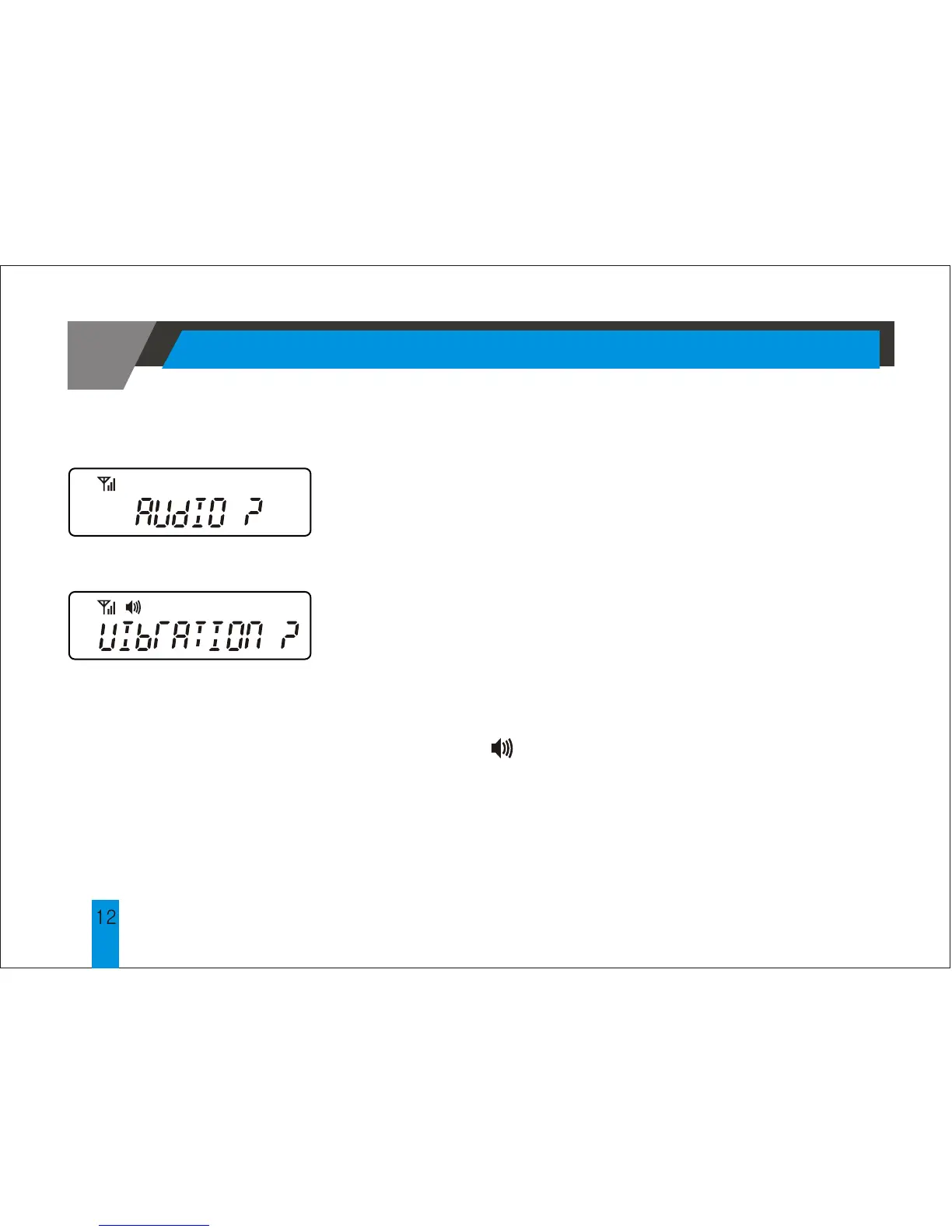
The pager will display either <Fig.8a> of <Fig.
8b> depending on the initial state of the alert mode.
Press the READ button to select the audible or
vibration mode.
In the audible mode, the pager will display the
speaker icon .
No speaker will be displayed in the vibration mode.
< Fig.8a >
< Fig.8b >



 To Next Page