4. TURNING THE PAGER ON
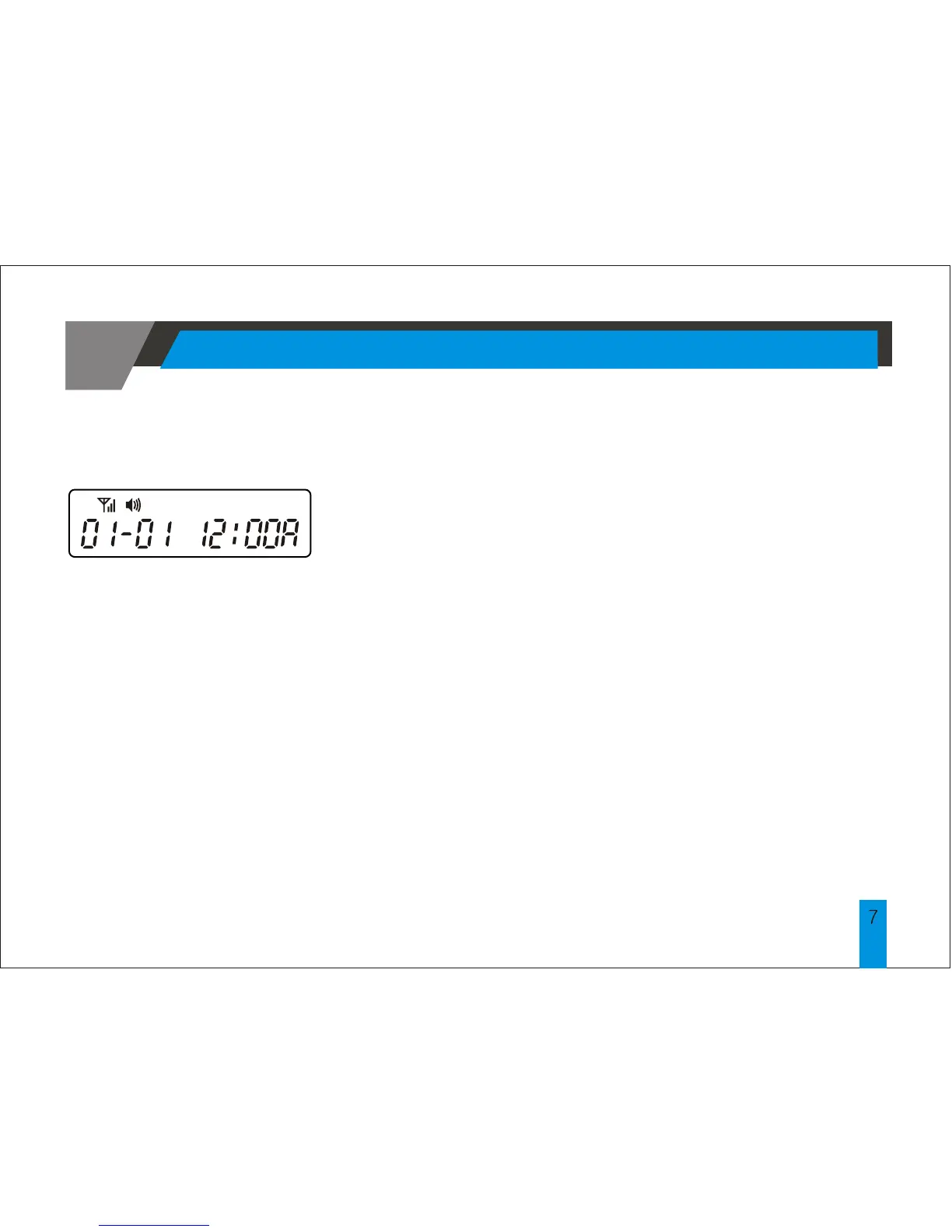
< Standby Screen >
Insert battery into battery compartment and close the
battery door. Pager will power up with a full display
of all LCD segments and emit a short audible alert
with date and time display.
To turn the pager on from the power off state, press
and hold the READ button for at least 2 seconds.
TURNING THE PAGER ON



 To Next Page