20
Continue to set the AM/PM field in a similar way.
Upon completion, the pager returns to the
standby screen displaying the desired set time.
The alarm icon will light up to indicate the
alarm is active.
To Turn Off Alarm
While in standby mode, press the FUNCTION
button and hold for at least 2 seconds to enter
the function menu mode. Press the FUNCTION
button to scroll through the menu prompt until
the "SET ALARM?" prompt is displayed.
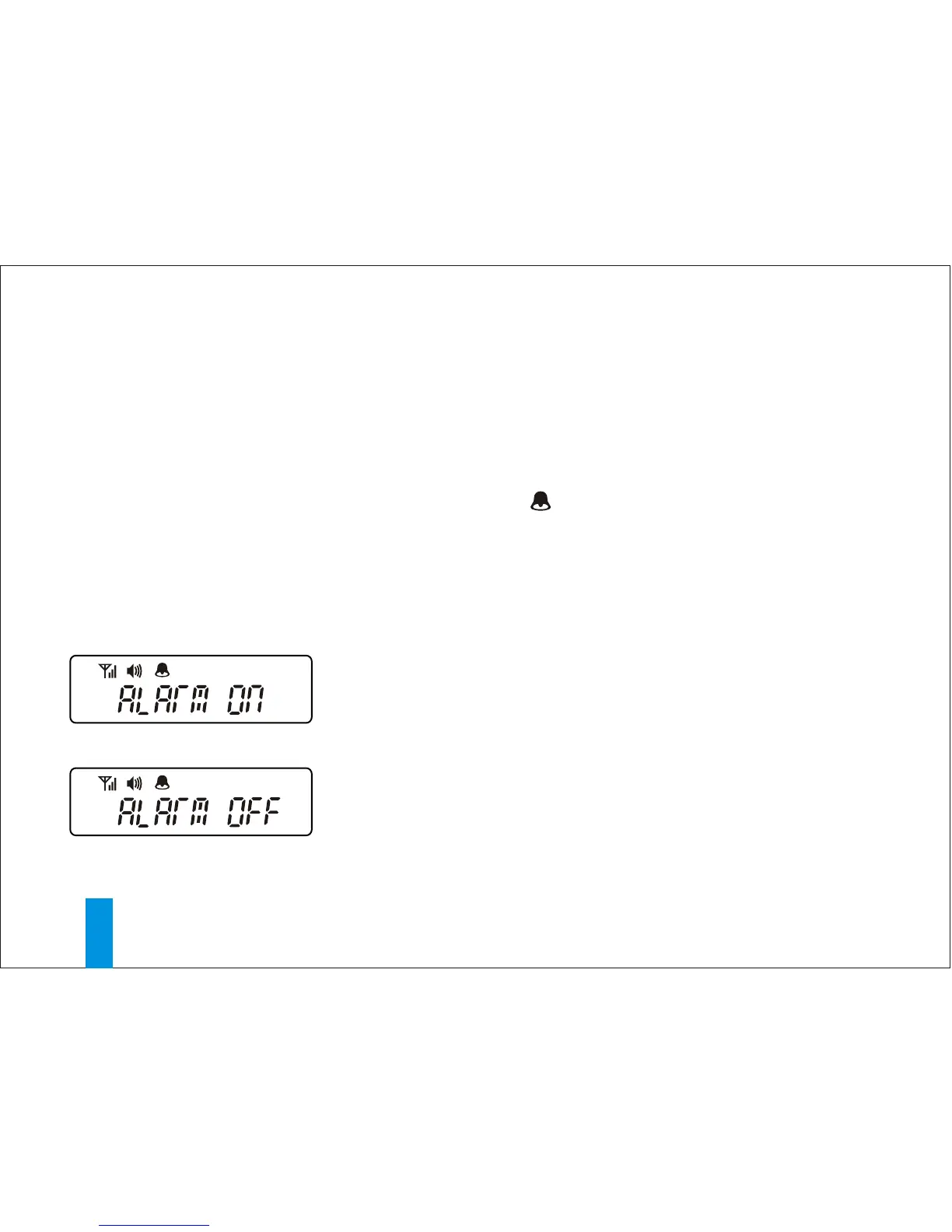
Pressing the READ button will cause the pager
to display "ALARM ON"(Fig.13e).
Press the READ button again to turn off the
alarm(Fig.13f).
< Fig.13e >
< Fig.13f >
SETTING THE ALARM



 To Next Page