5
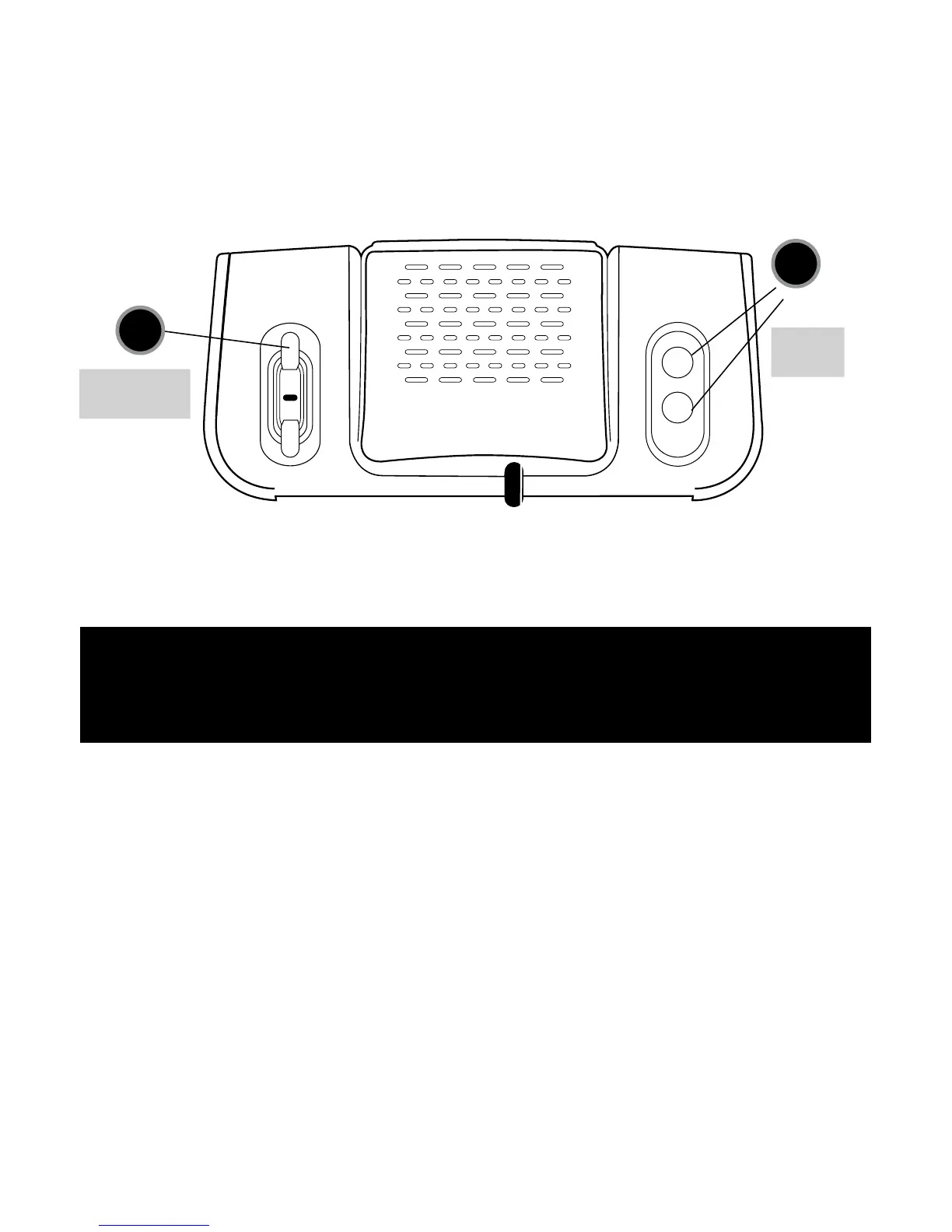
Hr
Min
To Set Alarm:
1) Set Alarm Time: Press and hold “Alarm Time” button (9). At the same time press the “Hr” button (14) to select the
hour. Press and hold “Alarm Time” button. At the same time, press the “Min” button (14) to select the minutes.
2) Turn alarm on: PresstheON/OFFbutton(10).Displayindicator(11)willconrmalarmison.
3) Select Alarm Sound: SlideALARMSOUNDSELECTORswitch(8)todesiredalarmsound,BuzzerorRadio.
To Set Time: Press “Hr” or “Min” (2) buttons on back of unit.
Battery Back-up: Installa9-Voltbattery(notincluded)onbottomofunittoactivatetheBatteryBack-upfeature.
Aux. Audio
Jack Storage
Time Set
Buttons
Back of Unit
14
13
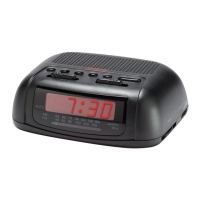
CR1001 DETAILED
OPERATING INSTRUCTIONS
Features:
AM/PM Indicator: AM or PM will be lighted in the upper left hand corner of the display, indicating that the time shown
is either AM or PM.
Alarm On/Off Indicator: ON or OFF will be lighted in the lower left hand corner of the display, indicating that the
alarm has been set to operate.
Operation:
PlugtheACcordintoany110-120volt,60HvACwalloutlet.ForoptimumFMreception,theAntennashouldbefully
extended.Theentireclockdisplaymayashnumerals,togetherwiththealarmorradiosound.Thisisanormalinitial
condition–thedisplaywillstopashingbyfollowingthestepsoutlinedunderSETTINGTHETIME.Openthebattery
compartmentonthebottomoftheunitusingaPhilips#1screwdriverandinstalla9-voltbatteryforback-uppurposes.
NOTE: Using a larger screwdriver than recommended can strip the screw head, leaving the battery compartment cover
difficult to open. This can lead to permanent damage of the unit if there is a battery left inside which cannot be removed, due
to corrosion or battery leakage. For this reason, it is important to use the correct size screwdriver for removal of the battery
compartment door.


 To Next Page