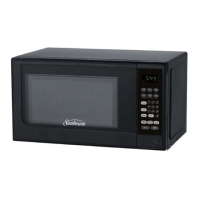
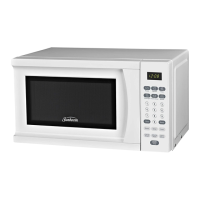
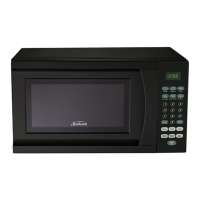
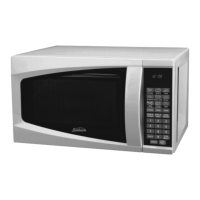
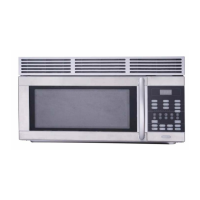
CONTROL PANEL FEATURES
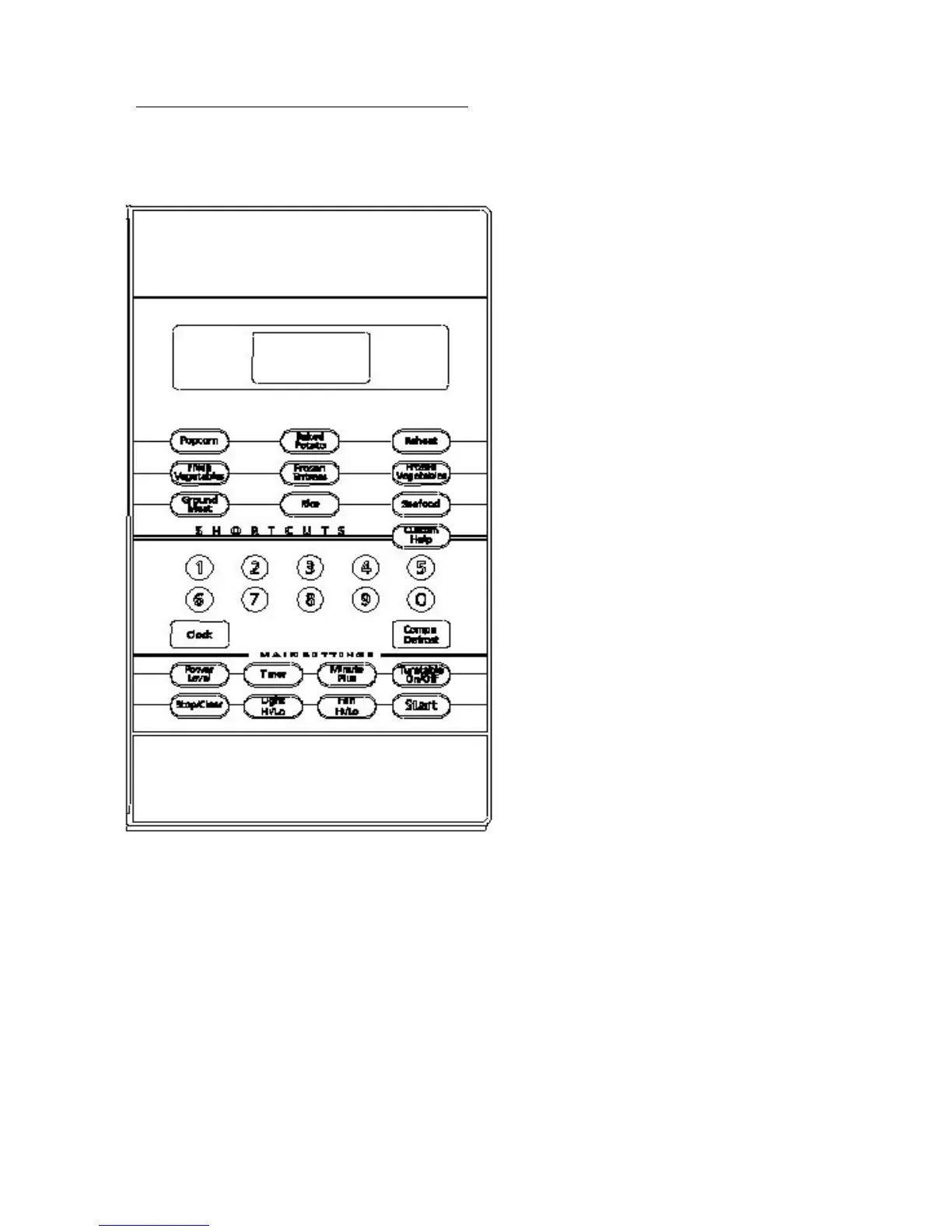
DISPLAY SCREEN
Cooking time, Lock indicator, timer, defrost sign
and help information are displayed.
COMPU COOKING
Quick cook settings to cook food according to
weight entered.
CUSTOM HELP
Information is available to help the user with
cooking.
COMPU DEFROST
Easy settings to defrost according to weight
entered.
POWRE LEVEL
Used to set cooking power level.
TIMER/CLOCK
Used to set the oven clock or set the timer.
MINUTE PLUS/EXPRESS
Use the minute plus feature to add to cooking time.
Also use to start the oven quickly at full power.
TURNTABLE ON/OFF
Touch to set turntable on or off.
STOP/CLEAR
Touch to stop the oven or reset the oven before
setting a program.
START/TOUCH ON
Touch to start the oven.
LIGHT/Hi/Lo
Press to set the controls of the light outside the
oven.
FAN Hi/Lo
Fan motor control key. Press to select set high, low
or off mode.
The following pages contain more information for
the use of these features.
11


 To Next Page