9WWW.SUNBEAMSYSTEM.COM
EN SVNLDE FI
D Set Load settings (Manual / Night timer / Dusk timer)
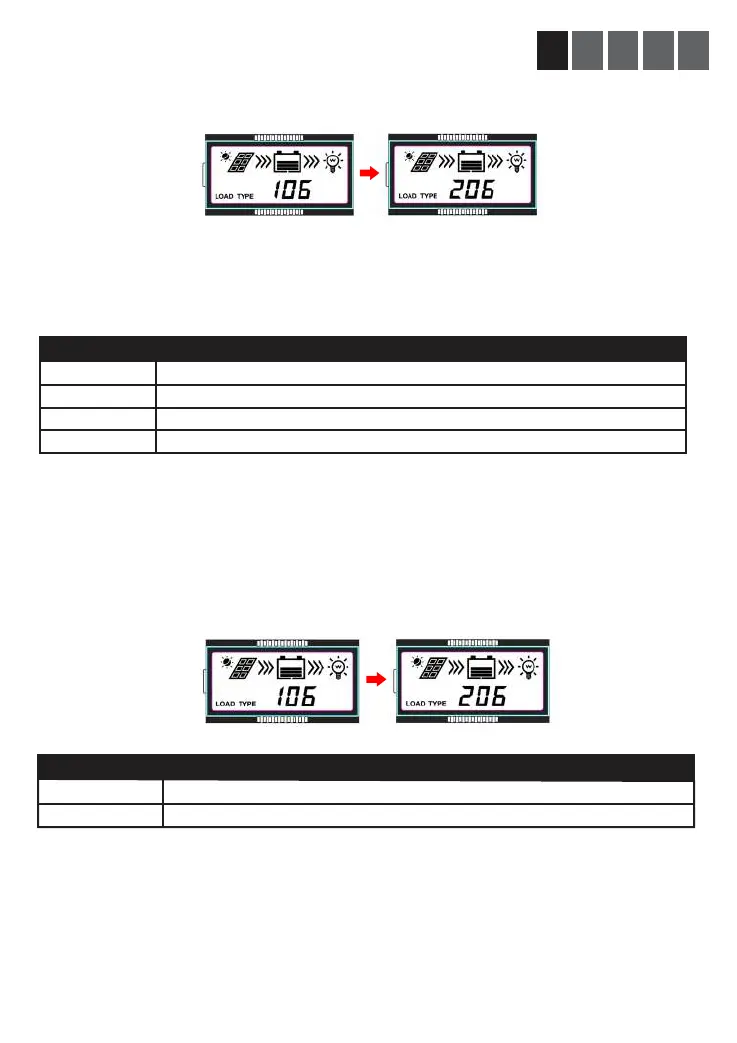
Browse with the select button until you reach LOAD TYPE 1XX (default is 117).
Long press Enter button (5 sec). Cycle through the codes listed below with the select button.
Stop at the wanted setting. Conrm by a click on the Enter button
E Set Load timer to turn on ahead of dawn
It is only possible to congure Load Type 2XX settings if Load Type 1XX is set to 101-115. For all other
settings will be disabled and show “2n”.
Step1: Browse with select until you reach LOAD TYPE 2XX (default is 2n). Long press Enter button
(5 sec).
Step2: Choose settings by choosing the corresponding code found below. Conrm by click the Enter
button.
LOAD TYPE 1XX SETTING CODE
100
1XX (101…115)
116
117
ON DURING NIGHTTIME ONLY
TURN AT LOAD PORT DUSK AND STAY ON FOR XX HOURS (1 TO 15 HOURS)
TEST MODE (NOT IN USE)
MANUAL ON/OFF (AFTER CONFIG, ON/OFF IS CONTROLLED WITH ENTER)
LOAD TYPE 2XX SETTING CODE
2N
2XX (201…215)
DISABLED
TURN ON LOAD PORT XX HOURS (1 TO 15 HOURS) BEFORE DUSK



 To Next Page