-4-
6. CABLING
6.1 Connect the internet cable from HUB to the ‘WAN’ connector of the
SC-385.
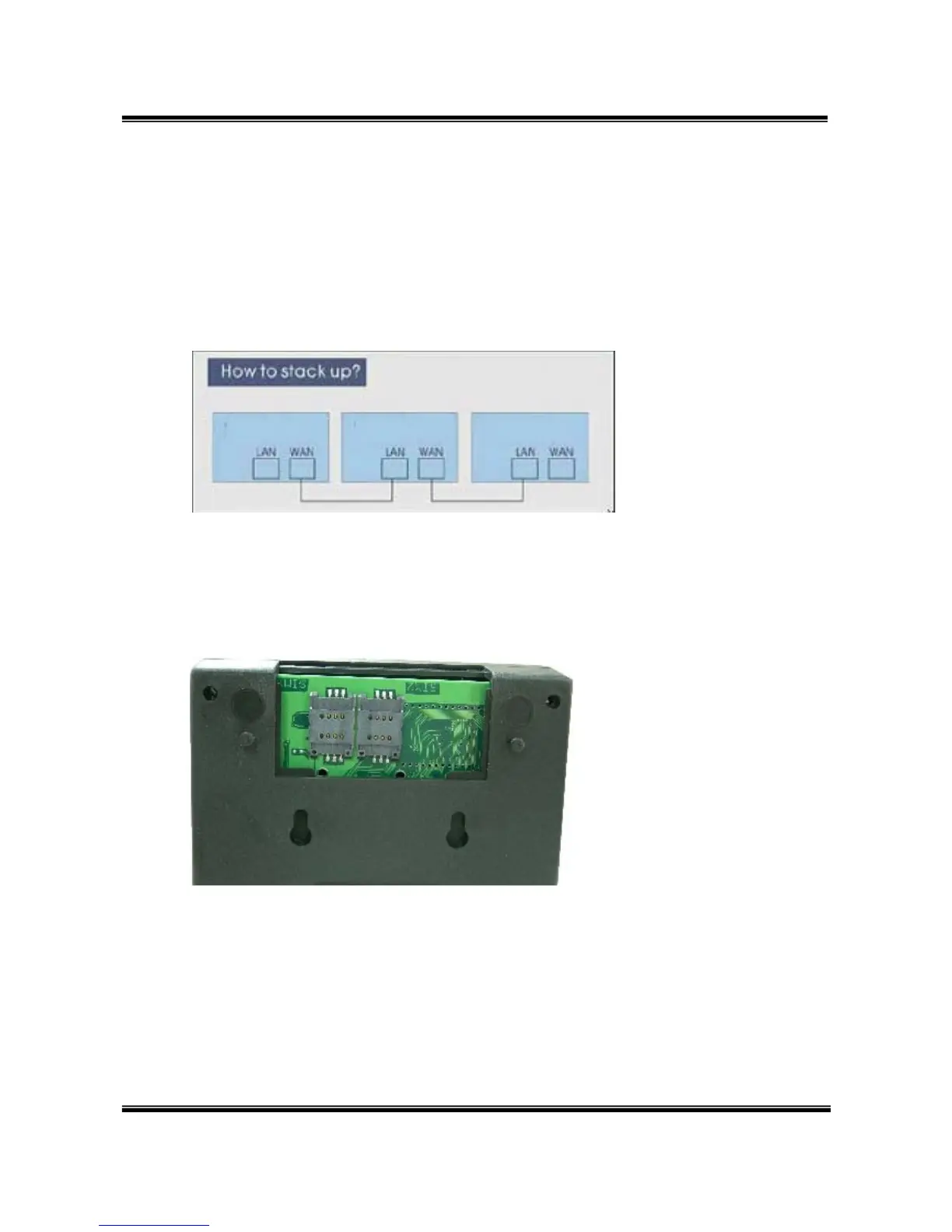
*If you need to stack up more SC-385,you can stack up as follows.
6.2 Connect the antenna and put it in proper position to get the best
signal reception.
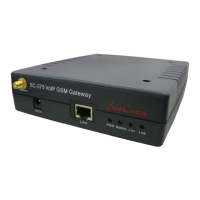
6.3 Insert the SIM card from back of the main body. (take the slide off
first).
6.4 Connect the power adaptor. The ‘POWER’ LED should be light up.


 To Next Page